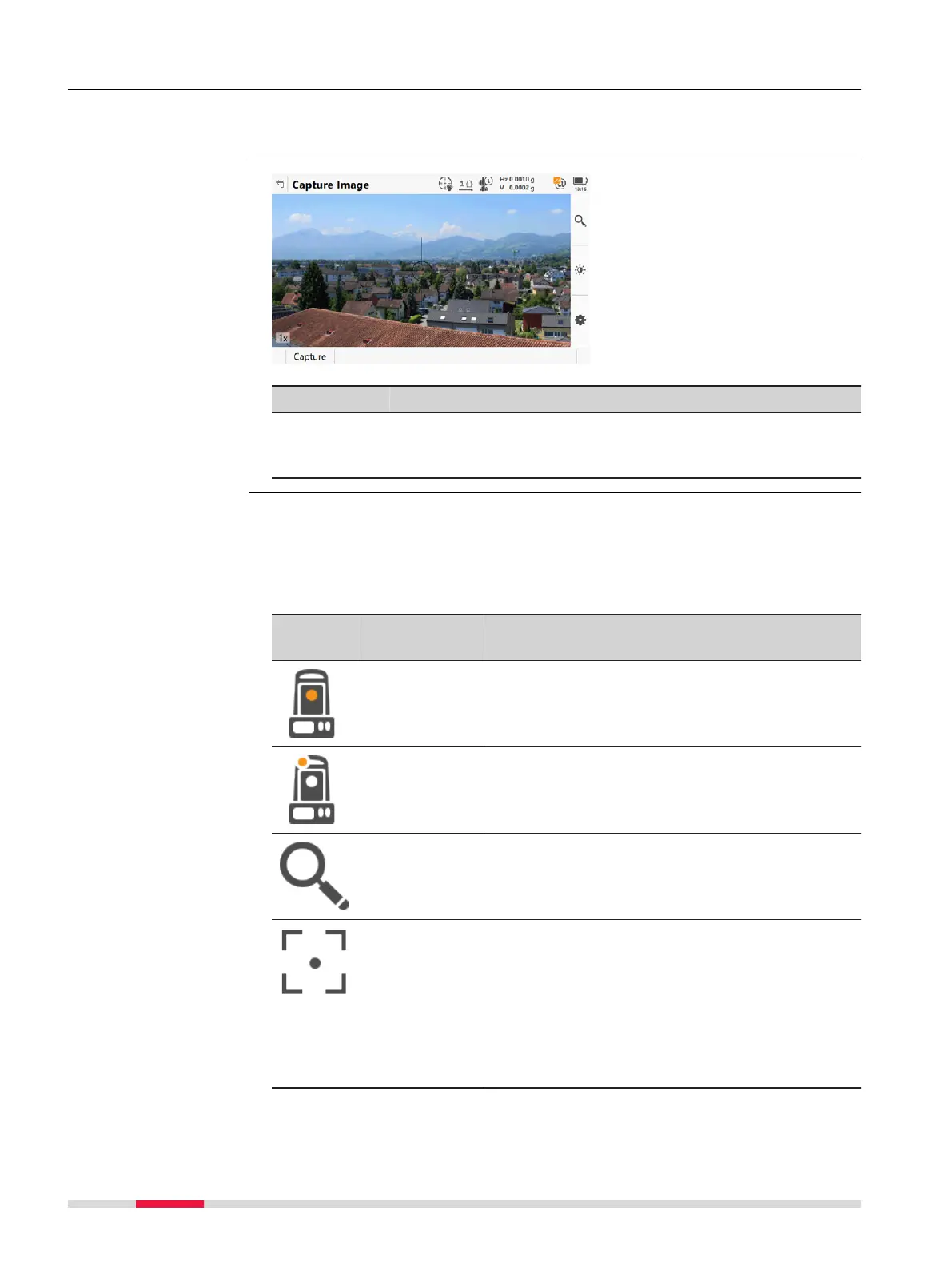
32.3.2 Outside of Apps
Tap the Camera
bubble icon in the Battery and Time icon pop-up bubble. Then
press Capture.
Key Description
Capture To take an image with the current pixel resolution. The image
is then display
ed but not stored on the data storage device
yet.
Tools are available in groups. The groups available depend on the active app.
Click an ic
on to display the group of related tools.
☞
To use the hardware keys, close the split panel so that only the 3D
viewer is visible.
Icon Hardware
keys
Descrip
tion
Camera view
To swit
ch to the telescope camera. The style of
the crosshairs changes with the camera in use.
Camera view
To swit
ch to the overview camera. The style of
the crosshairs changes with the camera in use.
NAVIGATE
Single autofocus
To ac
tivate a single autofocus. Single autofocus
deactivates continuous autofocus. Same func-
tionality as pressing the autofocus button on
the side cover of the instrument.
☞
While continuous autofocus is active,
any manually measured distance
updates the focus position.
Access
Capture Image
Tools
378 Camera & Imaging













 To Next Page