Mode Description
The horizontal and height distances from the meas-
ured p
oints to the average are computed and dis-
played on the Mean page.
A check is performed that the differences in position
and height, between the averaged point and the
point being stored, do not exceed the defined limits.
Check the abs diff What is described for Don't check also applies for
Absolute differences. Additionally, the absolute
difference between two points selected from a list
of measured points with the same point ID, is
checked to be within the defined limits.
Don't check Averaging functionality is turned off. With more than
one measured coordinate triplet recorded for the
same point, no average for the position and the
height is computed.
Averaging with position only or height only points
Positio
n only points, height only points and points with full coordinate triplets
are handled in the averaging.
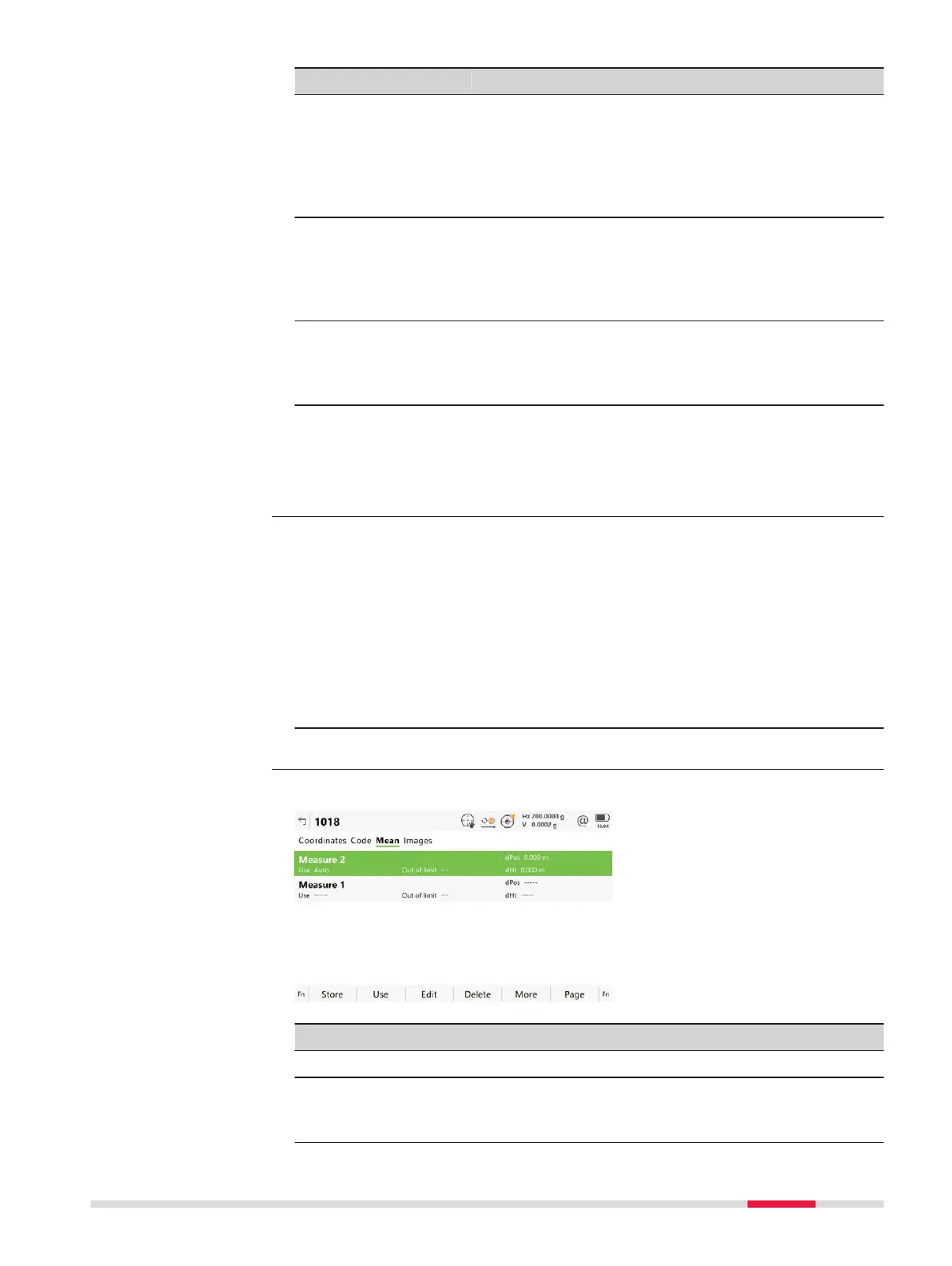
The Mean page can be accessed if
Wh
en a point is stored with same point ID as existing point: Check the
average or When a point is stored with same point ID as existing point:
Check the abs diff is configured in Duplicate Points.
AND
more than one measured coordinate triplet is recorded for the same point
using the same point ID.
1. In Job name
, Points page, highlight a point to be edited.
2. Edit to access Job name, Mean page.
All measured coordinate triplets recorded using the same point ID are shown.
Key Description
Store To store the changes.
Use To change between the options in Use metada
ta for the
highlighted coordinate triplet. To include or exclude this trip-
let in or from the calculation of the average.
Access step-by-step
Point ID,
M
ean page
Job M
enu - View & edit data 89













 To Next Page