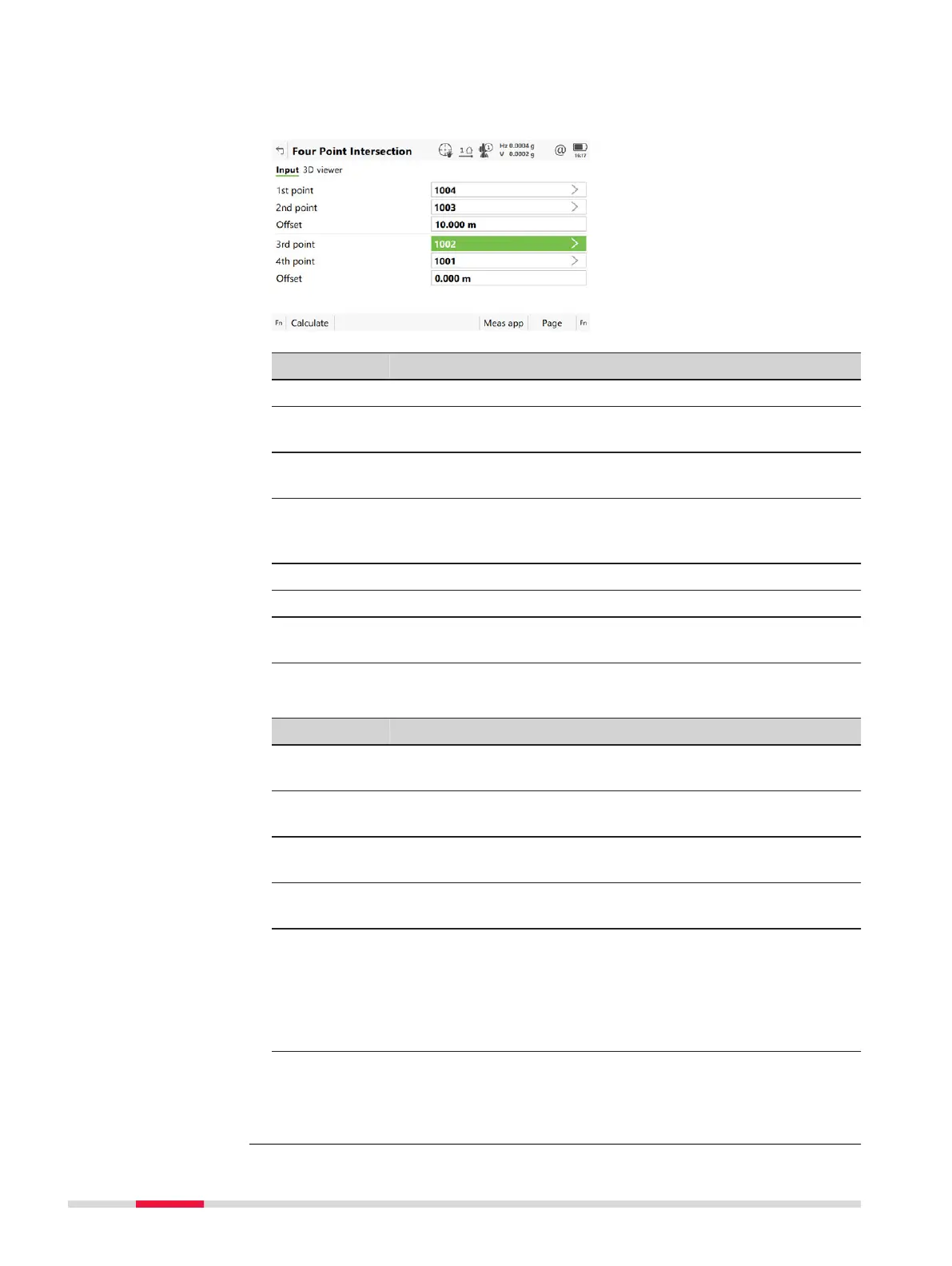
For all point fields, the 3D viewer can be used to select the desired point.
To typ
e in coordinates for a known point open a selectable list. Press New to
create a point.
Key Description
Calculate To calculate the result.
Inverse To calculate the values for the distance and the offset from
two existing p
oints. Available when Offset is highlighted.
Last Inv To recall previous results from COGO inverse calculations.
Available when Offset is highlighted.
Meas app To measure a point manually for the COGO calculation. Avail-
able when 1st point, 2nd point, 3rd point or 4th point is
highlighted.
Page To change to another page on this panel.
Fn Settings To configure the COGO app.
Fn Modify To add, subtract, multiply and divide values. Available when
Offset is highlighted.
Description of fields
Field Option Description
1st point Selectable list The point ID of the known start point of the
fir
st line for the COGO calculation.
2nd point Selectable list The point ID of the known end point of the
first line for the COGO calculation.
3rd point Selectable list The point ID of the known start point of the
second line for the COGO calculation.
4th point Selectable list The point ID of the known end point of the
second line for the COGO calculation.
Offset Editable field The offset of the line in the direction 1st
point to 2nd point or 3rd point to 4th
point. A positive offset is to the right, a neg-
ative offset is to the left. Available for Allow
use of offsets in calculations: Yes in
Measure Settings, General page.
Next step
Calcula
te calculates the result and accesses Intersection Result.
Four Point Intersec-
tion,
Input page
490 COG
O













 To Next Page