Field Option Description
User-defined
templa
tes
The user-defined templates must be jpg files
with a maximum of five megapixels. The tem-
plates are stored in the CONFIG\SKETCH_TEM-
PLATES folder of the data storage device. To
make a user-defined template selectable in
the list, transfer the template to the internal
memory in Leica Captivate - Home: Set-
tings\Tools\Transfer user objects. Refer to
"29.1 Transfer user objects".
Next step
Select a t
emplate. OK to access Sketch Pad.
Refer to "Tools" for information on the toolbar.
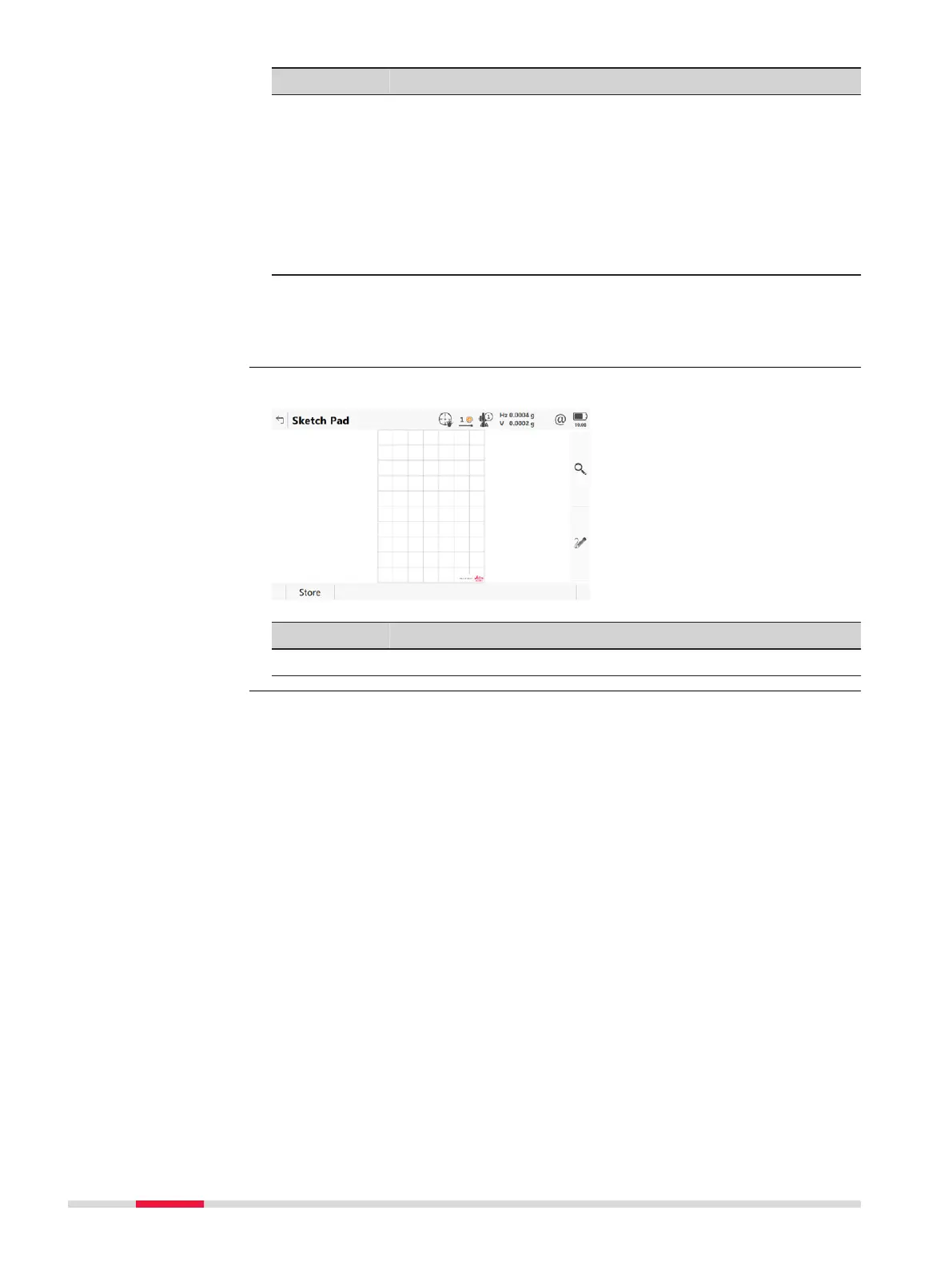
Key Description
Store To store and link the field sketch.
Sketch Pad
52 Icon Pop-up Bubbles













 To Next Page