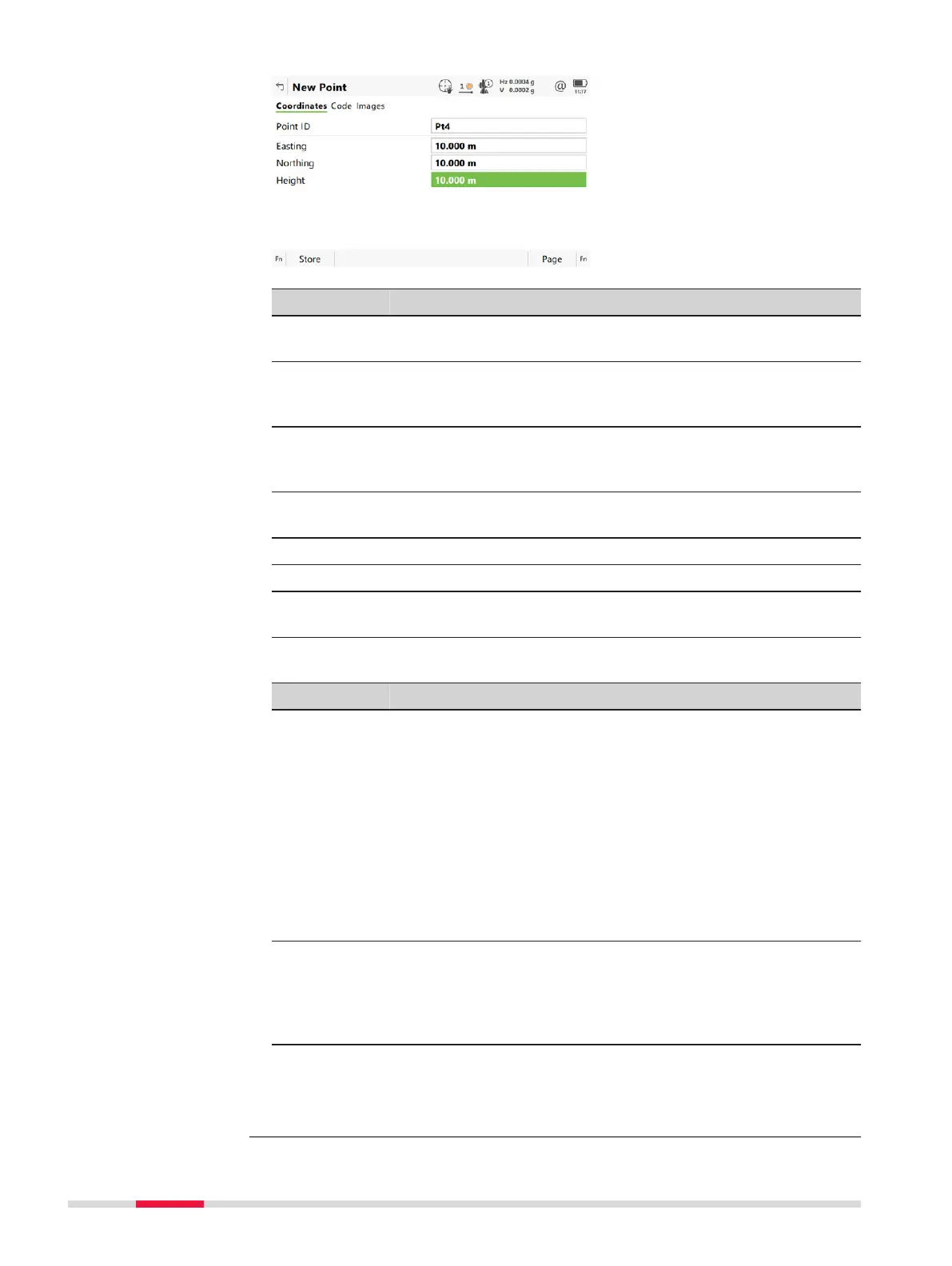
Key Description
Store To store the new point entered and all associated informa-
tion.
N
orth or
South
Available for local geodetic or WGS 1984 geodetic coordi-
nates when WGS84 latitude is highlighted. Changes
between North and South latitude.
East or
West
Available for local geodetic or WGS 1984 geodetic coordi-
nates when WGS84 longitude is highlighted. Changes
between East and West longitude.
Next To store the point and to remain in the panel. The point ID
increments according to point ID template.
Page To change to another page on this panel.
Fn Coord To view other coordinate properties.
Fn Tools For an individual name independent of the ID template or to
change back to the next ID from the configured ID template.
Description of fields
Field Option Description
Point ID Editable field The name of the new point. The configured
poin
t ID template is used. The ID can be
changed in the following ways:
•
To s
tart a new sequence of point IDs,
type over the point ID.
•
For an individual name independent of
the ID template Fn Tools and then Indi-
vidual point ID. Fn Tools and then
Sequential point ID changes back to
the next ID from the configured ID tem-
plate.
Coordinate
fields
E
ditable field Negative geodetic coordinates are interpre-
ted as being of the opposite hemisphere or
other side of the central meridian. For exam-
ple, entering -25 °N is stored as 25 °S, enter-
ing -33 °E is stored as 33 °W.
Next step
Page
changes to the Code page.
New Point,
Coo
rdinates page
80 Job Menu - View & edit data













 To Next Page