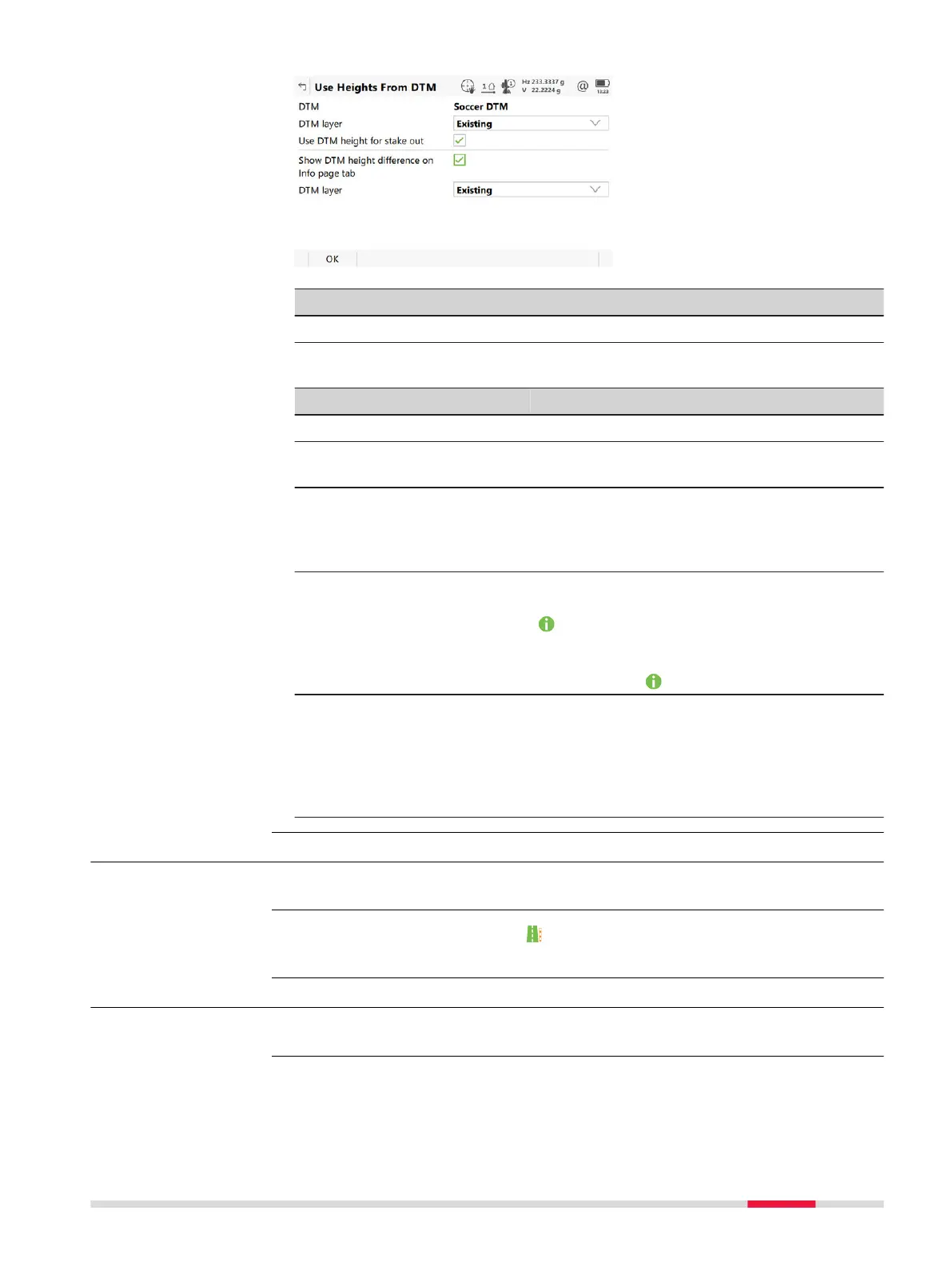
Key Description
OK To confirm the settings and return to the Stake/Check panel.
Description of fields
Field Option Description
DTM Display only DTM from the selected DTM job.
DTM layer Selectable list When selecting a DTM layer the relevant tri-
angle o
f the DTM is shown in 3D viewer.
Use DTM
height for
stake out
Check box When this box is checked, a layer of the DTM
is used as a height reference.
When this box is not checked, no DTM
heights are applied for stakeout or check.
Show DTM
height dif-
ference on
Info page
tab
Check box When this box is checked, a layer of the DTM
to be used as a height reference on the
page.
When this box is no
t checked, no additional
height information relative to the DTM is
shown on the
page.
DTM layer Selectable list Available when Show DTM hei
ght differ-
ence on Info page tab is checked. Layer of
the DTM to be used as a height reference.
When selecting a DTM layer the relevant tri-
angle of the DTM is shown in cross section
view in 3D viewer.
46.4.3 Apply current chainage
This menu function is available for stake.
To set Stake chainage on the page of the stakeout to the current chain-
age.
46.4.4 Stake individual point
This menu function is available for stake.
To stake out points with known Easting, Northing and Height. Points can either
be s
elected from the job or manually typed in.
Use Heights From
DTM
Availability
Description
Availability
Description
Roads - Rail 809













 To Next Page