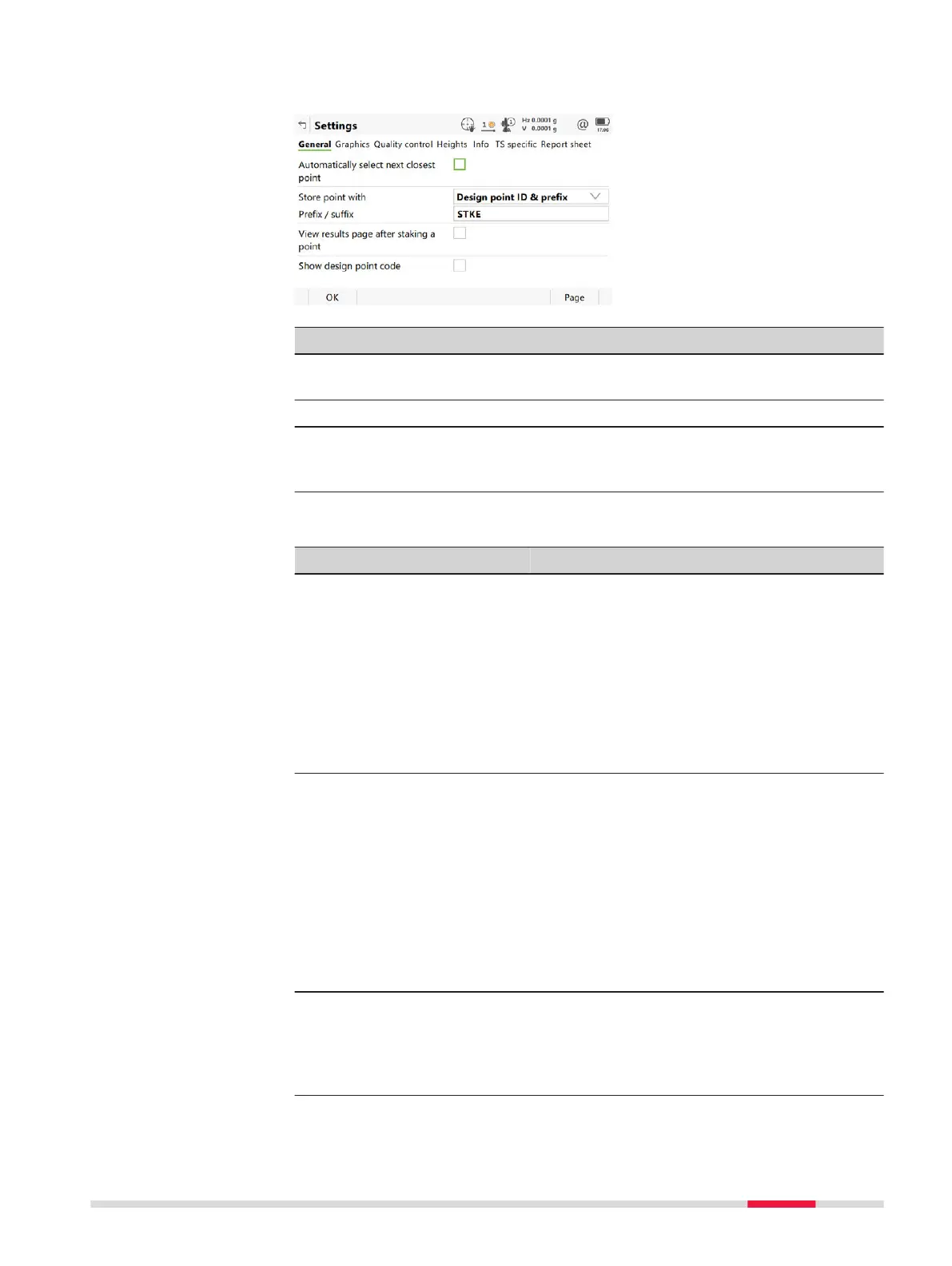
This panel consists of several pages. The explanations for the softkeys given
here ar
e valid for all pages, unless otherwise stated.
Key Description
OK To accept changes and return to the panel from where this
panel was acc
essed.
Page To change to another page on this panel.
Fn About To display information about the program name, the version
number, the date of the version, the copyright and the arti-
cle number.
Description of fields
Field Option Description
Automati-
cally selec
t
next closest
point
Check box The order of the points suggested for staking
out.
When this box is checked, then the next
point suggested for staking out is the point
closest to the point which was staked. If
there are many points in the job, the search
can take a few seconds.
When this box is not checked, the next point
suggested for staking out is the subsequent
one in the job.
Store point
with
Design
point ID
The staked points are stored with the same
point IDs as the points to be staked.
Design
point ID &
prefix
Adds the setting for Prefix / suffix in front
of the original point IDs.
Design
point ID &
suffix
Adds the setting for Prefix / suffix at the
end of the original point IDs.
Individual
point ID
The staked points are stored with an alpha-
numerical point ID entered.
Prefix / suf-
fix
Editable field Available for Point ID: Design point ID &
prefix and Point ID: Design point ID &
suffix. The identifier with up to four charac-
ters is added in front of or at the end of the
ID of the staked point.
Settings,
Gen
eral page
Stakeout 895













 To Next Page