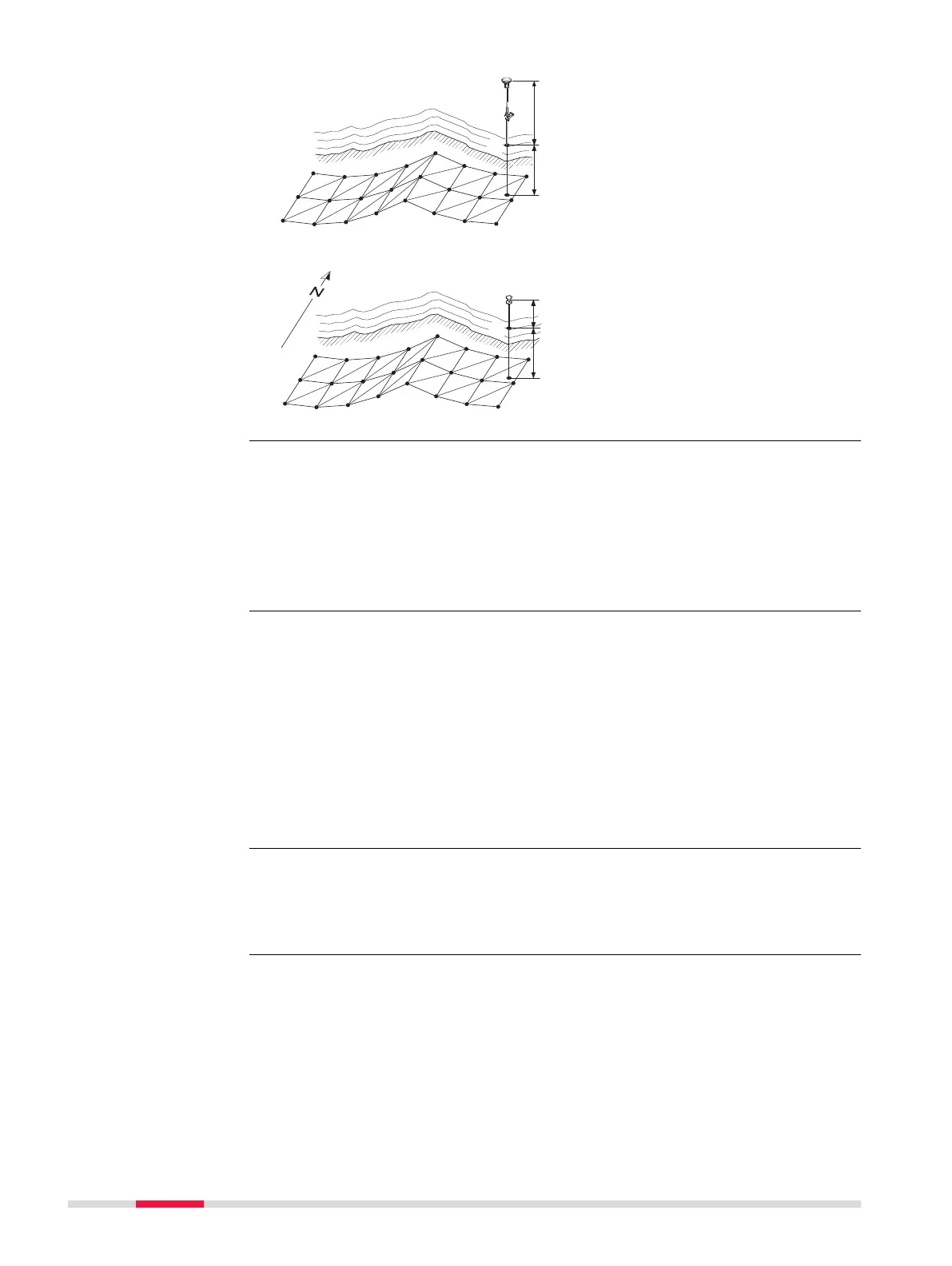
For GS:
P1 Point to be staked
d1
Cu
t or fill
d2 Antenna height
For TS:
P1 Point to be staked
d1 Cu
t or fill
d2 Reflector height
If the message panel appears which requires that the app must be activated
using a licenc
e key then refer to "29.3 Load licence keys".
To stake out DTM heights only:
Select Leica Captivate - Home: Stake DTM.
To stake out positions of points and DTM heights:
Select Leica Captivate - Home: Stake pts & DTM.
The positions of points to be staked are stored in the selected design job.
Points which are measured during staking out are stored in the selected job.
Heights to be staked out are taken from the selected DTM job.
The DTM job to be used must be stored in the \D
BX dir
ectory on the active data
storage device.
Heights without positions are staked out relative to the selected DTM job.
The stakeout procedure is identical as for the normal Stakeout app but the
heigh
ts to be staked are taken from the selected DTM job. The negative or pos-
itive height differences from the current position to the equivalent point in the
selected DTM job is calculated and displayed. Height offsets apply.
Diagram
Access
☞
☞
908 Stakeout













 To Next Page