Next step
Page
changes to the Colour scale page.
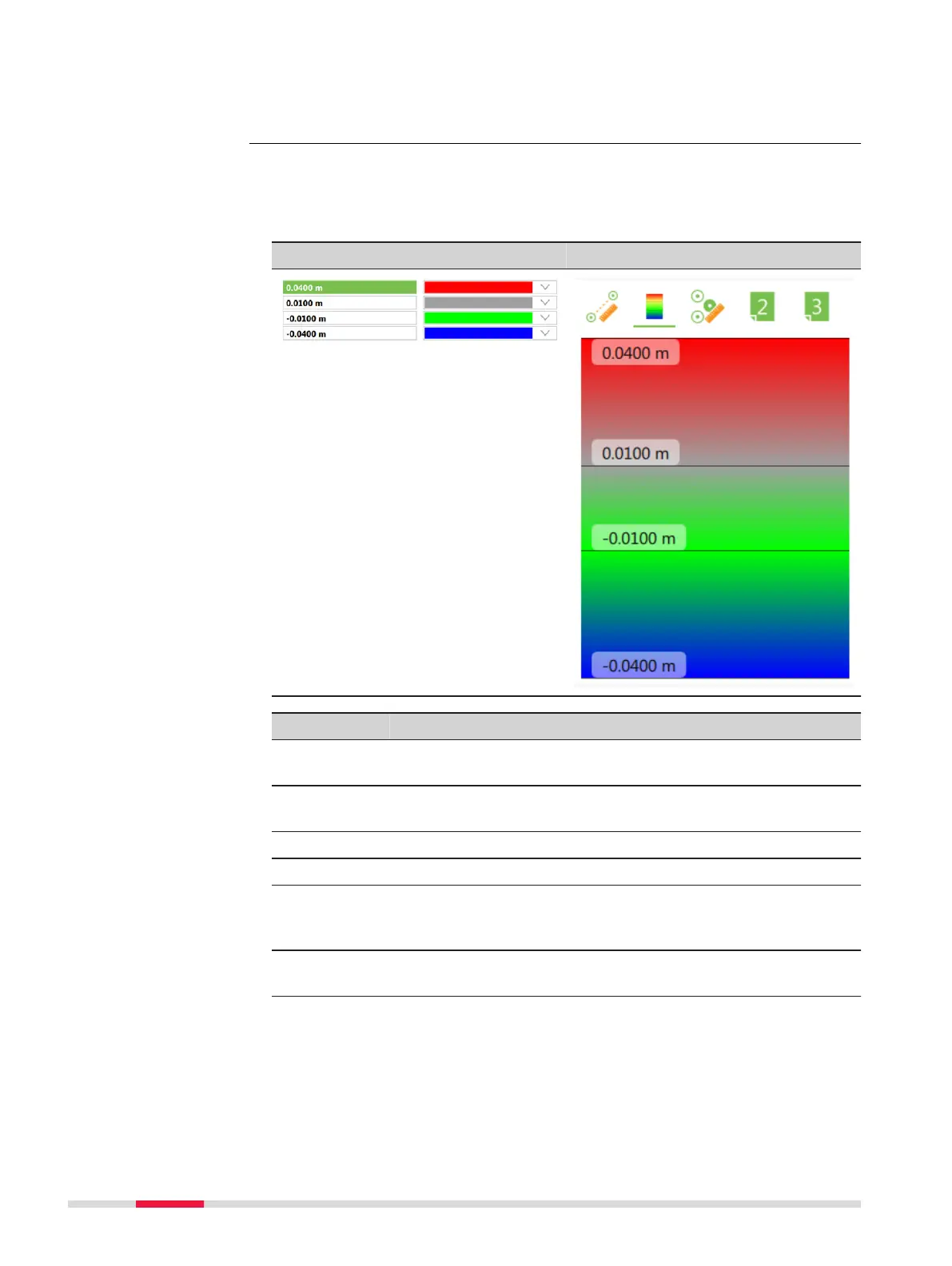
Define the colours for distance ranges. When the surfaces are compared, the
colour
s show the distance ranges to the reference plane in the 3D viewer.
The colour range corresponds to the legend in the Measur
e Mode panel.
Settings, Colour scale page Measure Mode
Key Description
OK To accept changes and return to the panel from where this
panel was acc
essed.
Insert To add a line for distance and colour definition. The new line
is inserted below the line which is highlighted.
Delete To remove the highlighted line.
Page To change to another page on this panel.
Fn Load To load a template for the colour scale range.
The templates are stored in the instrument configuration.
Templates can not be copied to another instrument.
Fn Save To save the current definition of distances and colours as
template for the colour scale range.
Settings,
Colour scale page
982 Insp
ect Surfaces













 To Next Page