Repair information 4-43
5062
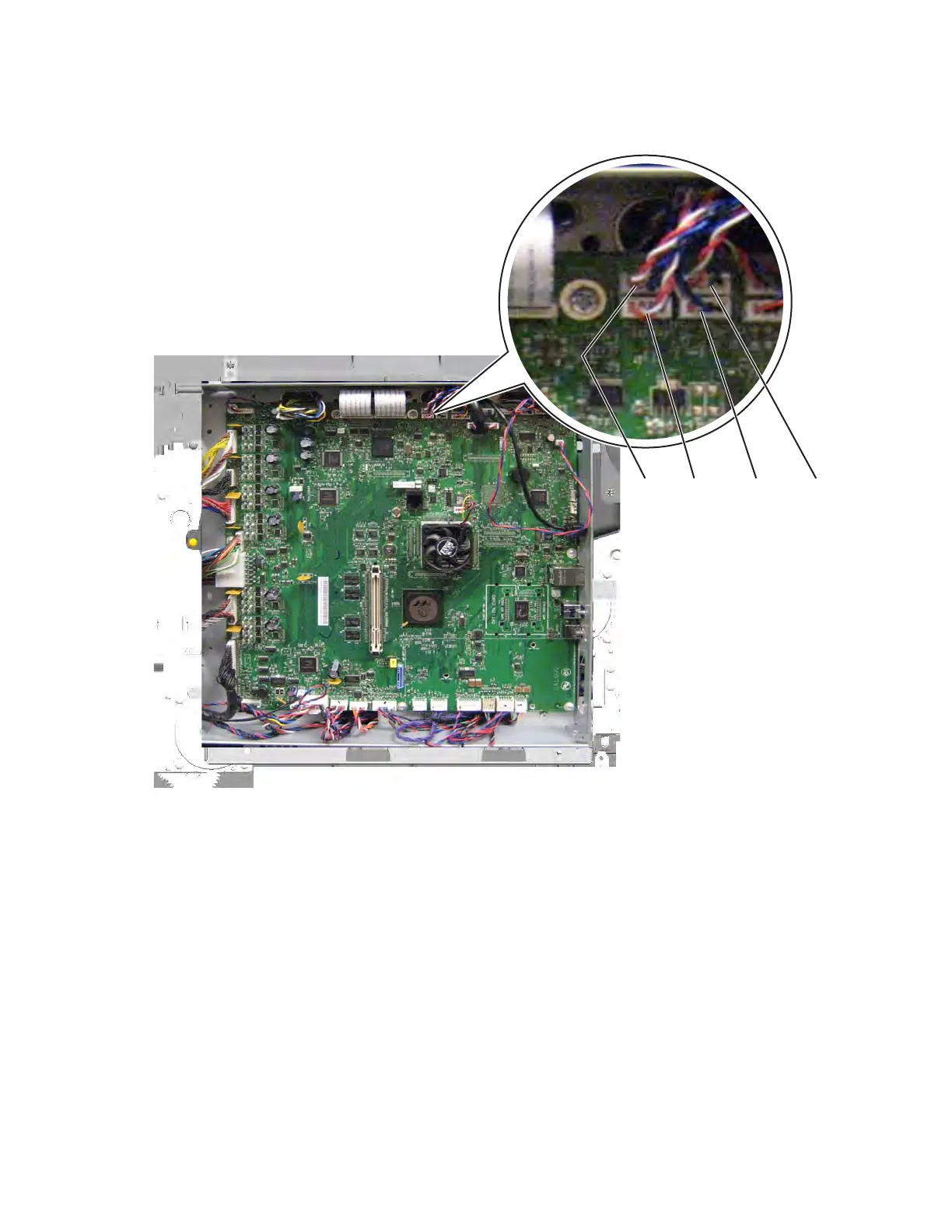
3. Disconnect the cable (A, B, C, or D) for the memory block you want to remove. The terminals are
interchangeable, so trace the cable back from the memory block to locate the correct connector.
Note: To easily route the new cable to the system board, tie a string (at least twelve inches long) to the end of
the cable you disconnect from the system board. When you pull the cable through the printer, be careful to leave
the other end of the string on the system board side, and then untie the string from the cable.



 To Next Page