Diagnostic information 2-77
5057-XXX
9
Check the transfer belt cleaning assembly for proper
installation or damage.
Remove the transfer belt cleaning assembly. See
“Transfer belt cleaning assembly removal” on
page 4-17.
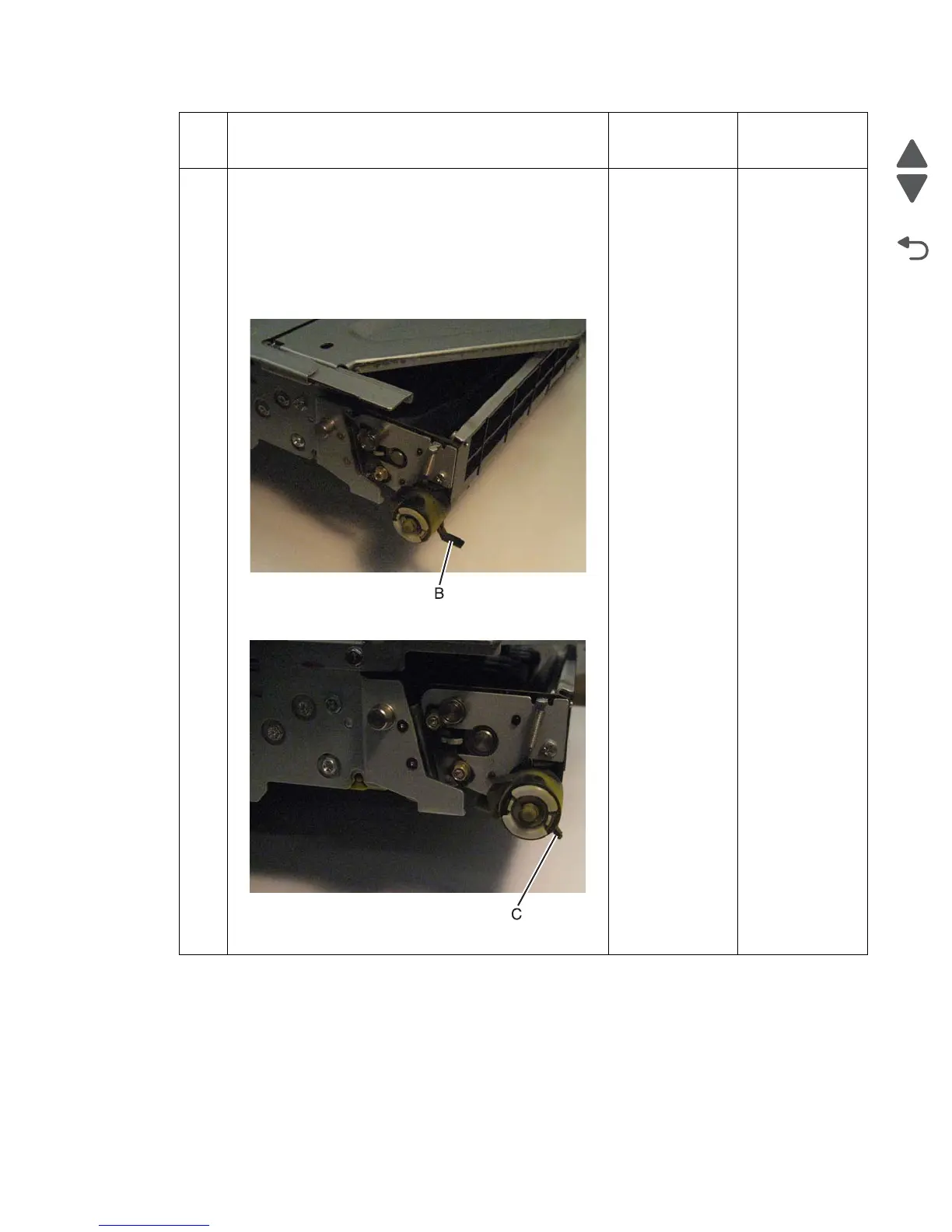
Check for damage. The most likely damage (B,C) Is shown
in the following images.
Undamaged:
Damaged:
Is the transfer belt cleaning assembly damaged?
Replace the
transfer belt
cleaning
assembly. See
“Transfer belt
cleaning
assembly
removal” on
page 4-17.
If the problem
persists, go to the
next step.
Go to the next
step.
Step Check Yes No





 To Next Page