Page 67 of 182 TP1A002–1 English
Aug 2015
Linx 8900 Operating Manual —
Line and message settings
Linx 8900
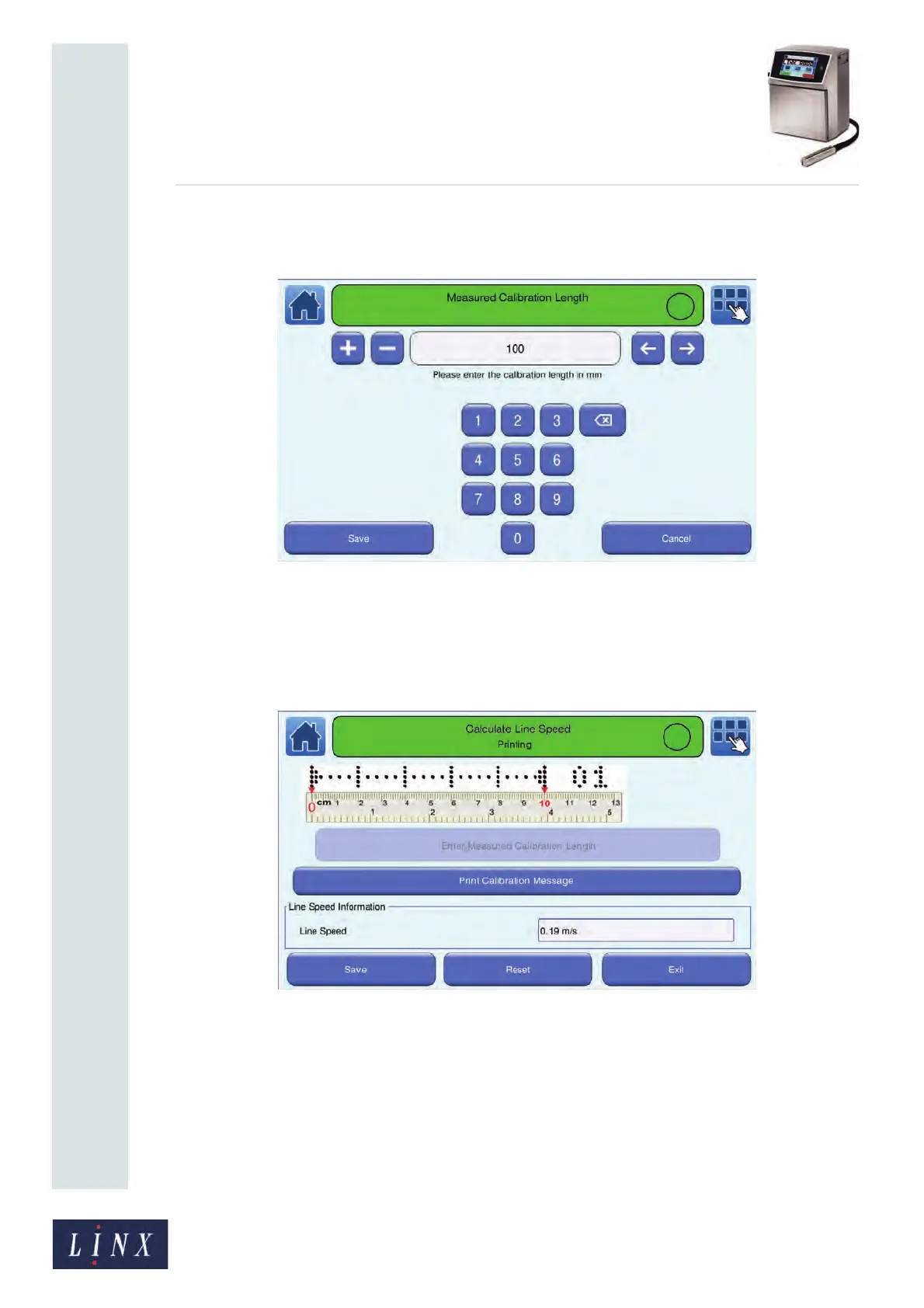
7 Touch the Enter Measured Calibration Length button to display the Measured
Calibration Length screen.
Figure 66. Measured Calibration Length screen
8 Enter the measured calibration length (for example 75 mm) and touch the Save
button. The printer calculates the line speed from the entered measurement and
displays the Calculate Line Speed screen. The printer displays the calculated line
speed in the “Line Speed Information” box.
Figure 67. Calculate Line Speed: line speed calculated screen
9 Touch the Stop button to pause the print or touch the Reset button to return to the
previous line speed value. Touch the Save button to save the new calculated line
speed.



 To Next Page