234 Océ 9600 Copier/Printer User Manual
3
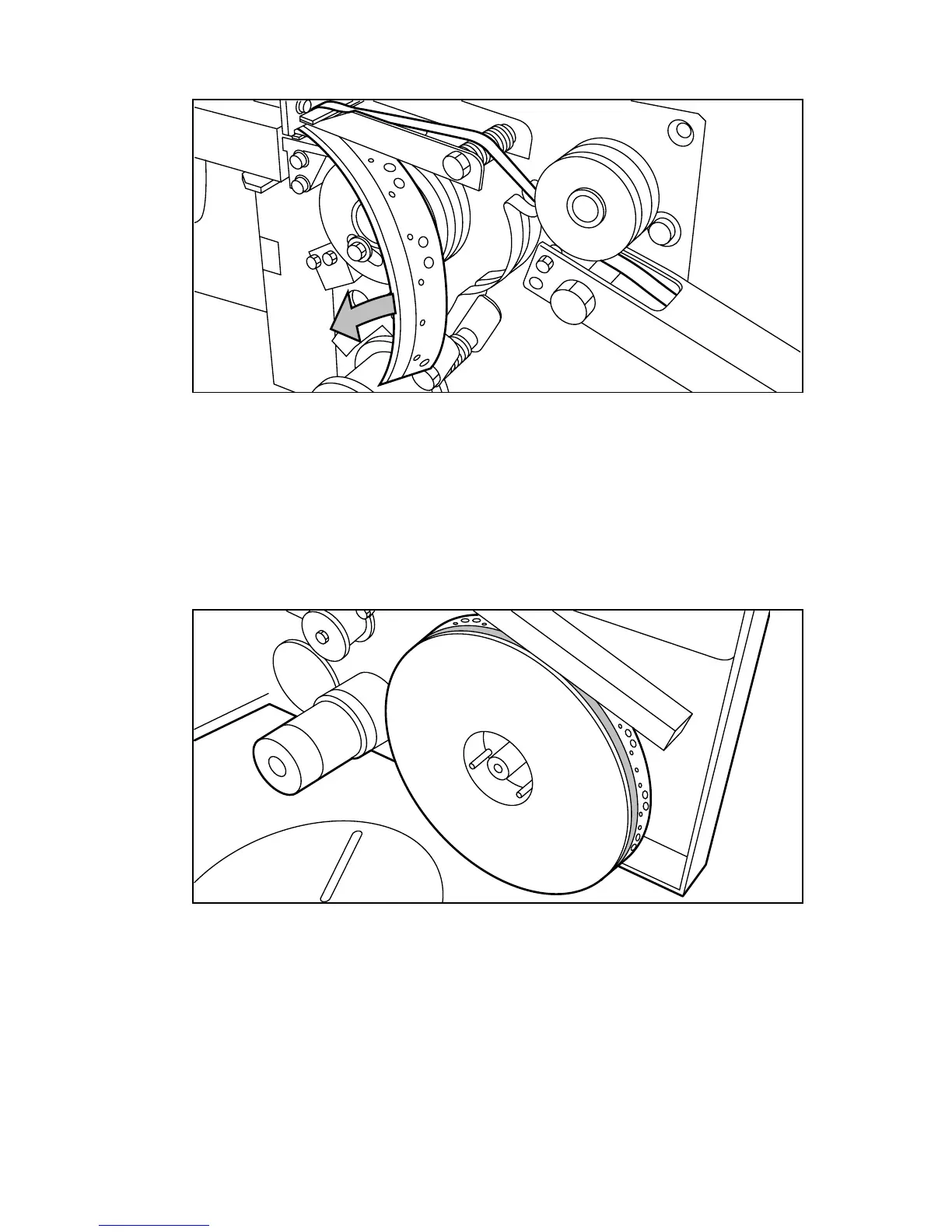
Remove the trailing edge of the old tape (see figure 118).
[118] Removing the trailing edge of the old tape
4
Open the front side plate of the roll holder by unscrewing the green nut and
removing the old kernel.
Note:
It is recommended that you clean the reinforcement knives before you
insert a new roll. See ‘Maintenance of the reinforcement knives’ on
page 241 for more information.
5
Insert the new roll and close the side plate. Make sure that the roll is placed
with the holes to the back and the protection sheet to the front (see figure 119).
[119] Placing the new roll



 To Next Page