264 Océ 9600 Copier/Printer User Manual
3
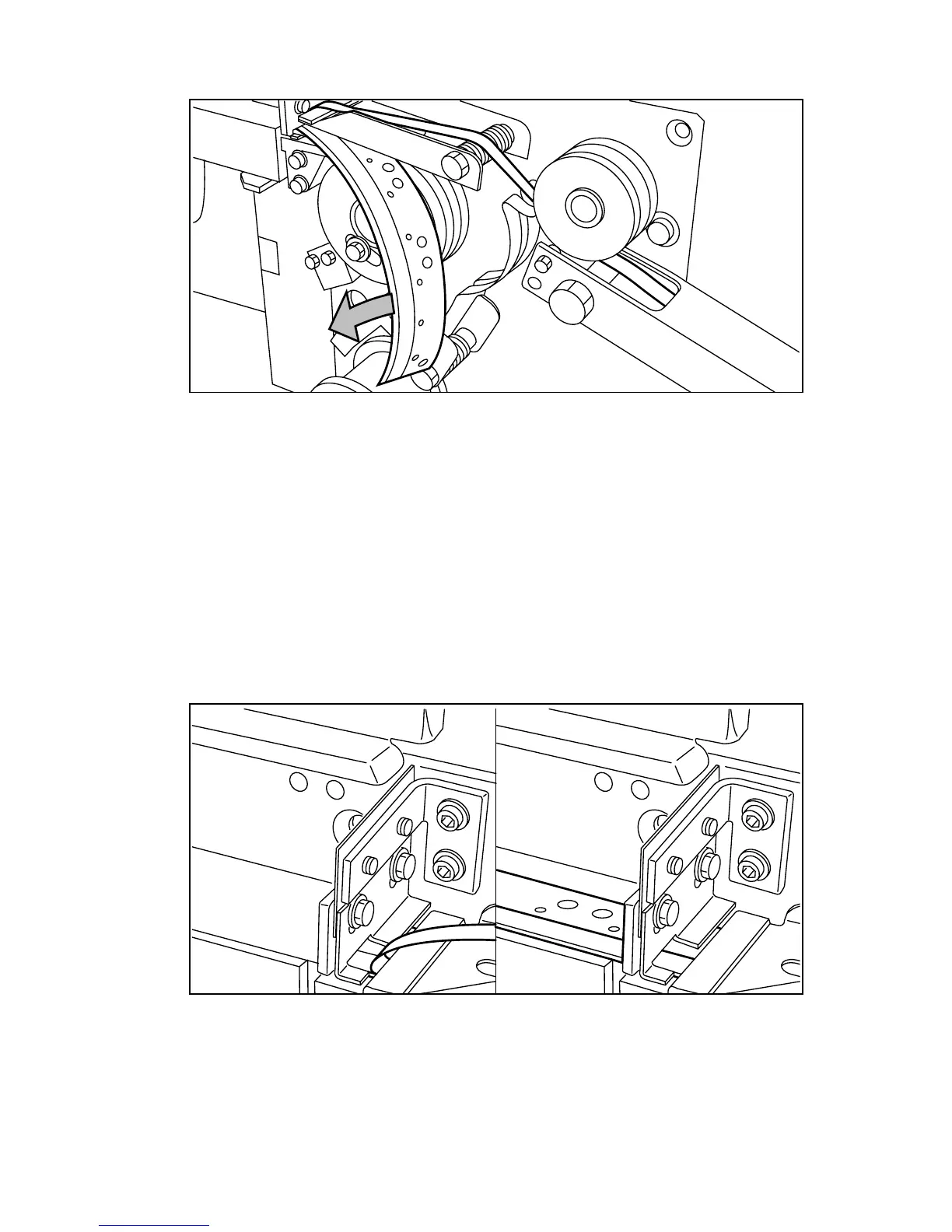
Remove all tape between the rollers and knives (see figure 162).
[162] Removing the tape
4
Lead a new trailing edge of tape between the rollers and knives.
No reinforcement strips on the output without an error message
This error
occurs when there are no reinforcement strips on the output, although
reinforcement is selected.
▼
▼▼
▼
Solve this error
1
Put the printer off line by pressing the on line button on the operating panel.
2
Opening the reinforcement unit side door.
3
See if there are loose reinforcement strips in the unit with the protection sheet
still on (see situation B in figure 163).
[163] Situation A: No mechanical errorSituation B: Mechanical error
4
If there are, remove the tape strips in the reinforcement unit.



 To Next Page