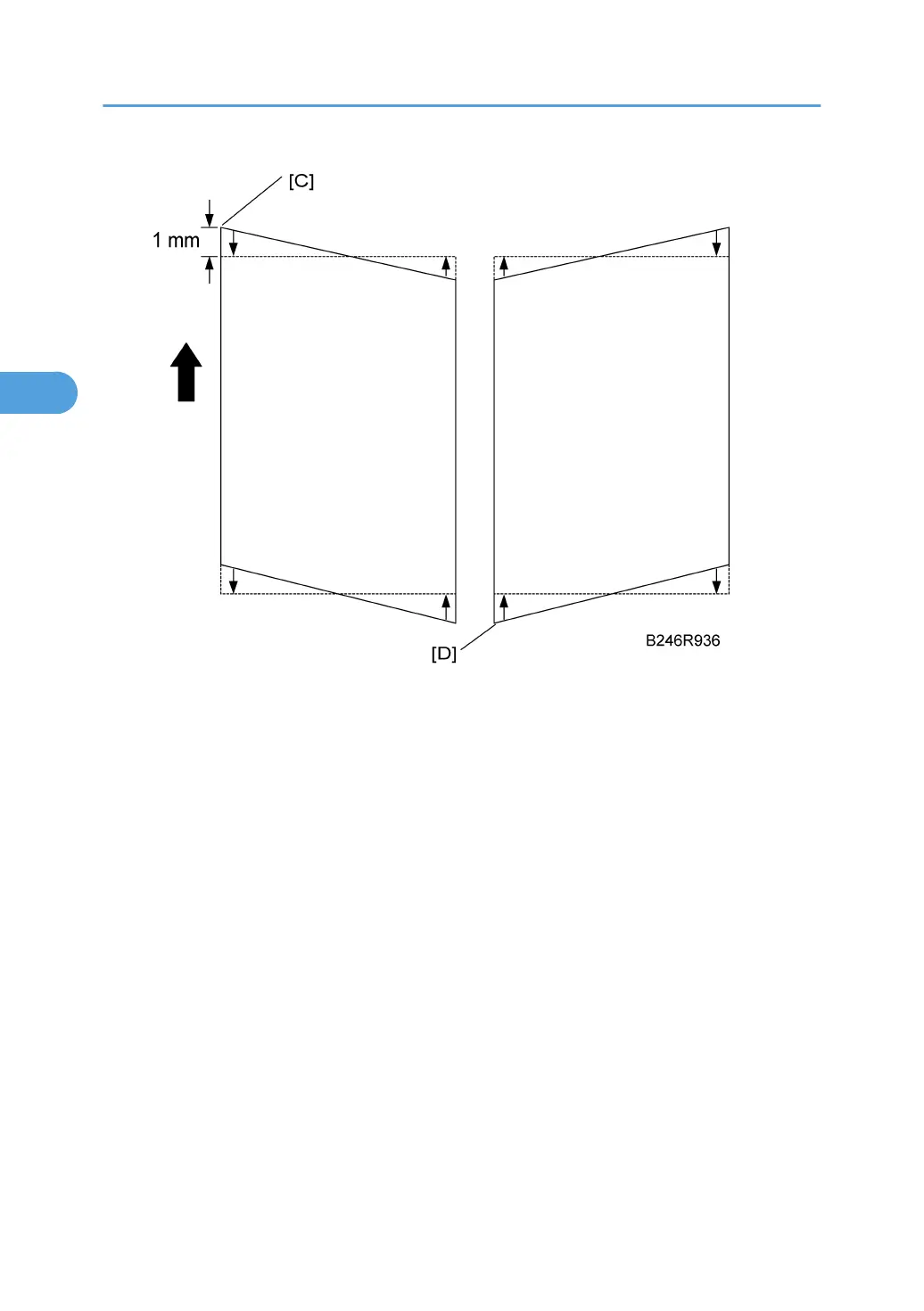
7. Adjust the position of the laser exposure unit.
• If the pattern is skewed at the corner of the leading edge [C], move the unit so it moves the pointer
on the scale toward the back.
• If the pattern is skewed at the lower left corner of the trailing edge [D], move the unit so it moves
the pointer on the scale toward the front.
• The scale is set for increments of 1 mm.
8. After adjustment, tighten the screws on the laser exposure unit, re-assemble the machine
and print the pattern again with SP2902-003 No.18.
9. Check the pattern. Repeat the procedure if more adjustment is required.
3. Replacement and Adjustment
144



 To Next Page