• Rear upper cover ( x2)
• Rear lower cover ( x2)
• Controller box cover ( x13)
• Controller board. See "Controller Board"
1. Remove screws ¶ to ¹ and swing open the controller box ( x4).
2. Remove the left IPU connector shield º ( x2).
3. Disconnect connectors » and ¼ ( x2).
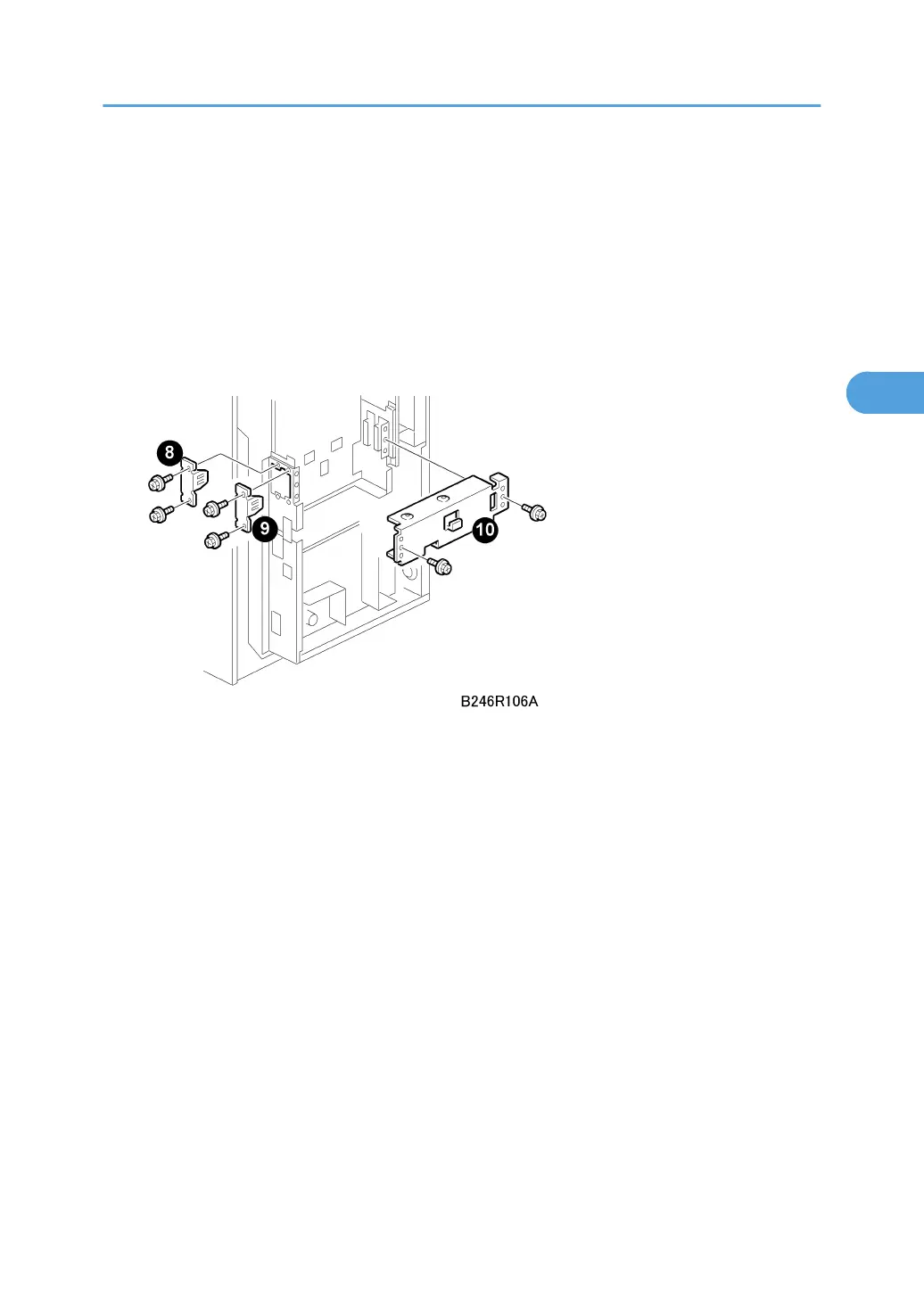
4. Remove brackets ½, ¾, ¿ ( x2 each).
PCBs and HDD
225



 To Next Page