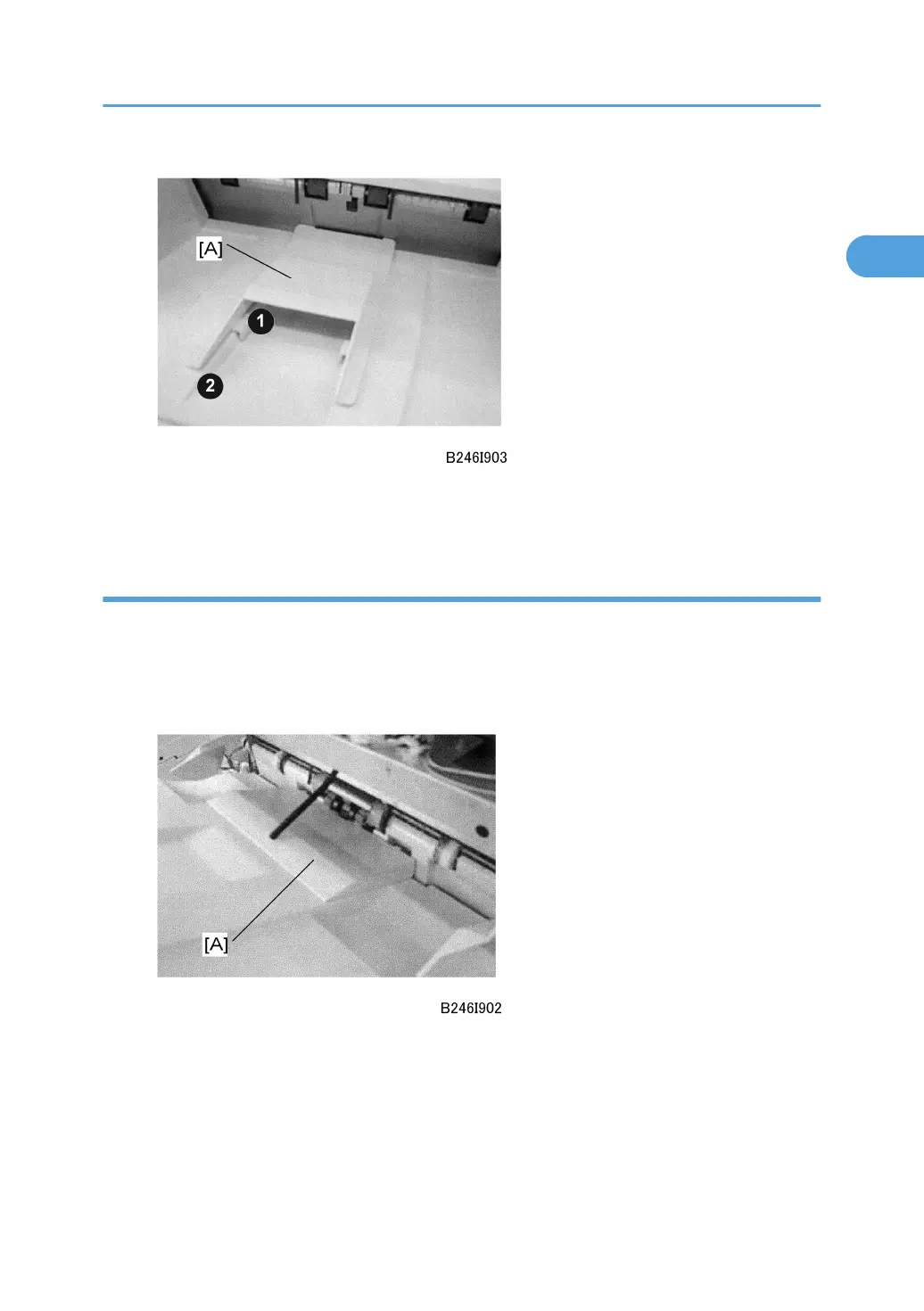
3. Make sure that the arms ¶ of the auxiliary tray fit tightly over the ridges · of the proof tray
below.
Shift Auxiliary Tray
1. Open and close the front door of the finisher.
2. This initializes the finisher and moves the shift tray to the standby position.
3. Open the front door again and leave it open.
4. Set the shift auxiliary tray [A] on the shift tray as shown.
5. Close the front door.
6. This initializes the finisher again and moves the shift tray to the new standby position with
the auxiliary tray installed.
7. After the job is finished, remove the tray and store it in the auxiliary tray storage pocket on
the back of the finisher.
2000-Sheet Finisher (B700)
87



 To Next Page