Chapter 11 Troubleshooting
172
An error message does not
disappear even though a
master roll is set in place.
Check if the master roll is set
in place correctly.
Set the master roll so that the side of the master core
with the [
I
] mark is located on the left.
(A 145 “Setting the Master Roll”)
Check if the [
I
] section
inside the master core is
bent or cut.
You cannot use the master roll if its [
I
] section is
bent or cut. Set a new master roll in place.
(A 145 “Setting the Master Roll”)
The master disposal box
cannot be removed.
Check if [Protect] is set to
[ON].
When [Protect] under [Admin.] is set to [ON], you
cannot remove the master disposal box. However,
you can remove the master disposal box if a master
is jammed in the master disposal section or the mas-
ter disposal box becomes full.
(A 135 “Managing the Used Master [Protect]”)
Check if the lock lever of the
master disposal box is
locked.
Slide the lock lever to the right to unlock it. If the
master disposal box is locked, contact your adminis-
trator and unlock it.
(A 149 “Emptying the Master Disposal Box”)
The master disposal box
cannot be set in place.
Check if the lock lever of the
master disposal box is
locked.
Slide the lock lever (A 149) of the master disposal
box to the right to unlock it. Then, set the master dis-
posal box in place.
There is no image on copies. Check if the original is
placed so that it faces up.
Place the original so that it faces down.
(A 36 “Placement of Originals”)
Closing the platen cover
without setting an original
automatically switches print-
ing mode to master making
mode.
Check if you forcefully
closed the platen cover.
If an original is set and detected when the platen
cover is closed in printing mode, this machine auto-
matically switches to master making mode. How-
ever, forcefully closing the platen cover may cause
this machine to incorrectly detect that an original is
set even when there is no original.
Close the platen cover gently.
A portion of the image is
missing on printed papers.
Check if the glass platen is
stained.
Wipe the glass platen with a soft cloth, etc.
(A 156 “Maintenance”)
Check if any foreign objects
are adhered to the master.
Pull out the print drum (cylinder) and check if any for-
eign object adheres to the master. If there is a for-
eign object, remove it.
If a foreign object exists between the master and the
print drum (cylinder), remove the master, and elimi-
nate the foreign object. Then, set the print drum (cyl-
inder) in place and perform the master making
process again.
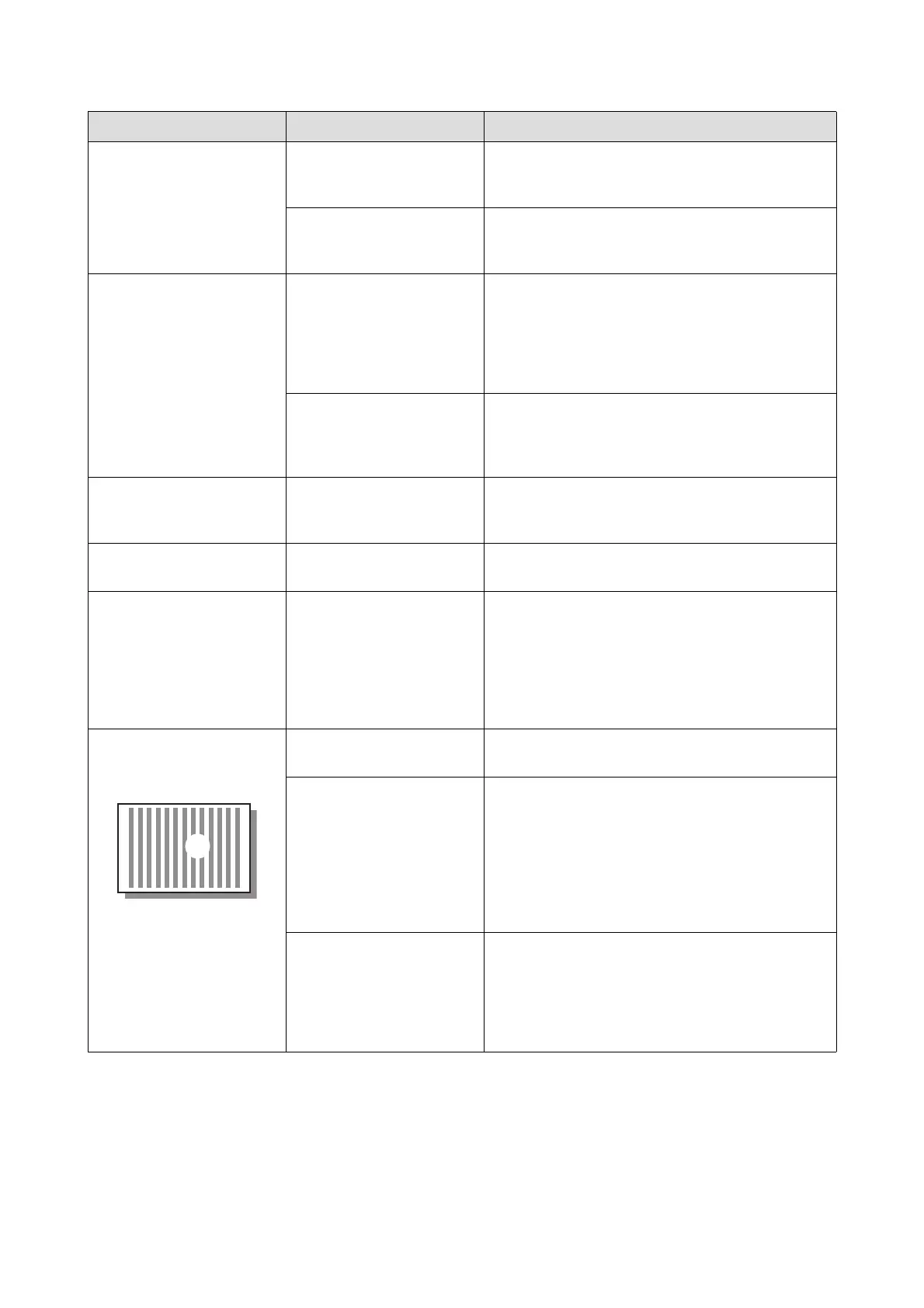
Check if the paper size that
was placed on the paper
feed tray for master making
is smaller than the size of the
original.
The size of the master to be made is determined
according to the size of the paper that is placed on
the paper feed tray.
Set the same size of paper on the paper feed tray as
the original, and then perform the master making
process.
Problem Point to check Action



 To Next Page