Chapter 11 Troubleshooting
173
11
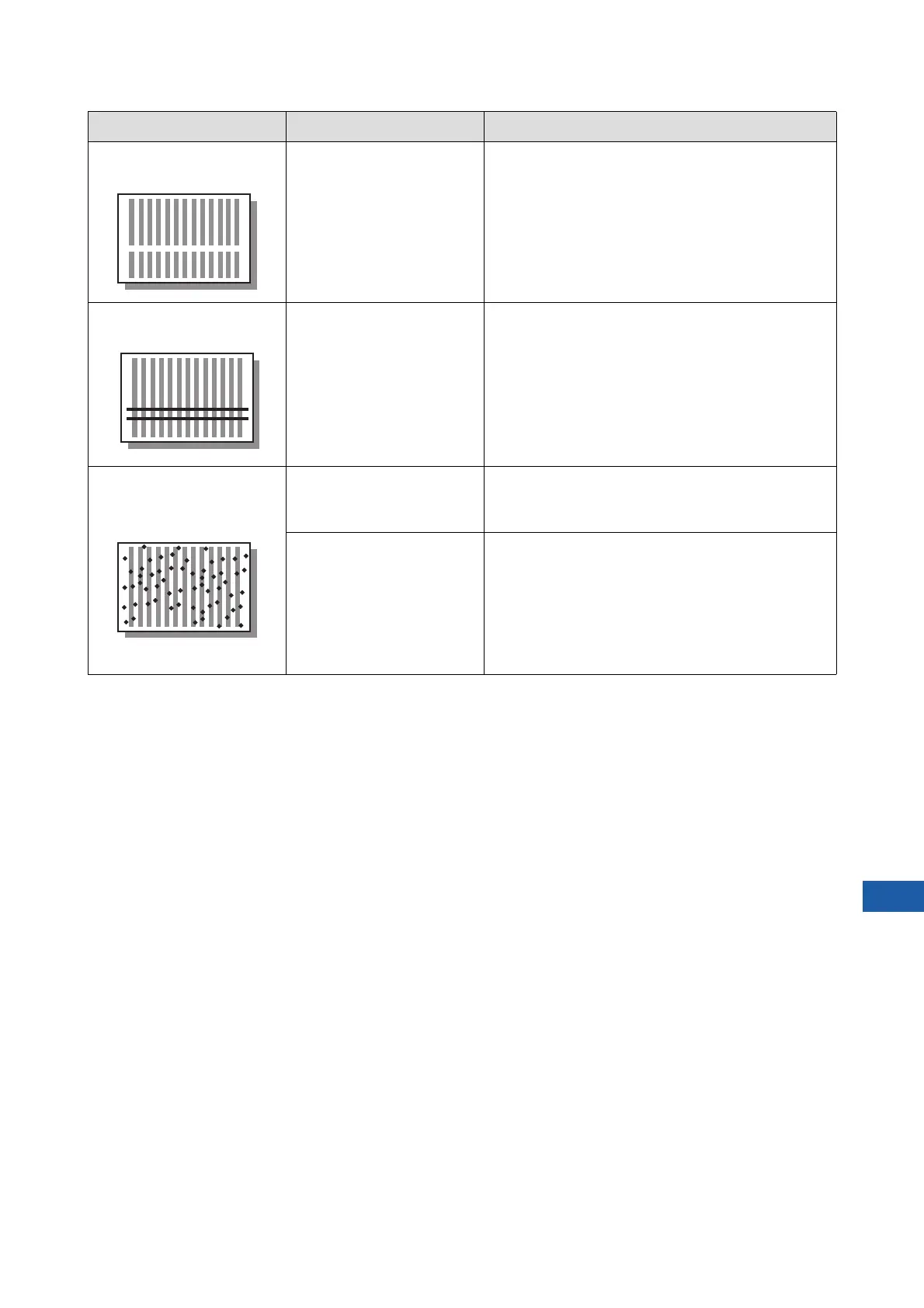
Blank lines are found on
printed papers.
Check if the thermal print
head of the master making
unit or the scanner glass of
the optional auto document
feeder is stained.
Wipe the thermal print head or scanner glass with a
soft cloth, etc.
(A 156 “Maintenance”)
Lines are found on printed
papers.
Check if the scanner glass of
the optional auto document
feeder is stained.
Wipe the scanner glass with a soft cloth, etc.
(A 156 “Maintenance”)
The overall background of
the printed papers is stained.
Check if colored paper, such
as newspaper, is used as the
original.
Lighten the contrast in [Contrast] (A 54) and perform
master making again.
Check if the glass platen is
stained.
Wipe the glass platen with a soft cloth, etc.
(A 156 “Maintenance”)
Problem Point to check Action



 To Next Page