DISPLAY PANEL MANUAL
5-55
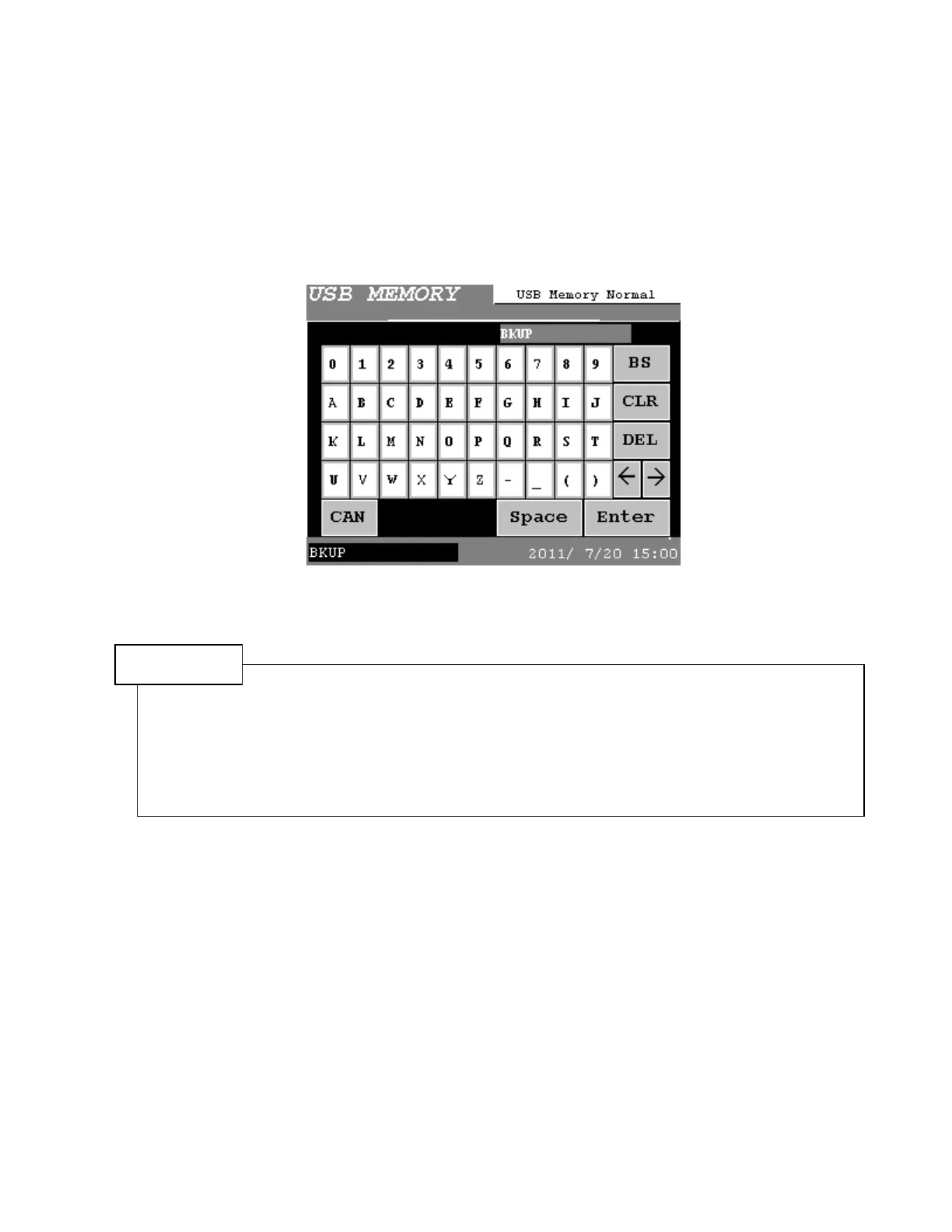
● Input the file name
The file name to write to the USB flash drive or read from it can be designated.
Touch the character display parts to design the file name, then input by character input keys. It must be
within 16 characters. Usage characters are half width of 0 to 9, A to Z, -, _, (). Upper-case letter or
lower-case letter is not classified. Press Enter to determine the file name.
The extension of [.dss], [.dms] is added due to the type of Display panel.
The file name of BKUP is inputted if the file name is none.
Figure 5.6-7 File name input
NOTE
1) The file name of BKUP is inputted if the file name is none.
2) The extension of [.dss], [.dms] is added due to the type of Display panel.
(.dss = Type S, .dms = Type M)
3) The format of the setting file is compatible with the SDN-UITW USER INTERFACE TERMINAL, so
mutual setting file can be used.
The file name must be within 16 characters. Usage characters are half width of 0 to 9, A to Z, -, _, ().
Change the file name if other characters are used.



 To Next Page