5. FASTENING SETTING mode (Type S)
5-56
●Save setting value to the USB flash drive
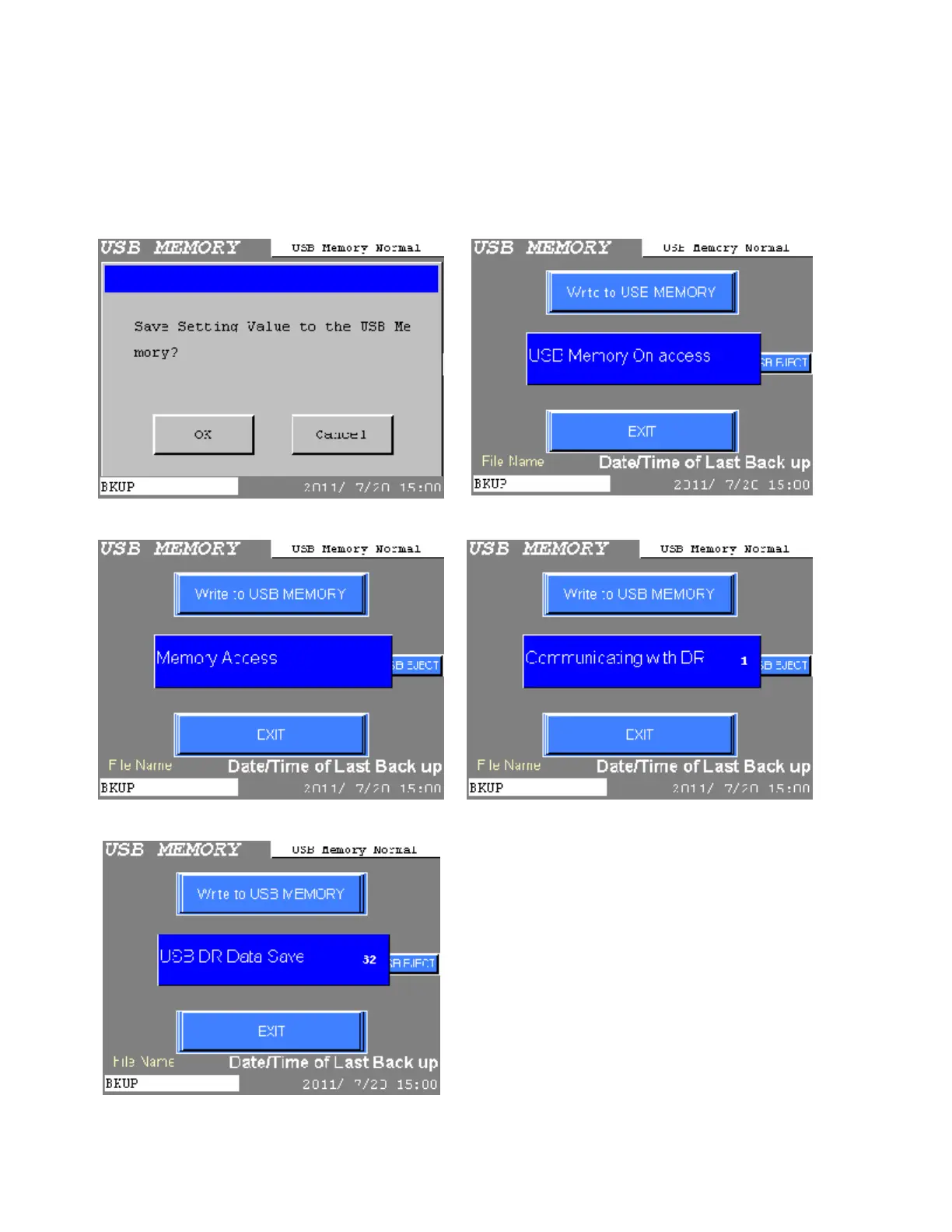
The following screen will be displayed when the Write to USB MEMORY is chosen from the USB
MEMORY menu. Press OK or Cancel key. Press Cancel to abort and return to the USB MEMORY
menu. Press OK to save setting values by procedure from 1) to 5).
It takes a little time to write to the USB flash drive, because setting value from DR1 to DR32 are saved
regardless of the amount of connecting DR.
1) Confirm window to execute 2) Access to the USB-A PORT
3) Erase data of the backup memory 4) Save setting values to the backup memory
5) Save to the USB flash drive
Figure 5.6-8 Save setting values to the USB flash drive



 To Next Page