16.Connection with PLC or other Device
16-6
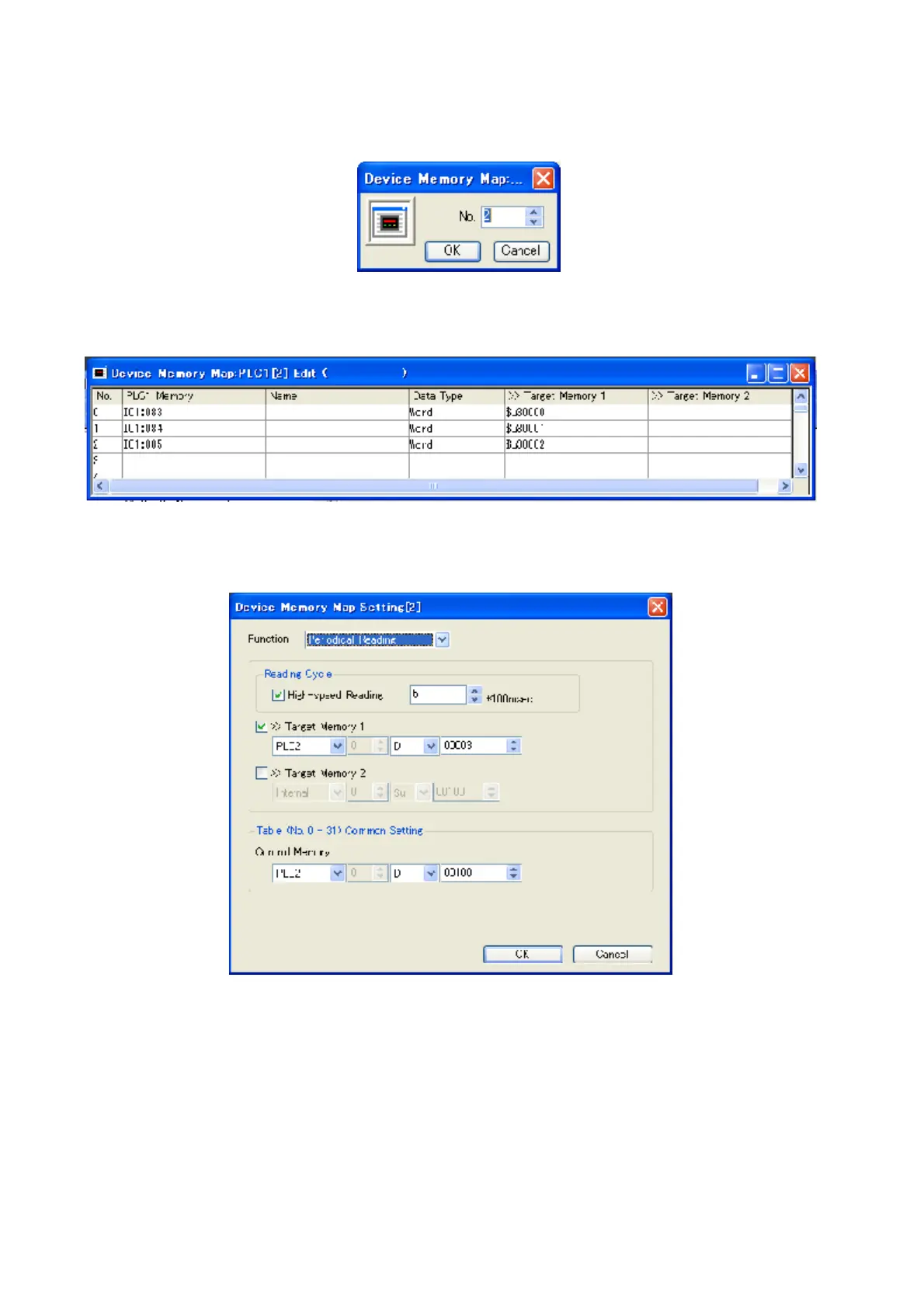
4) Click [System setting] and [Device Memory Map] and [PLC1] to set Write Area.
Figure 16.2-6 Device Memory Map No. Input
5) Input table No. and click [OK] to indicate setting window of Device Memory Map.
Figure 16.2-7 Device Memory Map setting window
6) Input the settings for Device Memory Map.
Figure 16.2-8 Device Memory Map setting for detail



 To Next Page