5. FASTENING SETTING mode (Type S)
5-42
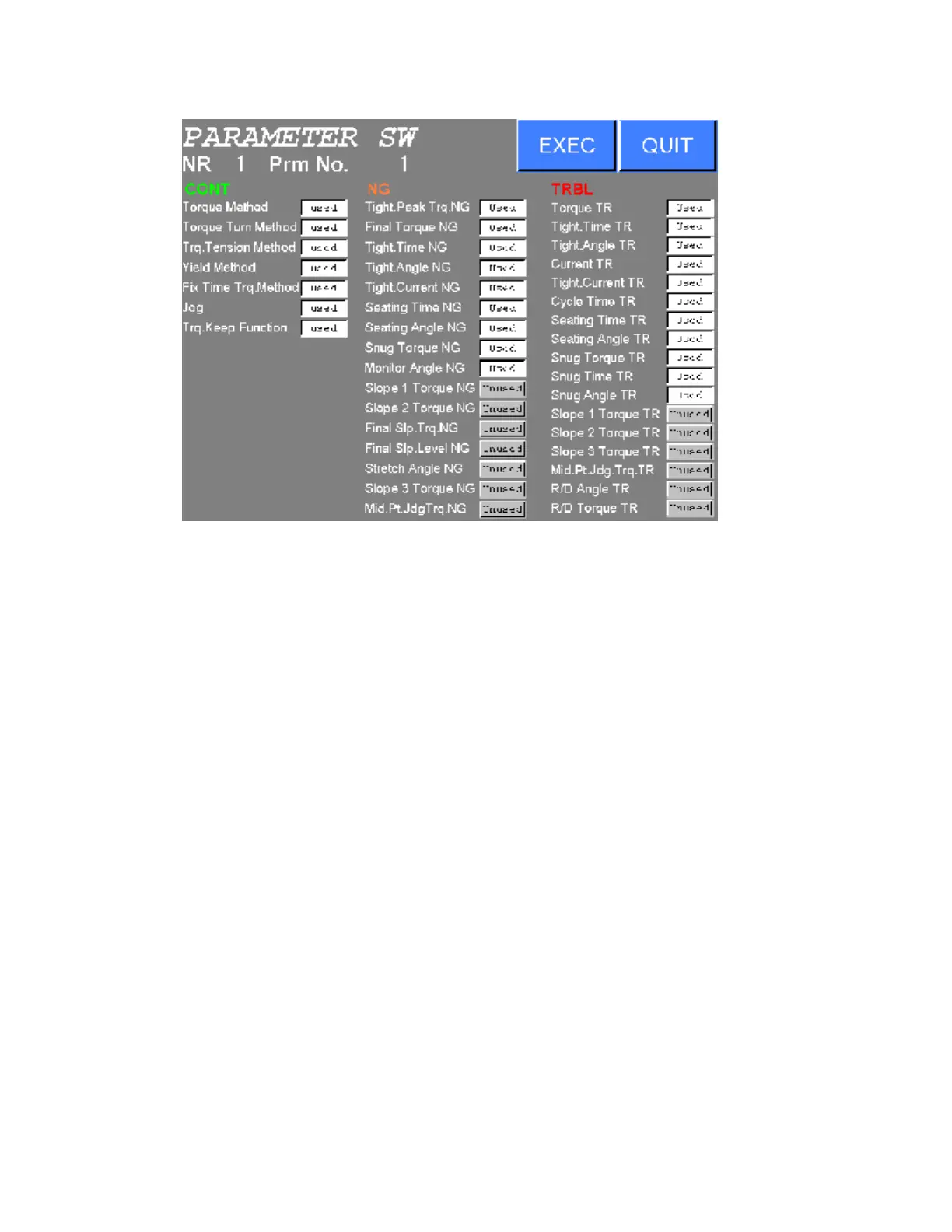
Figure 5.4-10 PARAMETER SWITCH setting (SDN-DP12)
3) Select and press USED or UNUSED to change the setting of the PARAMETER SWITCH.
Press CONT or NG or TRBL to change to CONTROL PARAMETER or NG PARAMETER or TROUBLE
PARAMETER.
Press EXEC to write new settings to the NUTRUNNER.
Press QUIT to abort all edits and return to the PARAMETER SETTING menu.



 To Next Page