U.3.11
Date Code 20090715 User’s Guide SEL-421 Relay
PC Software
Create and Manage Relay Settings
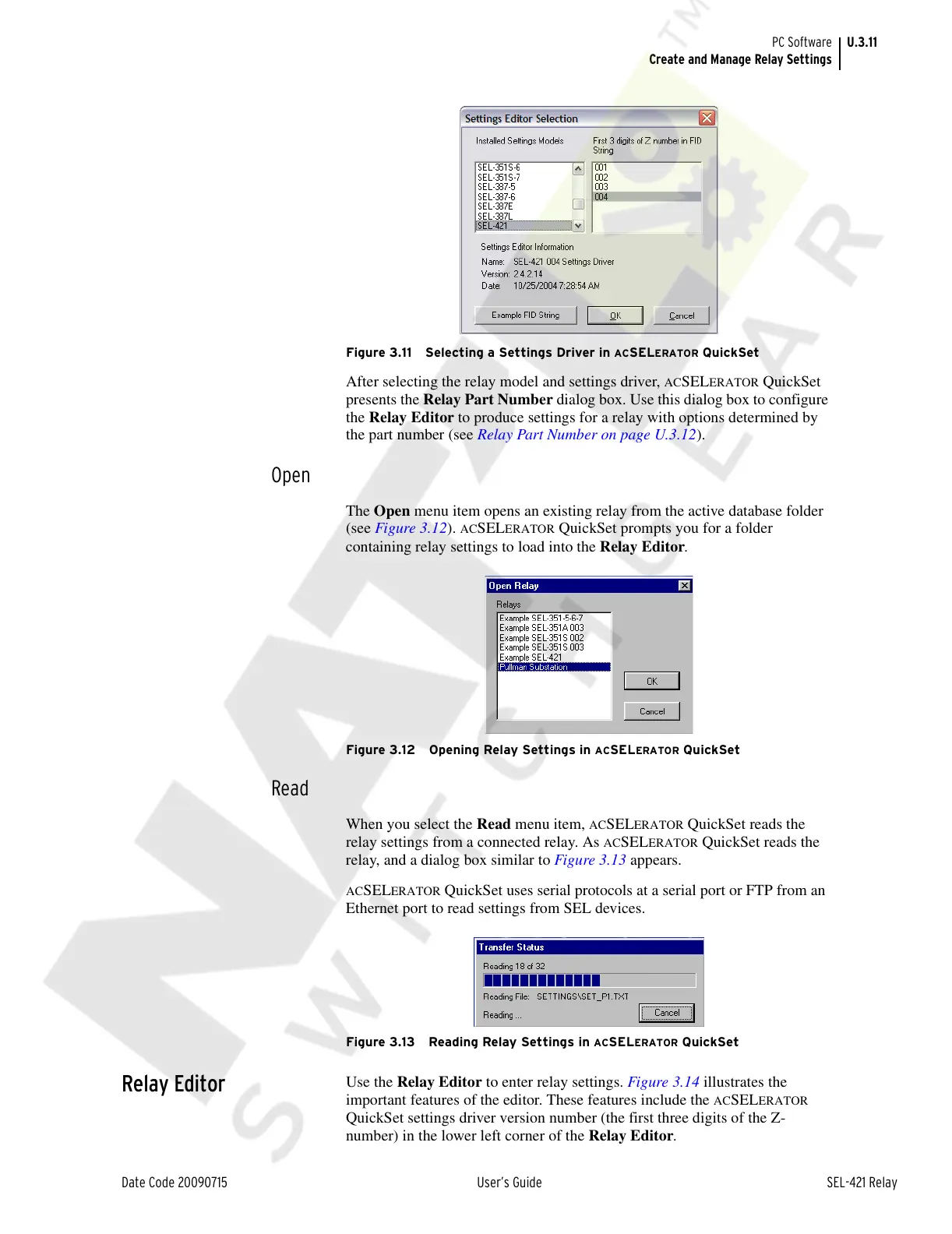
Figure 3.11 Selecting a Settings Driver in ACSELERATOR QuickSet
After selecting the relay model and settings driver, ACSELERATOR QuickSet
presents the Relay Part Number dialog box. Use this dialog box to configure
the Relay Editor to produce settings for a relay with options determined by
the part number (see Relay Part Number on page U.3.12).
Open
The Open menu item opens an existing relay from the active database folder
(see Figure 3.12).
ACSELERATOR QuickSet prompts you for a folder
containing relay settings to load into the Relay Editor.
Figure 3.12 Opening Relay Settings in ACSELERATOR QuickSet
Read
When you select the Read menu item, ACSELERATOR QuickSet reads the
relay settings from a connected relay. As
ACSELERATOR QuickSet reads the
relay, and a dialog box similar to Figure 3.13 appears.
ACSELERATOR QuickSet uses serial protocols at a serial port or FTP from an
Ethernet port to read settings from SEL devices.
Figure 3.13 Reading Relay Settings in ACSELERATOR QuickSet
Relay Editor
Use the Relay Editor to enter relay settings. Figure 3.14 illustrates the
important features of the editor. These features include the
ACSELERATOR
QuickSet settings driver version number (the first three digits of the Z-
number) in the lower left corner of the Relay Editor.
Courtesy of NationalSwitchgear.com



 To Next Page