U.4.43
Date Code 20090715 User’s Guide SEL-421 Relay
Basic Relay Operations
Reading Oscillograms, Event Reports, and SER
Step 2. Apply power to the relay and establish communication.
a. Start
ACSELERATOR QuickSet.
b. On the top toolbar, open the Communication menu,
and click Port Parameters.
You will see the Port Parameters dialog box similar to
Figure 4.7.
c. Select the Data Speed, Data Bits, Stop Bits, Parity,
and RTS/CTS that match the relay settings. The
defaults are 9600, 8, 1, None, Off, respectively.
d. Click OK to update the
ACSELERATOR QuickSet
communications parameters.
e. Confirm that the Communications Status bar at the
bottom of the
ACSELERATOR QuickSet window says
Connected.
Step 3. Confirm the correct
ACSELERATOR QuickSet software
passwords.
a. Reopen the Communication menu and click Port
Parameters.
b. Enter your Access Level 1 password in the Level One
Password text box, and your Access Level 2 password
in the Level Two Password text box.
c. Click OK to accept changes and close the dialog box.
Step 4. In the top toolbar HMI menu, click Meter and Control to start
the
ACSELERATOR QuickSet operator interface.
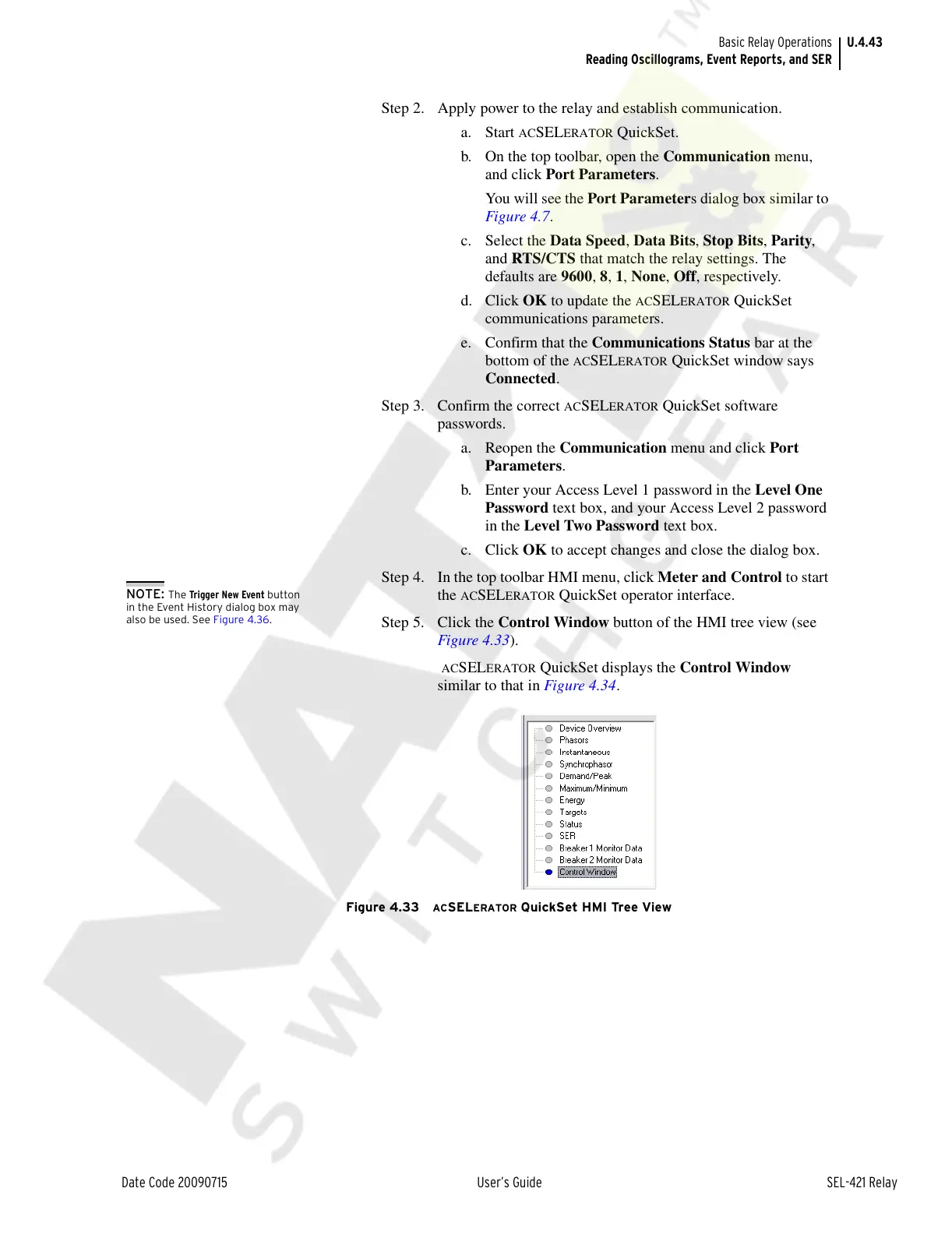
Step 5. Click the Control Window button of the HMI tree view (see
Figure 4.33).
ACSELERATOR QuickSet displays the Control Window
similar to that in Figure 4.34.
Figure 4.33 ACSELERATOR QuickSet HMI Tree View
NOTE: The Trigger New Event button
in the Event History dialog box may
also be used. See Figure 4.36.
Courtesy of NationalSwitchgear.com



 To Next Page