Installing cable fittings
Page 122 OmniTrax Product Guide
• the cables and connectors must be clean and dry
• do NOT blow on a connector to clean it
• do NOT place the connectors, cable ends, terminators or decouplers on the ground or allow
them to get wet or dirty
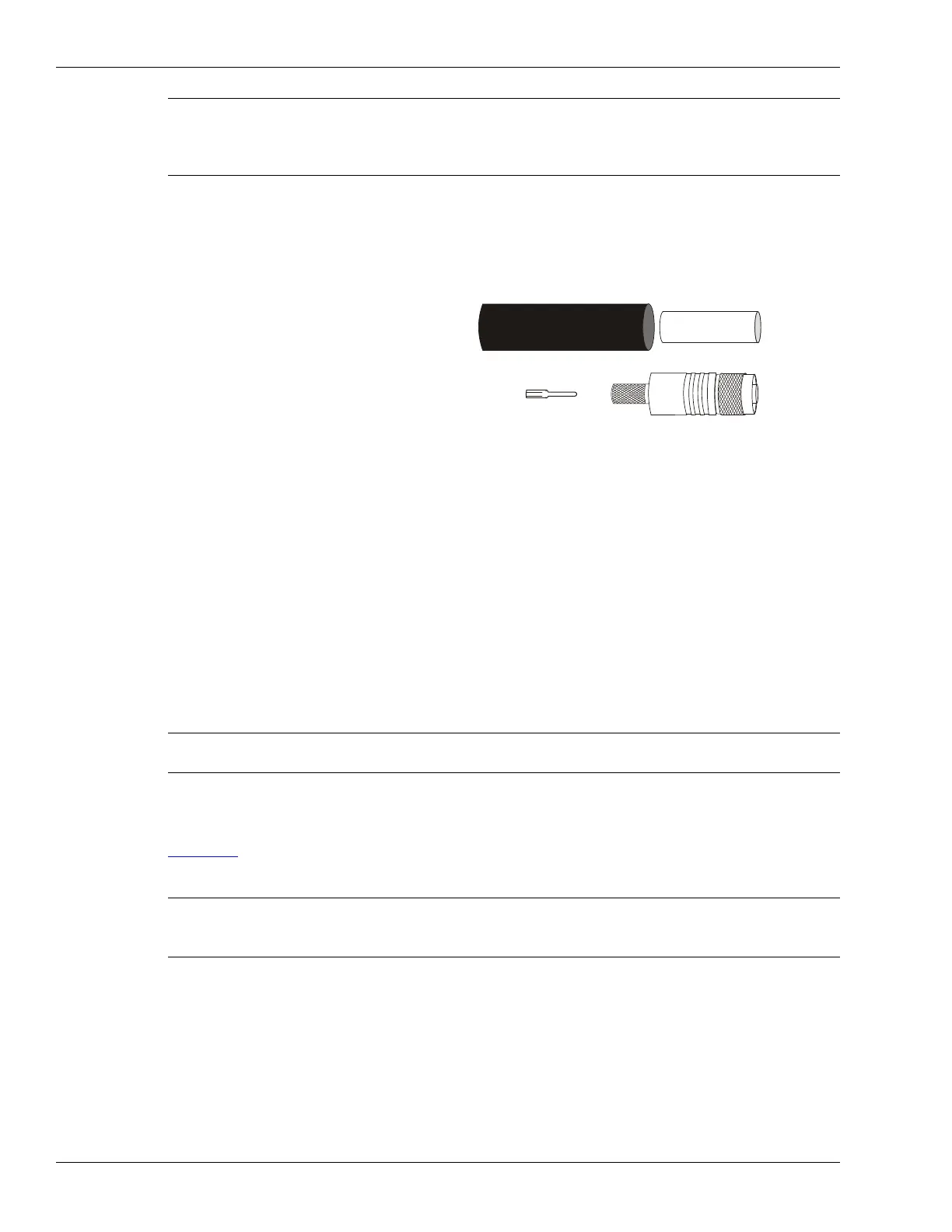
OmniTrax connector kit (A4SP0900):
• heatshrink
• crimp ring
• center pin
• male TNC connector
OmniTrax cable tool kit (P/N A4KT0200):
• knife and spare blades
• coaxial cable cutter
• side-cutting pliers
• deburring tool
•crimp tool
• ruler
additional required tools (not included in kit):
• heat gun
• digital multi-meter (for cable tests)
OC2 connector installation procedure
Part 1: Preparing OC2 sensor cable
Figure 88: is a scale diagram which provides the stripping dimensions for preparing OC2 sensor
cable for connector installation.
Note Do NOT bend or twist the sensor cable while removing the jacket or
installing connectors. Bending the cable can damage the internal foil
shield and compromise operation. The smallest allowable bend radius
is 15 cm (6 in.).
Note DO NOT cut the sensor cable until you are ready to install the
connector. OmniTrax requires a minimum of 6 m of lead-in cable.
Note Ensure that the actual strip dimensions match the cable preparation
dimensions exactly.
DO NOT cut into the underlying layer when preparing the cable.
heatshrink
crimp ring
center pin
male TNC connector



 To Next Page