Using a customer-supplied enclosure
Page 92 OmniTrax Product Guide
Using a customer-supplied enclosure
It is possible to mount the OmniTrax enclosure inside a customer-supplied enclosure, providing
the enclosure is large enough to accommodate the OmniTrax enclosure and a service loop for the
sensor cables, power cables and I/O wiring. (See Figure 48:
OmniTrax enclosure and Figure 49:
Enclosure bottom cable entry port dimensions for OmniTrax enclosure dimensions). It is also
possible to mount a power supply beside the processor if the enclosure is both large enough and
well ventilated. The customer-supplied enclosure should include a mounting plate that can be
drilled to fit the OmniTrax weatherproof enclosure. A customer-supplied enclosure should be at
least 69 cm h X 58 cm w X 20 cm d (27 in. h X 23 in. w X 8 in. d) to accommodate the OmniTrax
enclosure and cable service loops. For the weatherproof enclosure and a local power supply, the
customer-supplied enclosure should be 69 cm h X 69 cm w X 20 cm d (27 in. h X 27 in. w X
8 in. d).
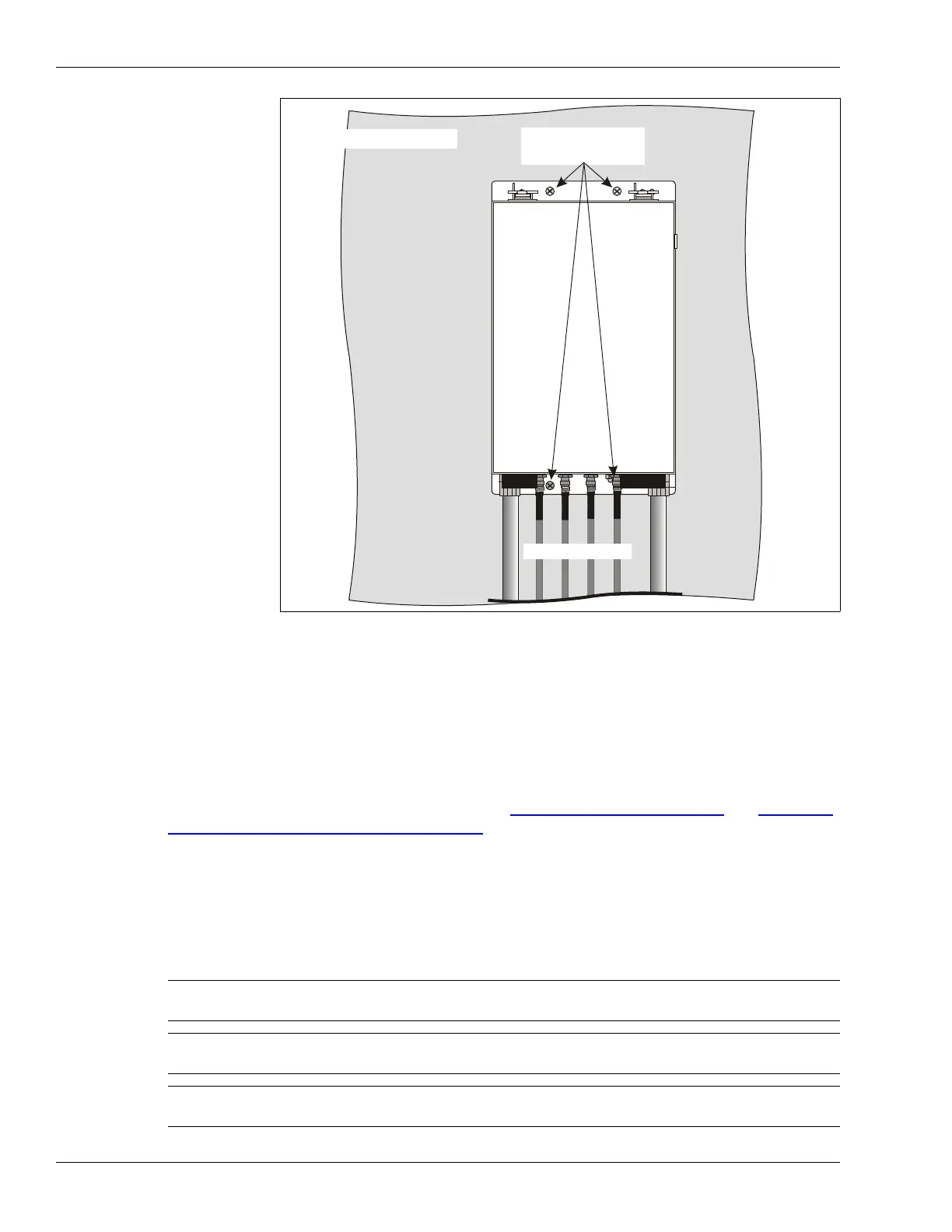
Figure 57: Indoor wall-mounting the OmniTrax enclosure
Note The OmniTrax earth grounding requirements and operating temperature
ratings apply to customer-supplied enclosures.
Note The recommended height of 69 cm will accommodate external sensor
cable lightning arrestors.
Note Consult the local electrical code for information about installing a power
supply inside the customer-supplied enclosure.
indoor wall mounting
Customer supplied
mounting hardware
enclosure



 To Next Page