Installing a telecom style enclosure
Page 86 OmniTrax Product Guide
Installing a telecom style enclosure
The telecom enclosure is ground mounted in a concrete base. The concrete base must be set
above ground level in areas prone to freezing and on high ground in areas prone to flooding. Once
the telecom enclosure is installed on the concrete base, a custom bracket is installed inside, and
an OmniTrax enclosure is mounted on the bracket.
Required tools and equipment
• concrete base
• electrical tape
• 11 mm (7/16 in.) and 15 mm (9/16 in.) wrenches
•shovel
• approved ground rod/plate (plus approved hardware and ground wire)
• sensor cable entry conduit (3.8 cm (1½ in.) diameter PVC pipe and matching 90º elbows)
• (optional) auxiliary sensor/communication cable entry conduit and power cable entry conduit
(1.9 cm (3/4 in.) diameter PVC pipe and matching 90º elbows)
• enclosure drain pipe (1.9 cm (3/4 in.) diameter PVC pipe)
• telecom style enclosure and mounting bracket (P/N A4MA0200 + bracket A4HA0100)
• OmniTrax enclosure
Note Consult the local building code for information about the installation of a
concrete base. The concrete base must provide adequate support for the
42.5 cm X 27.3 cm enclosure.
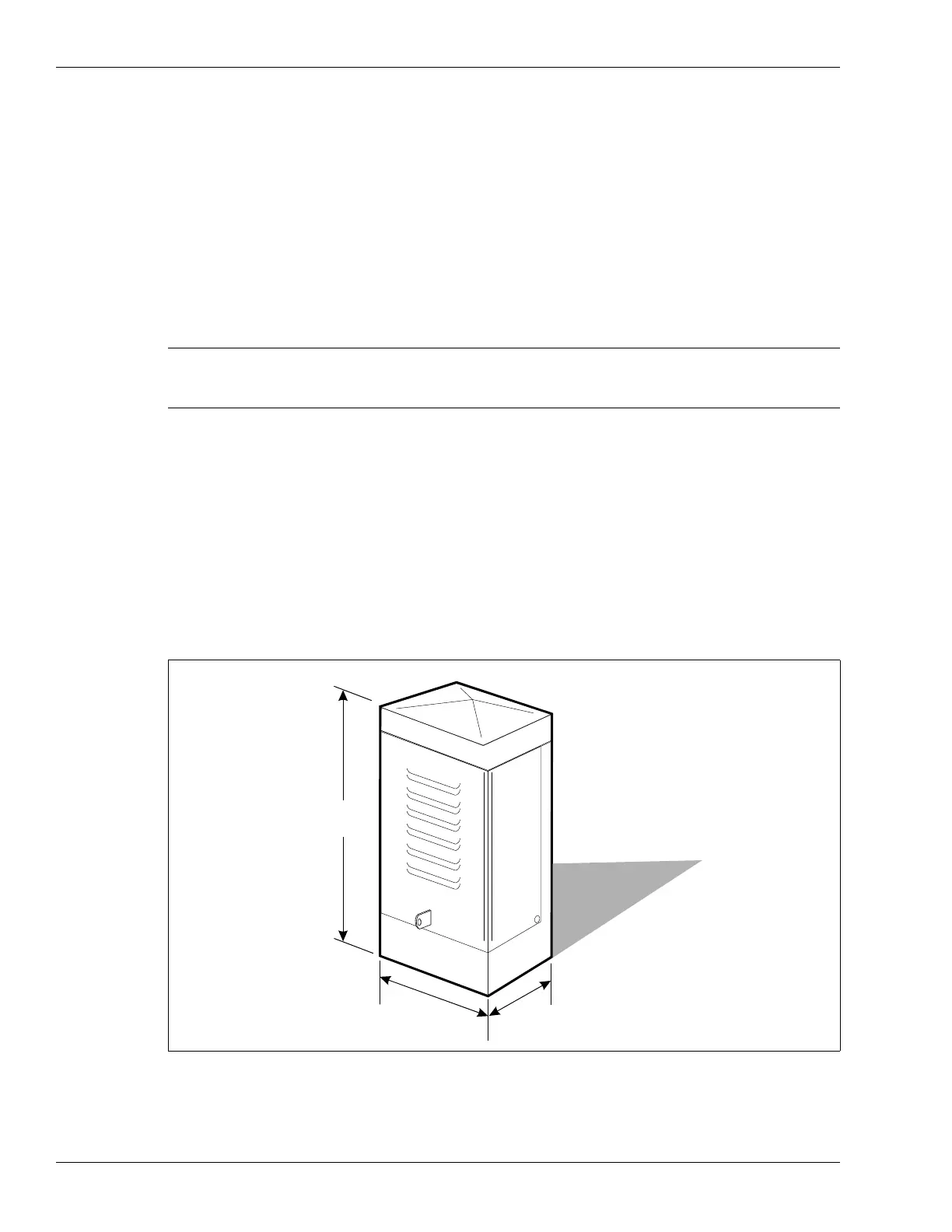
Figure 51: Telecom style enclosure
98.4 cm
(38 ¾ in.)
42.5 cm
(16 ¾ in.)
27.3 cm
(10 ¾ in.)



 To Next Page