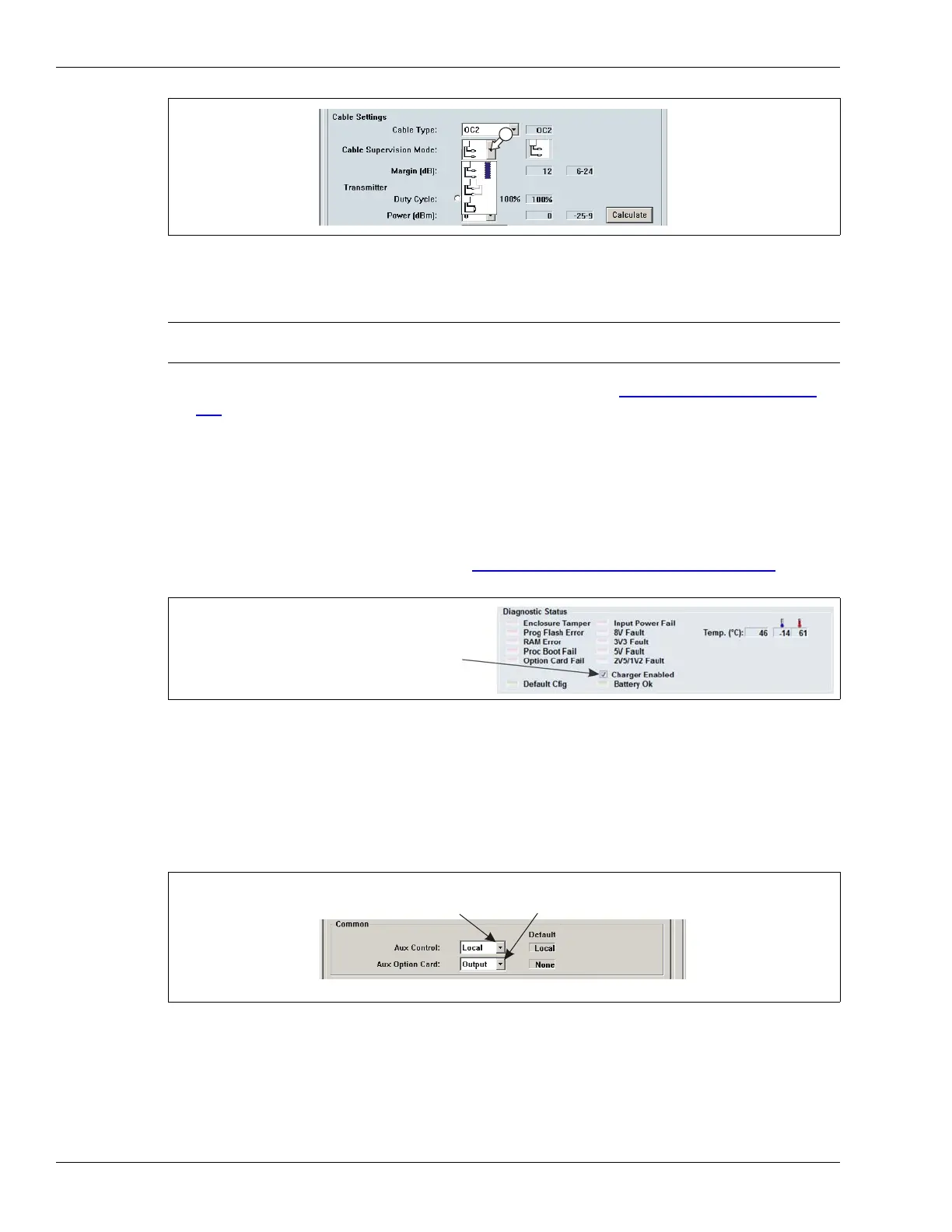
Calibration
Page 196 OmniTrax Product Guide
7. Verify that the STC Filter Enable and STC LPF Enable check boxes are selected (default =
enabled).
8. Verify the Transmitter Duty Cycle and Coding settings (see Mutual interference
on page
194).
9. Save the UCM file and download the configuration changes to the processor.
Using the optional local backup battery
If this processor includes the optional 6 VDC local backup battery you must enable the battery
charging circuit on the UCM Status tab (see Installing the backup battery kit on page 167
for
information about installing the local backup battery):
Setting the input/output control mode and adding an option card
The default setting is local control mode, in which the processor controls the inputs and outputs.
Processors that communicate on the Silver Network are usually set to remote control mode to
enable the host system to operate the inputs and outputs.
1. Use the Aux Control selection arrow to specify the processor’s control mode (Local OR
Remote).
2. If this processor includes an auxiliary option card, use the Aux Option Card selection arrow to
specify the type of card (Input OR Output).
3. Save the UCM file and download the configuration changes to the processor.
Figure 172: Cable supervision mode
Note You do not have to recalibrate the processor if you disable the STC
Filters after the calibration.
Figure 173: Enabling the battery charging circuit
Figure 174: Setting the I/O control mode and adding an option card
select (check) the Charger Enabled checkbox
if this processor uses the local battery option
*Local control mode for standalone operation; Remote control mode for Silver Network operation
select the control mode
for the processor *
select the option card,
if used (Input OR Output)



 To Next Page