OmniTrax Product Guide Page 187
6 Calibration & setup
Calibration overview
To calibrate the OmniTrax sensor, setup the initial configuration parameters and then run a
sensitivity profile. You can also fine tune the OmniTrax sensor for your site conditions by adjusting
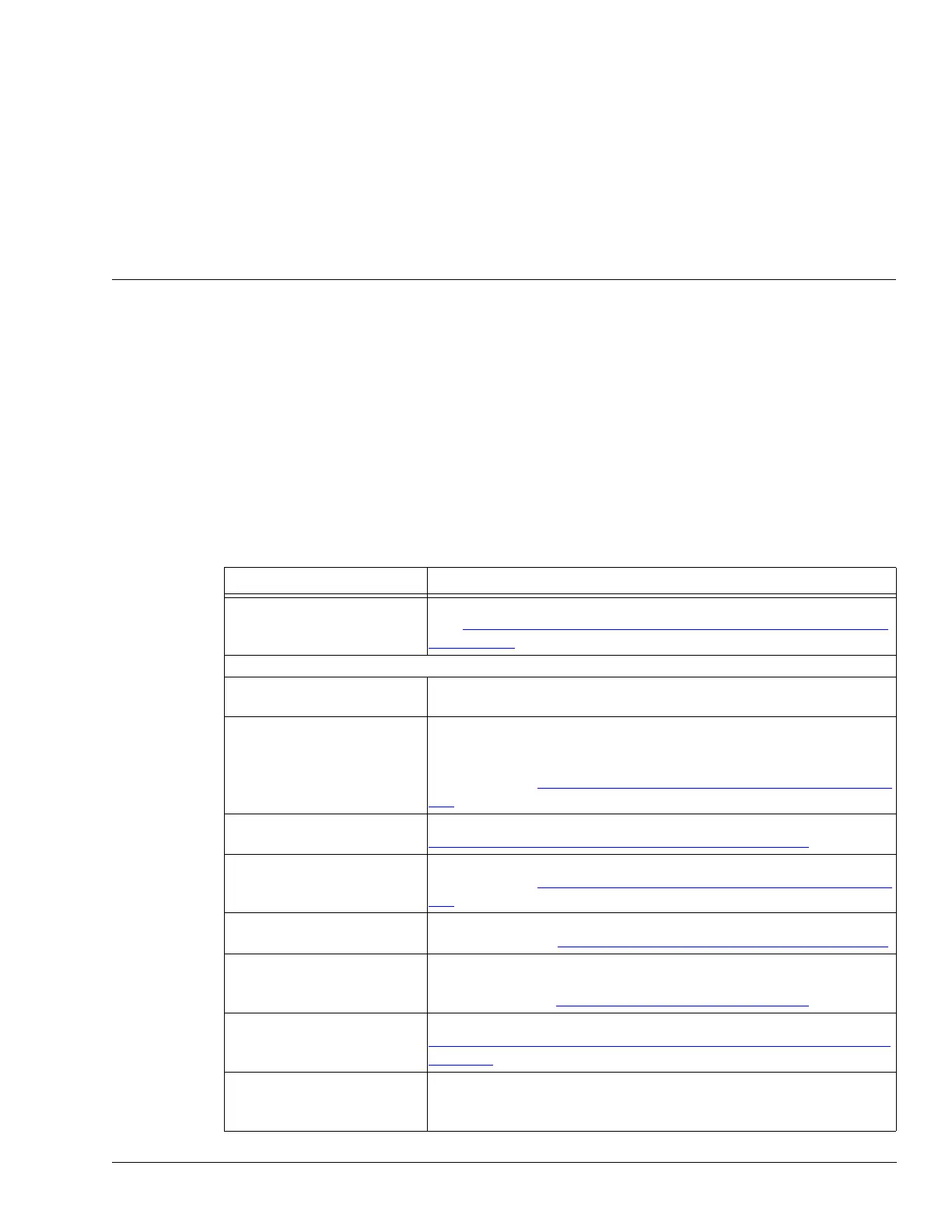
the processor’s configuration parameters. The following table includes the OmniTrax configuration
parameters along with a short description and page reference.
Configuration parameter Descriptions
Processor Address Silver Network based processors require a unique network address
(see Assigning the processor address (Silver Network processors)
on page 192)
Cable Side Configuration
Side A Cfig/Side B Cfig Select the Side configuration tab to enable configuration changes to
the selected cable side (A or B)
Enable Select the check box to enable the RF transmitter for the selected
cable side
Deselect the check box to disable the RF transmitter for the selected
cable side (see Setting the initial configuration parameters
on page
195)
Cable Type Select the type of sensor cable used on the selected side (see
Setting the initial configuration parameters
on page 195)
Cable Supervision Mode Select the sensor cable supervision method used on the selected
cable side (see Setting the initial configuration parameters
on page
195)
Margin Set the cable margin for the full length of detecting cable on the
selected side (see Setting the full-length cable margin
on page 204)
Transmitter Duty Cycle Set the duty cycle for the RF transmitter for the selected cable side
(Do NOT adjust the Duty Cycle without direct engineering support
from Senstar) see Transmitter Duty Cycle:
on page 194
Transmitter Power Set the transmitter power level for the selected cable side (see
OmniTrax calibration - Sensitivity Profile and Transmitter Power
on
page 197)
Calculate button Select the Calculate button to determine the recommended
transmitter power setting, based on the current profile and Duty
Cycle



 To Next Page