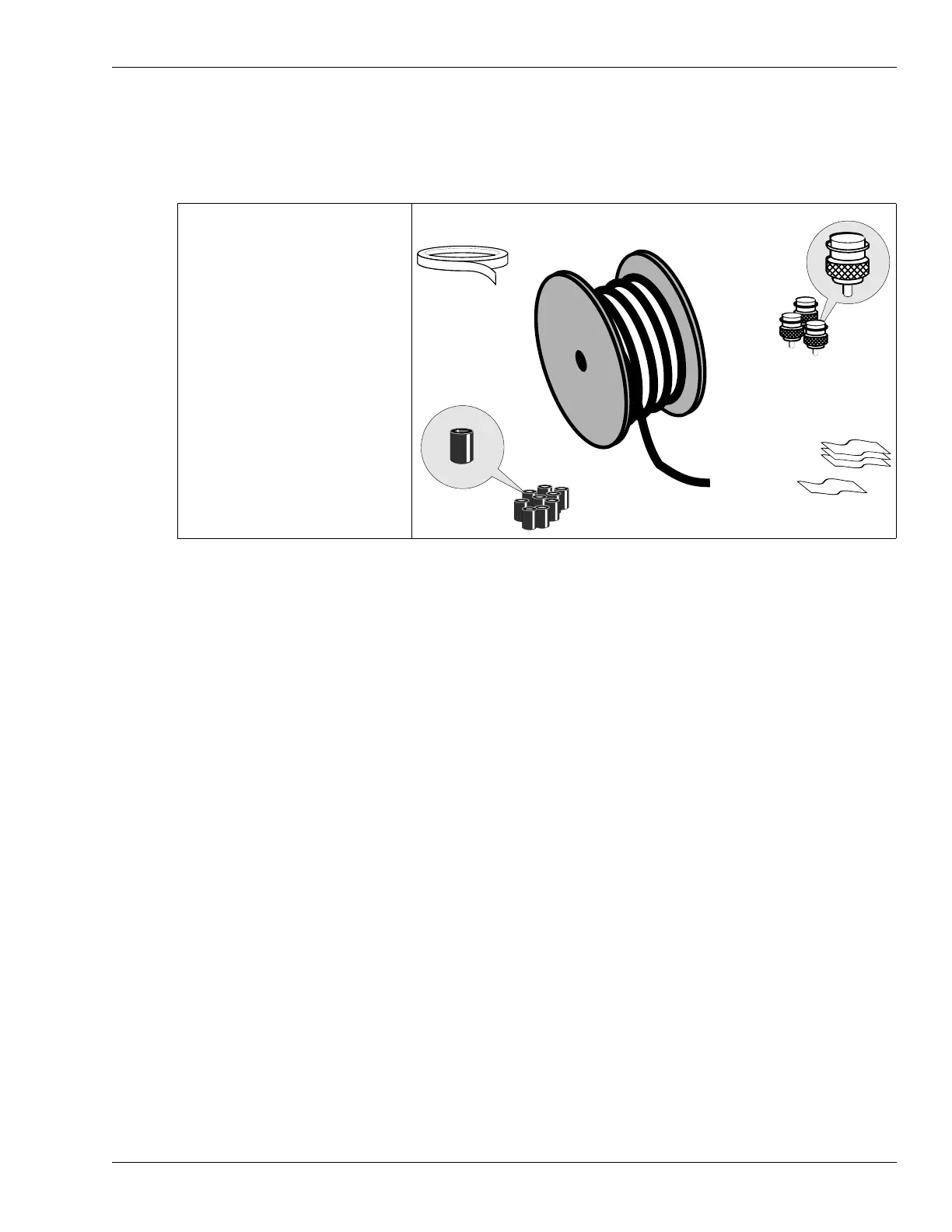
OmniTrax components
OmniTrax Product Guide Page 21
the connection to the processor. The SC1 cables are shipped with TNC connectors and ferrite
beads. SC1 cable is ridged on one side and smooth on the other. By convention, the ridged side
should be used as the receive cable (Ridged = Receive). There is no physical difference between
the internal transmit and receive cables, but for cable installation and fault-finding it is important to
know which side is performing each function.
Using mixed cable types on a perimeter
It is possible to mix the different cable types on an OmniTrax perimeter. However, SC1 cable
cannot be connected to OC2 or SC2 cable through decouplers. SC1 cable can be connected to
the same processor as OC2 or SC2 cable. OC2 and SC2 cable can be connected to the same
processor, and can be connected through decouplers.
• 1 SC1 sensor cable reel
(50, 100, 150, 200 m cable
sets)
• 20 m lead-in cable (marked
by red band)
• 4 TNC male connector kits
• 10 ferrite beads
• cable marking tape
• cable identification labels
Figure 7: OmniTrax SC1 sensor cable set



 To Next Page