Setup
OmniTrax Product Guide Page 215
Specify the network connection and synchronization scheme
Use the UCM to select your network connection type from the Network Configuration/
Connection drop down menu (see OmniTrax network communication and synchronization
options on page 225).
1. Select the Network Cfig tab on the main UCM window.
2. Select the Connection type for this processor from the drop down menu.
3. Save the UCM configuration file and download the configuration changes to the processor.
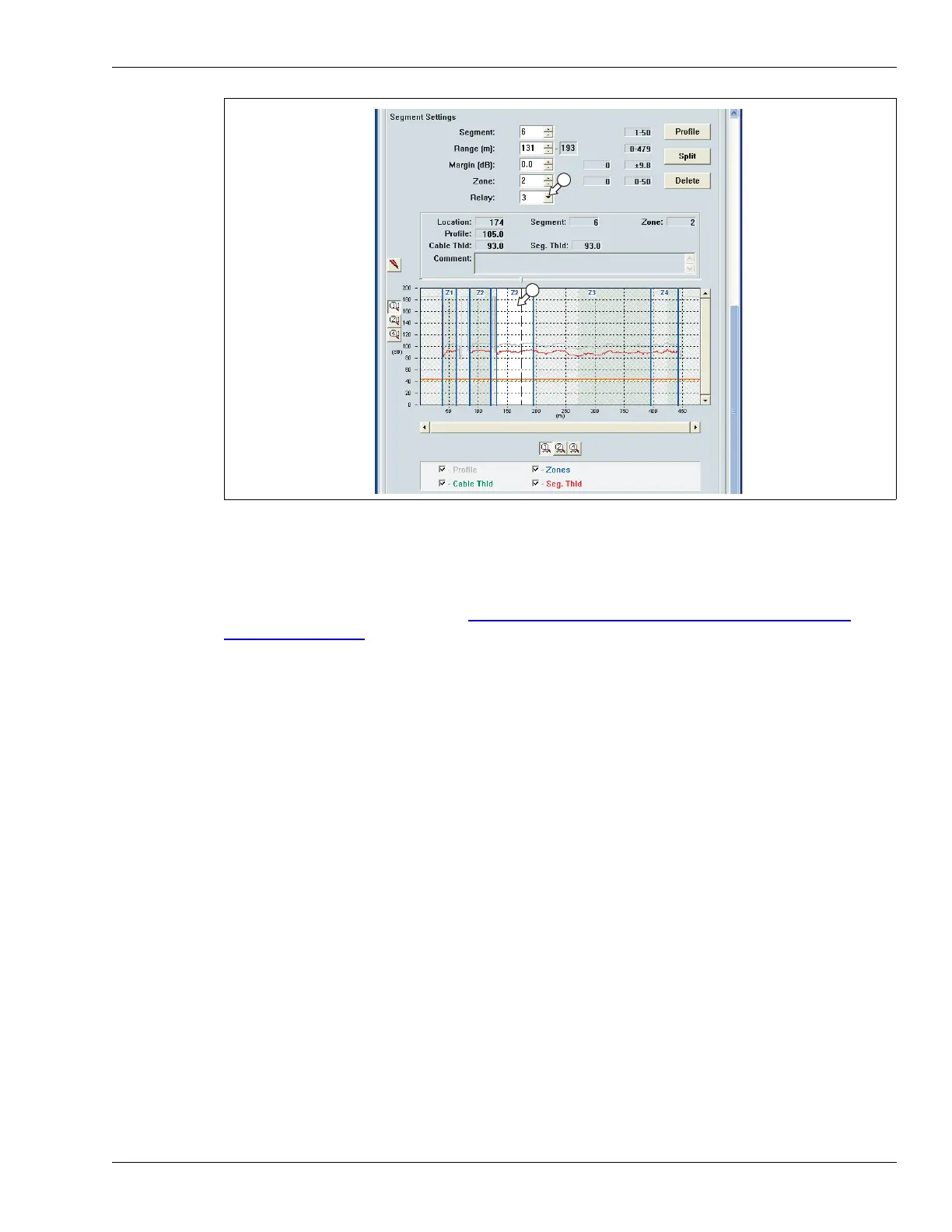
Figure 189: Linking relays to cable segments



 To Next Page