Cable tests
OmniTrax Product Guide Page 153
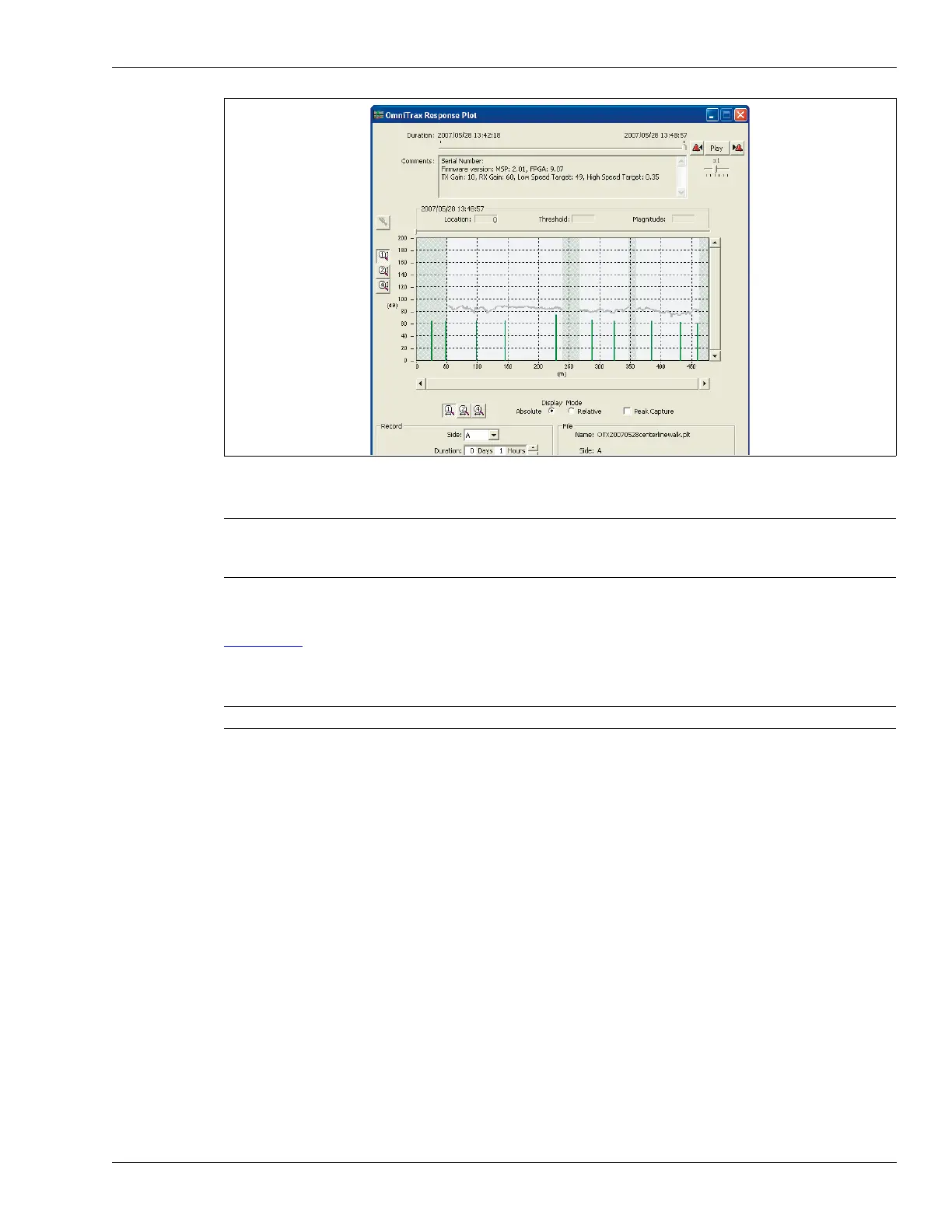
4. Observe the recorded plot for uniform cable response.
5. Check the clutter display to ensure that there is no indication of excessive clutter.
Figure 138:
illustrates a clutter display and magnitude response plot, both of which indicate an
excessive level of clutter near the end of the cable. In this case you must investigate the area,
determine the source of the excessive clutter, and correct the problem before burying the cable.
Figure 137: Typical OmniTrax plot (400 m OC2 cable)
Note The maximum dynamic range over the full cable length is 20 dB. If any
section of cable has a dynamic range greater than 10 dB over 10 m,
adjustments must be made to the installation (e.g., add ferrite beads).
Note Contact Senstar Customer Service for additional information.



 To Next Page