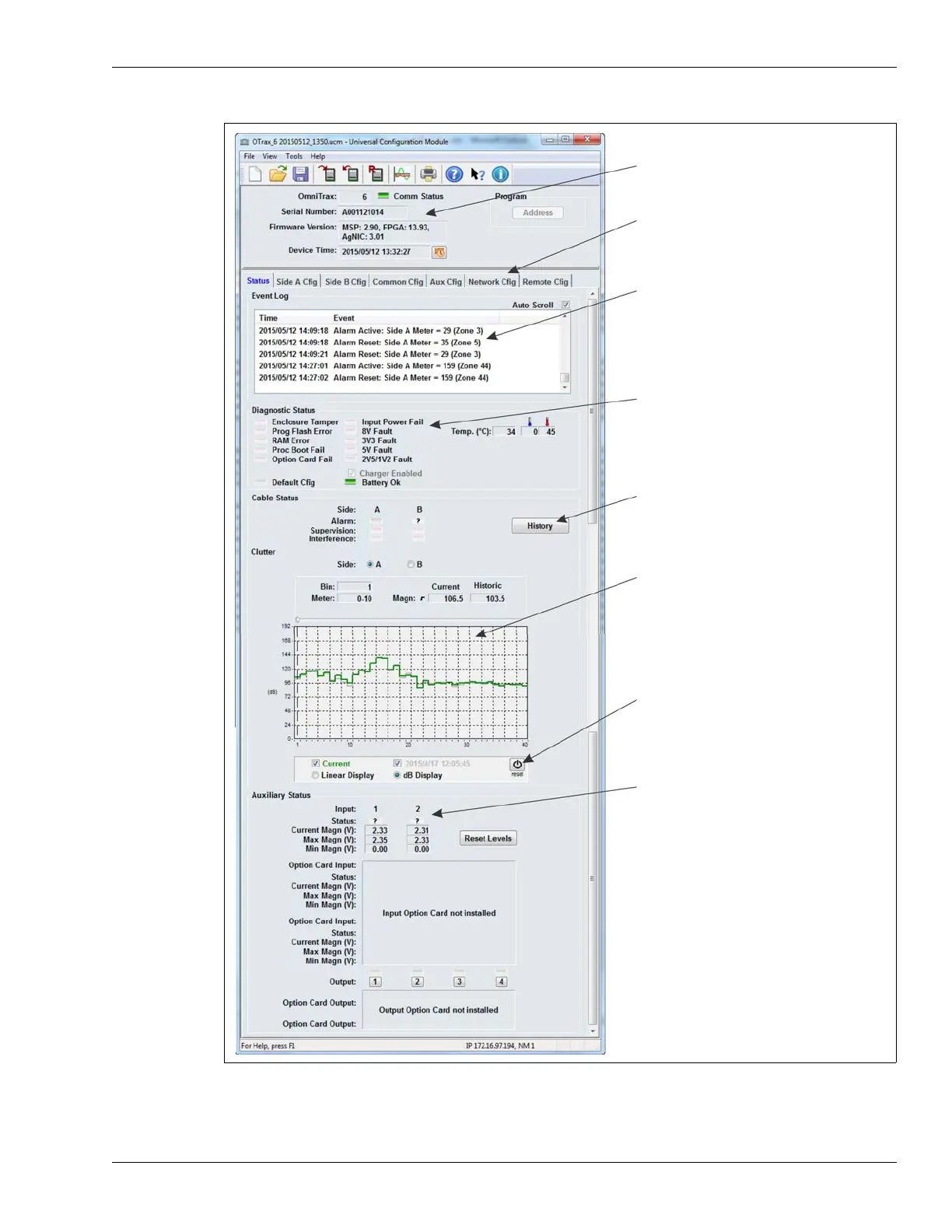
details on connected processor
screen selection tabs
(display processor configuration screens)
processor diagnostic status
History button
displays up to 255 stored alarm events
from the processor’s flash memory
event log
displays the 100 most recent events since
this UCM connection was established
(includes alarm activations and resets)
clutter display
I/O status
historic clutter reset button (saves the current
clutter level as the historic clutter)



 To Next Page