Dubbing only desired scenes - Digital program editing (on tapes)
(4) Confirming VCR operation
(_) Inseri a recordable tape into the VCR, then set the VCI:¢ to recording pause.
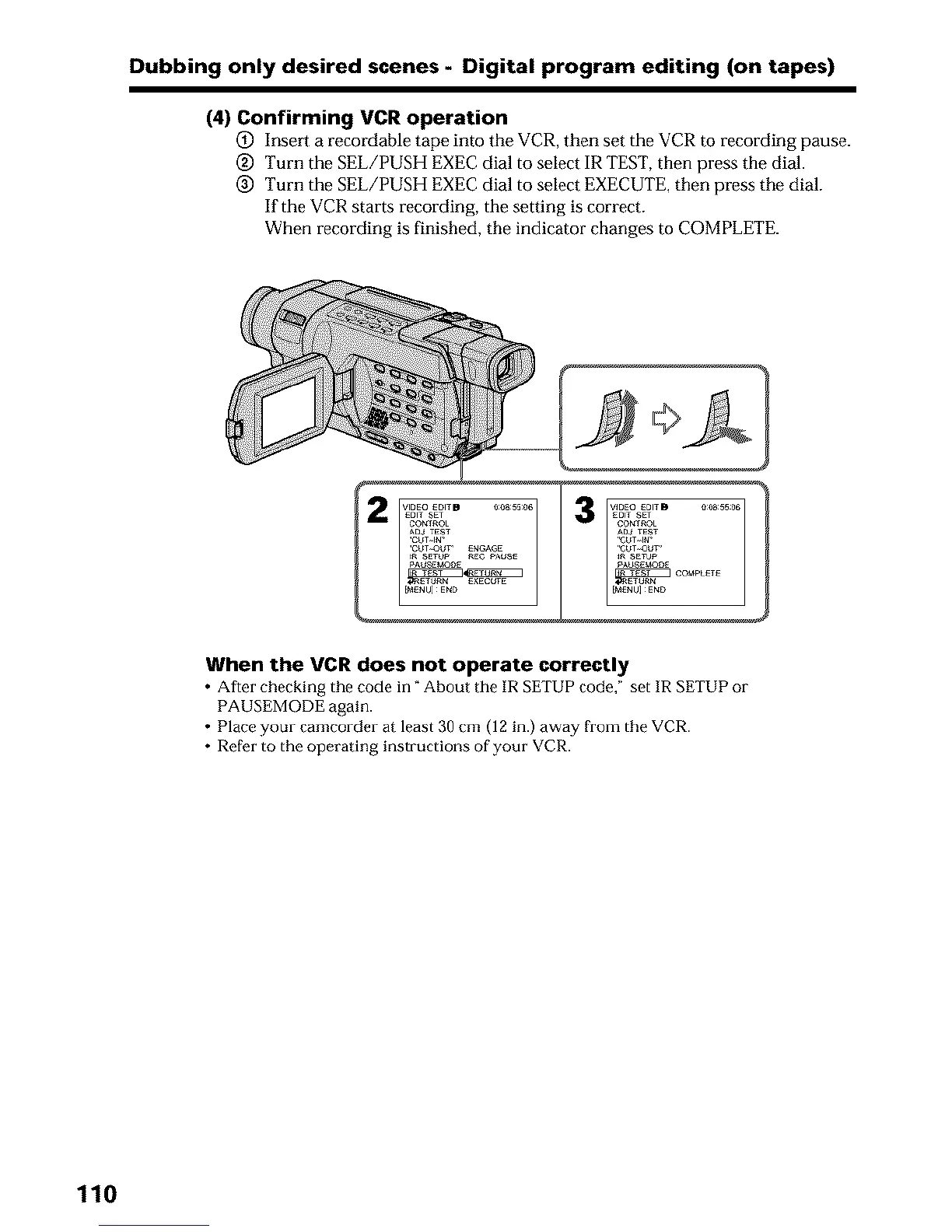
@ Turn the SEL/PUSH EXEC dial to select IR TEST, then press the dial.
@ Turn the SEL/PUSH EXEC dial to select EXECUTE, then press the dial.
If the VCR starts recording, the setting is correct.
When recording is finished, the indicator changes to COMPLETE.
3
When the VCR does not operate correctly
• After checking the code in" About tile IR SETUP code," set IR SETUP 01-
PAUSEMODE again.
• Place your camcorder at least 30 cm (12 in.) away from the VCR.
• Refer to the operating instructions of your VCR.
110












 To Next Page