Viewing pictures recorded on a tape or
live from your camcorder on_r
computer USB Streaming
You need to install the USB driver and ImageMixer to view images recorded on a tape
with your computer (p. 189, 191).
Viewing pictures recorded on a tape
(1) Turn oi1 your computer and allow Windows to load.
(2) Connect the AC Adaptor, and insert a tape into your camcorder.
(3) Set the POWER switch to VCR.
Select USB STREAM in [] to ON in the menu settings (p. 221).
(4) Select _ Start" -+ _ Program" -+ _ PIXELA" -+ _ImageMixer" -4. _ ImageMixer
Ver.l.5 for Sony."
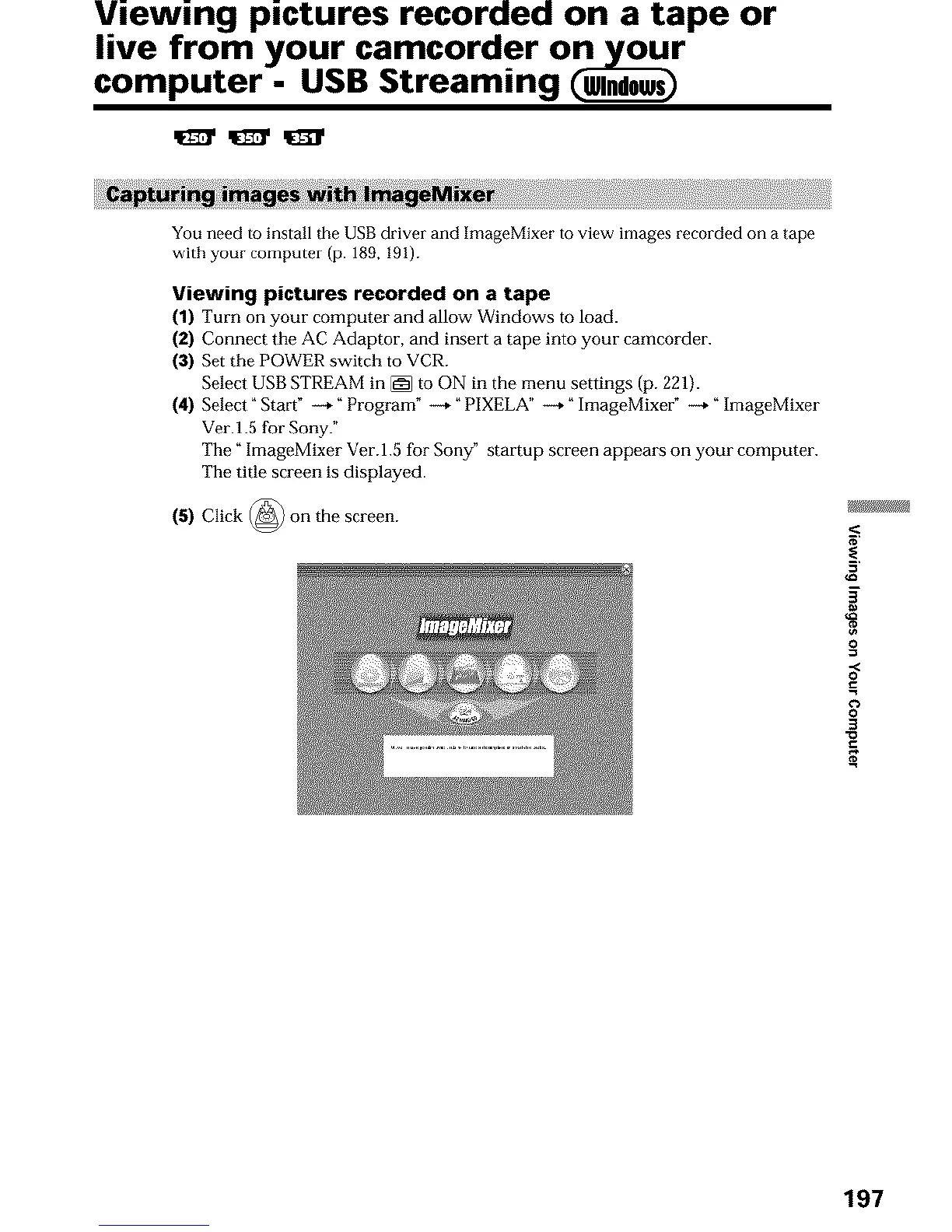
The _ hnageMixer Ver.l.5 for Sony" startup screen appears on your computer.
The title screen is displayed.
(5) Click @ on the screen.
O
.=
O
3
197





 To Next Page