Connecting your camcorder to your computer using the USB cable
Start the following operation without connecting the USB cable to your |
computer.
J
Connect the USB cable according to" Making the computer recognize the
camcorder?
If you are using Windows 2000, log in with permission of administrators.
If you are using Windows XP, log in with permission of computer administrators.
(1) Turn on your computer and allow Windows to load.
(2:) Insert the supplied CD-ROM in the CD-ROM drive of your computer. The
application software struts up. If the screen does not appear, double-click _My
Computer" and then" hnageMixer" (CD-ROM Drive).
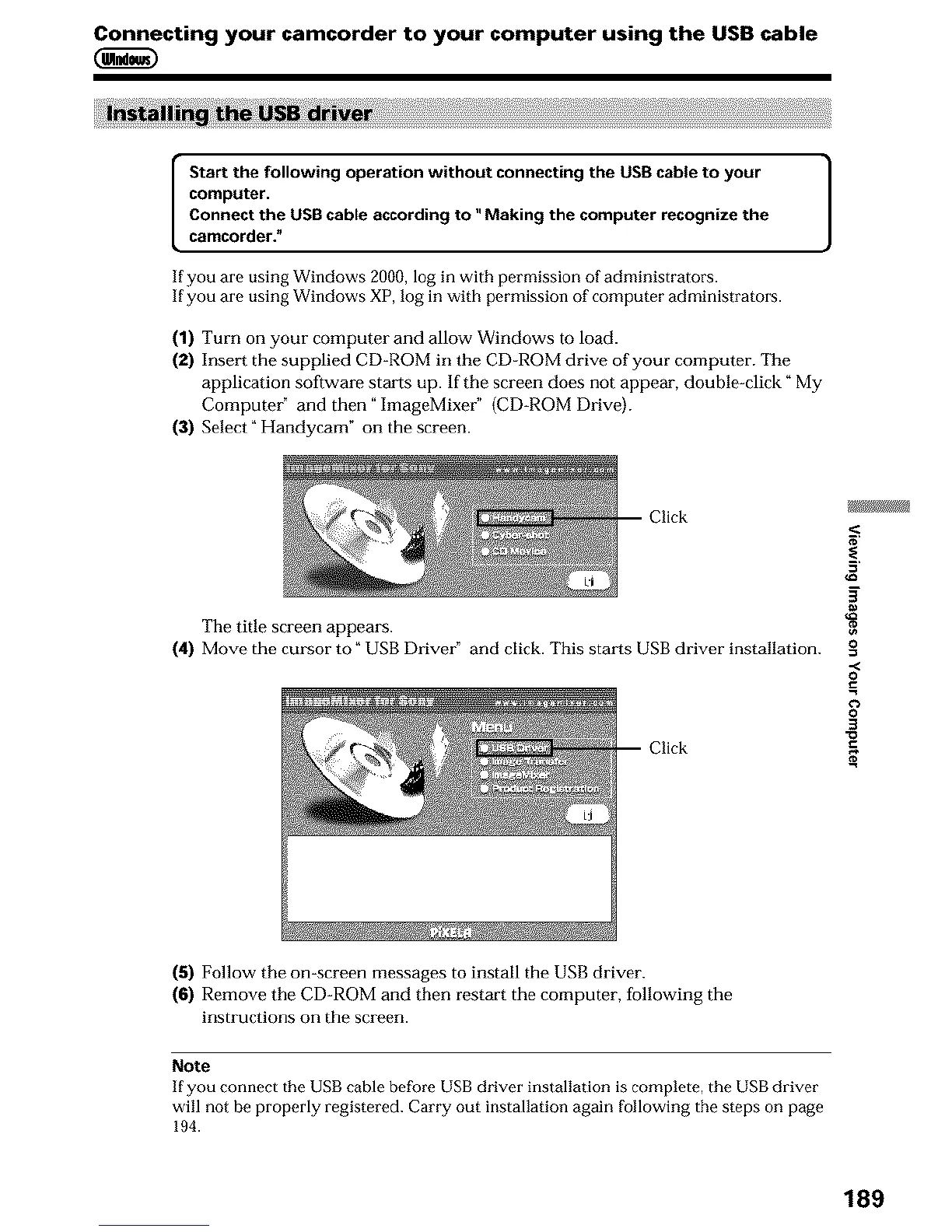
(3) Select _ Handycam _ on the screen.
The title screen appears.
(4) Move the cm.'sor to _USB Driver" and click. This starts USB driver installation.
Click
5'
g
0
0
0
3
(5) Follow the on-screen messages to install the USB driver.
(6) Remove the CD-ROM and then restart the computer, following the
instructions on the screen.
Note
If you connect the USB cable before USB driver installation is complete, the USB driver
will not be properly registered. Carry out installation again Following the steps on page
194.
189












 To Next Page