Interval Photo recording
5
o
0
g
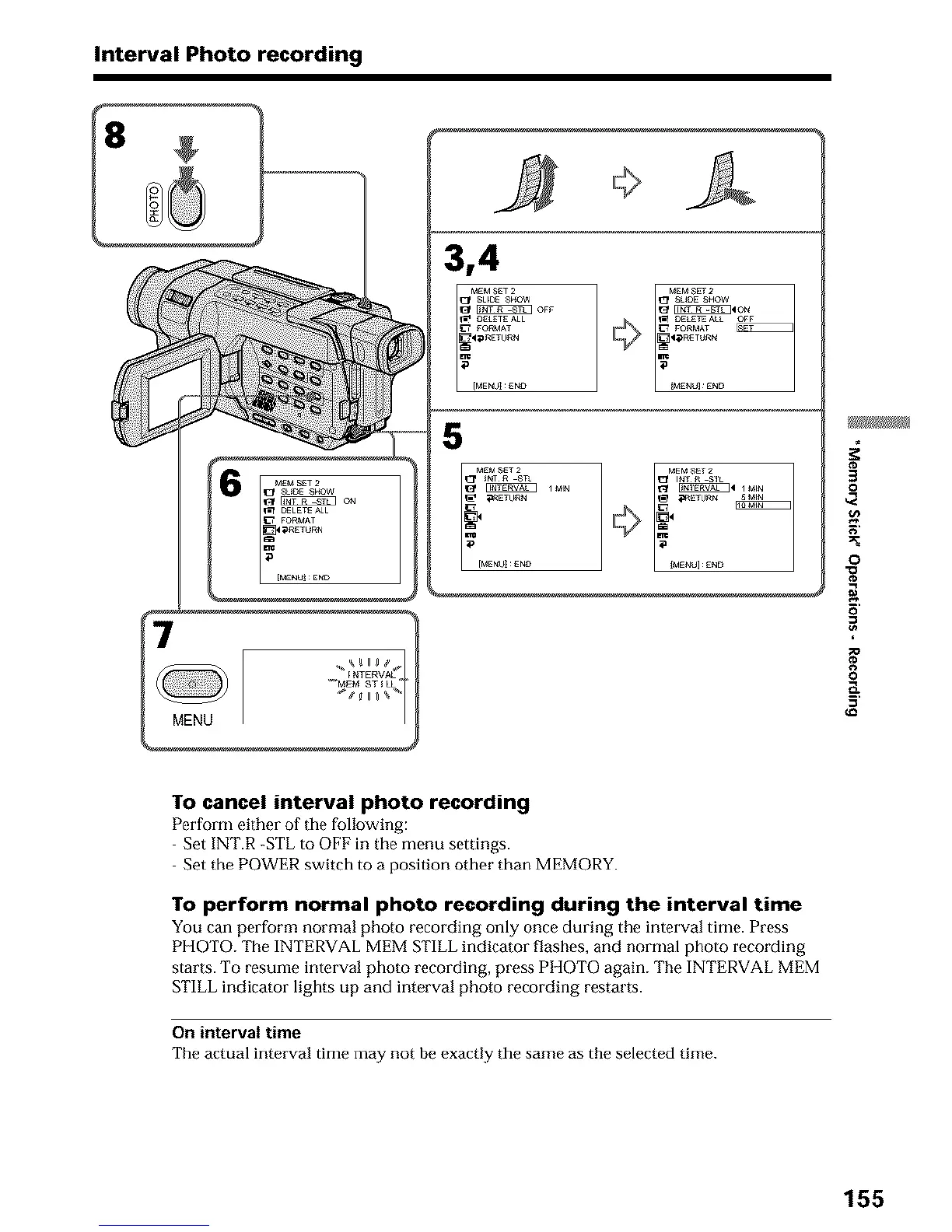
To cancel interval photo recording
Perform either of tile following:
Set INT.R -STLto OFF in the menu settings.
Set the POWER switch to a position other than MEMORY.
To perform normal photo recording during the interval time
You carl perform normal photo recording only once during the interval time. Press
PHOTO. The INTERVAL MEM STILL indicator flashes, and normal photo recording
starts. To resume interval photo recording, press PHOTO again. The INTERVAL MEM
STILL indicator lights up and interval photo recording restarts.
On interval time
The actual interval thne may not be exactly the same as the selected time.
155












 To Next Page