Viewing recordings on TV
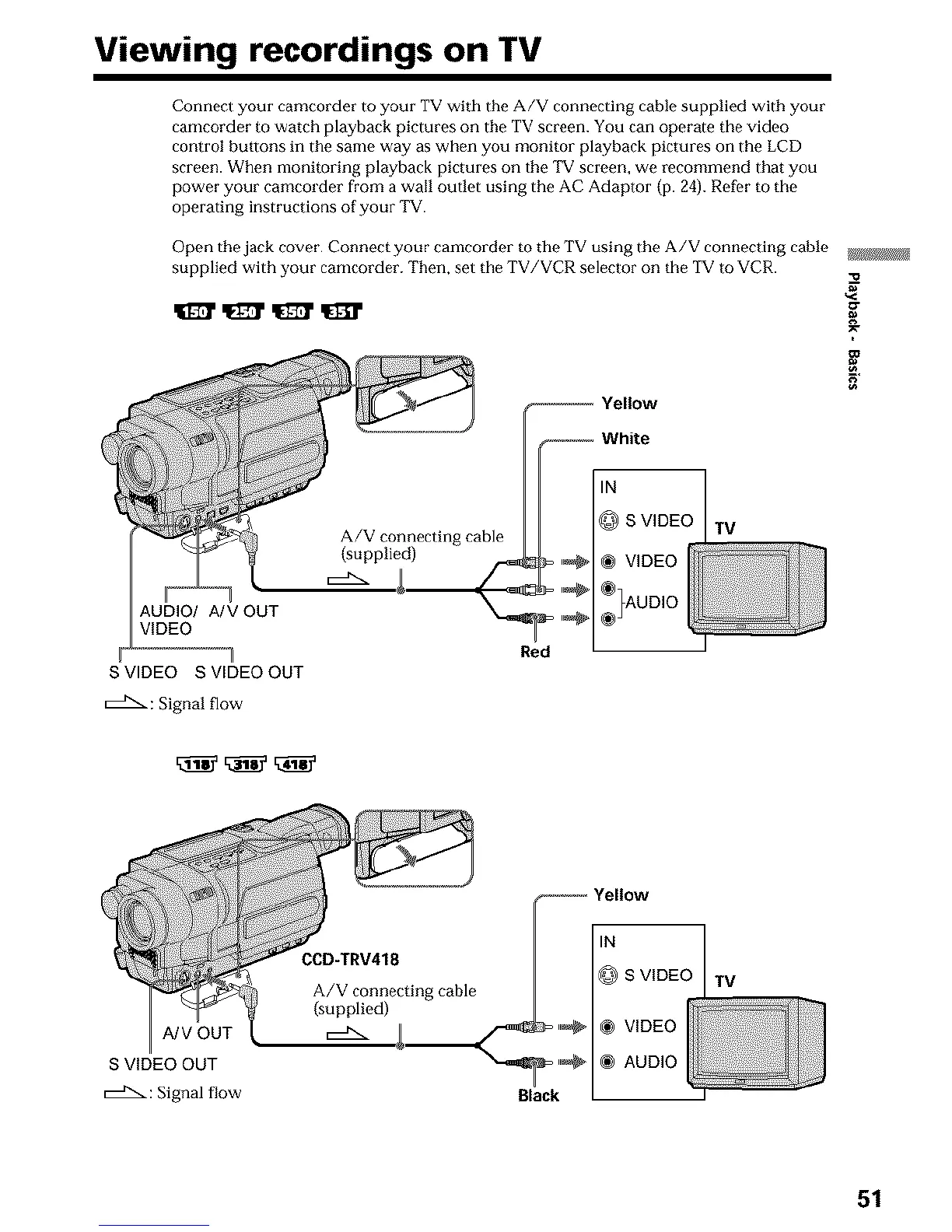
Connect your camcorder to your TV with the A/V connecting cable supplied with your
camcorder to watch playback pictures on the TV screen. You can operate the video
control butlons in the same way as when you monitor playback pictures on the LCD
screen. When monitoring playback pictures on the TV screen, we recommend that you
power your camcorder from a wall outlet using the AC Adaptor jp. 24). Refor to the
operating instructions of your TV.
Open the jack cover. Connect your camcorder to the TV using the A/V connecting cable
supplied with your camcorder. Then, set the TV/VCR selector on the TV to VCR.
ff
TV
AUDIO/ A/V OUT
VIDEO
_ Red
S VIDEO S VIDEO OUT
_"_- : Signal flow
A/V OUT
S VIDEO OUT
:Signal flow Black
TV
51




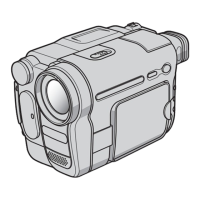
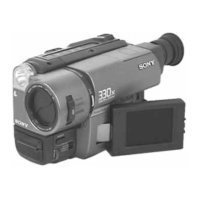
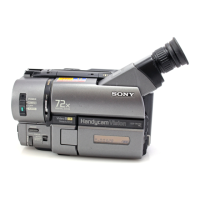
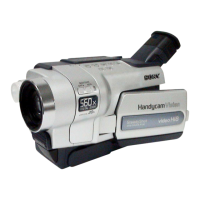

 To Next Page