Step 3 Inserting a cassette
Notes
• Do not press the cassette compartment down. Doing so may cause a malfunction.
• The cassette compartment may not be closed when you press any part of the cassette
compartment other than the _ mark.
• Your camcorder records pictures in the Digital8 D system.
• The recording time when you use your eamcorder is half of the indicated time on Hi8 _
[]ill tape If you select the LP mode in the menu settings, the recording time is 3/4 of
the indicated time on Hi8 141111tape.
• If you use standard 8 mm [] tape, be sure to play back the tape on your camcorder
Mosaic noise may appear when you play back standard 8 mm [] tape on other
camcorders (including another DCR-TRVI50/TRV250/TRV350/TRV351).
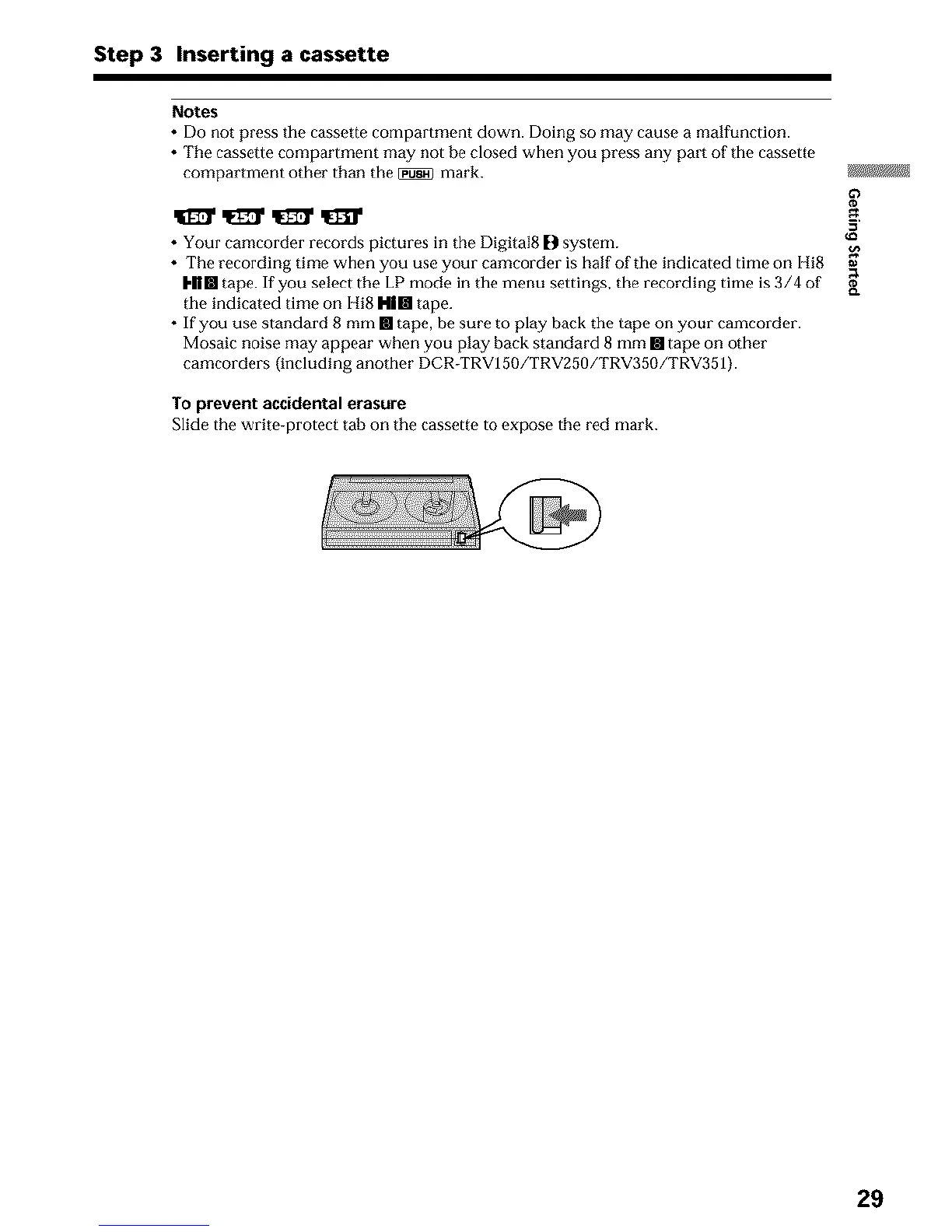
To prevent accidental erasure
Slide the write-protect tab on the cassette to expose the red mark.
29












 To Next Page