Viewing pictures recorded on a tape or live from your camcorder
on your computer - USB Streaming
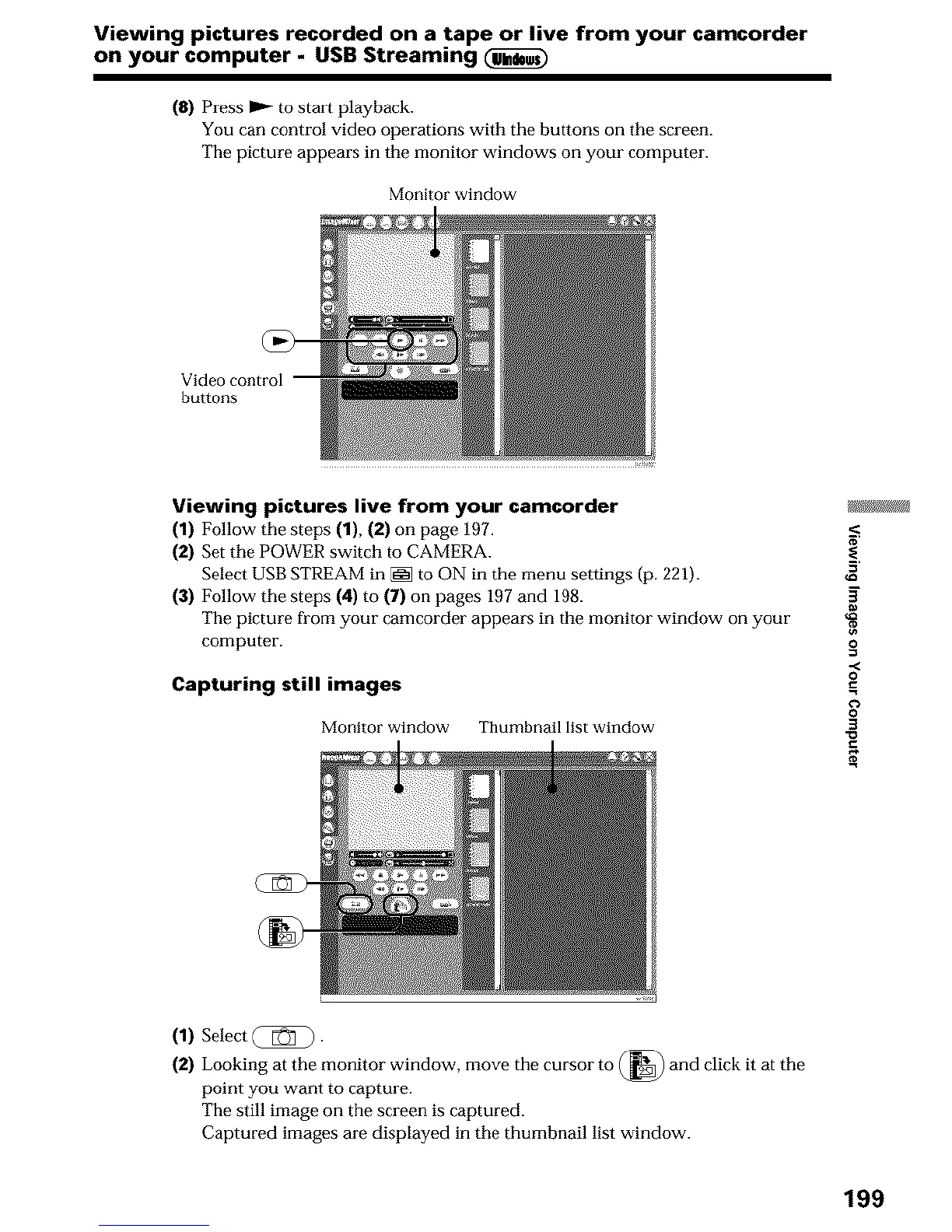
(8) Press 1_ to start playback.
You can control video operations with the buttons on the screen.
The picture appears in the monitor windows on your computer.
Monitor window
Video control
buttons
Viewing pictures live from your camcorder
(1) Follow the steps (1), (2) on page 197.
(2) Set the POWER switch to CAMERA.
Select USB STREAM in [_ to ON in the menu settings (p. 221).
(3) Follow the steps (4) to (7) on pages 197 and 198.
The picture from your camcorder appears in the monitor window on your
computer.
Capturing still images
Monitor window Thumbnail list window
g
0
.,<
0
0
3
(1) Select _).
(2) Looking at the monitor window, move the cursor to (_) and click it at the
point you want to capture.
The still image on the screen is captured.
Captured images are displayed in the thumbnail list window.
199












 To Next Page