Focusing manually
You can gain better results by manually adjusting the focus in the following cases:
• The autofocus mode is not effective when shooting:
Subjects through glass covered with water droplets.
Horizontal stripes.
Subjects with little contrast with backgrounds such as walls or the sky.
• When you want to change the focus from a subject in the foreground to a subject in
the background.
• Shooting a stationary subject when using a tripod.
Normally, focus is automatically adjusted.
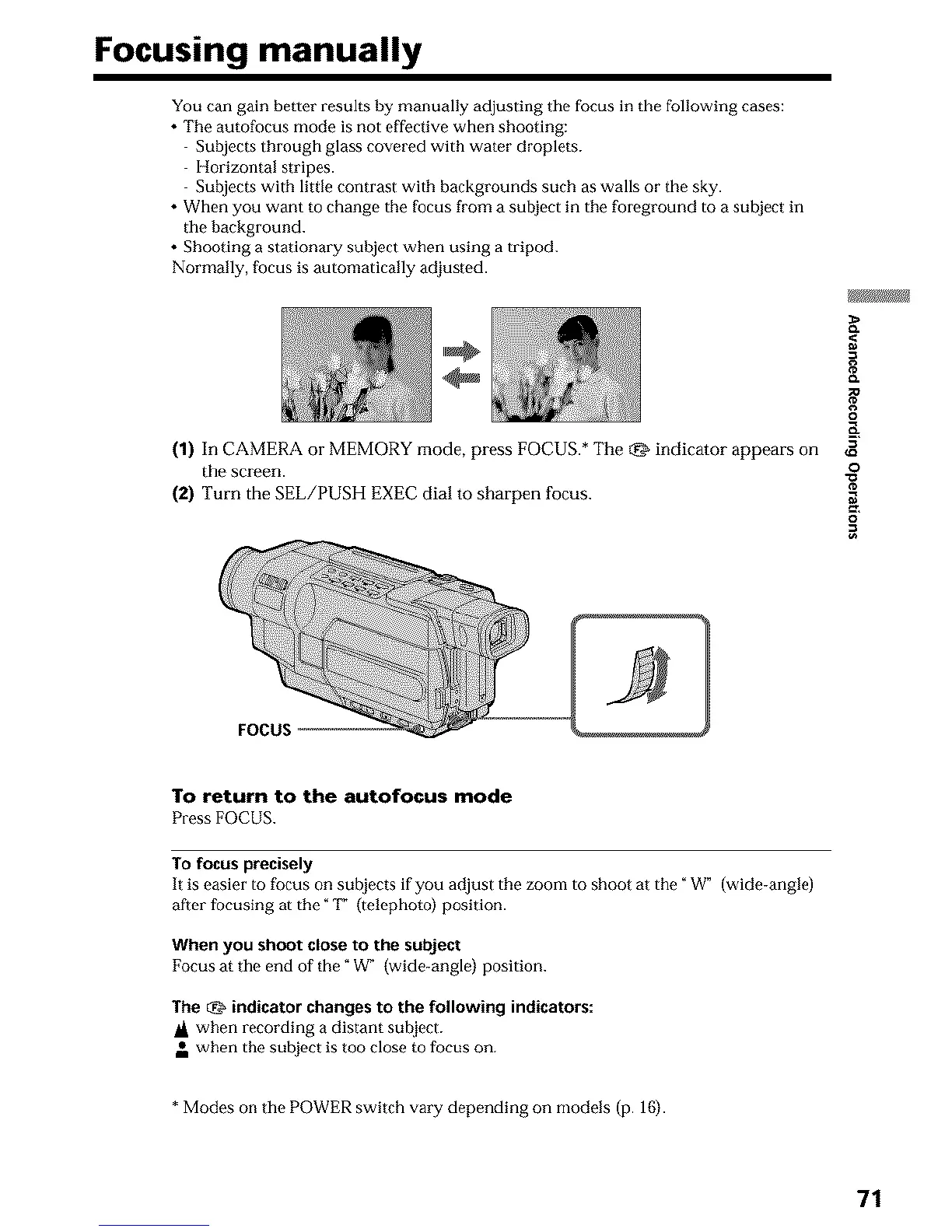
(1) In CAMERA or MEMORY mode, press FOCUS.* The _ indicator appears on
the screen.
(2) Turn the SEL/PUSH EXEC dial to sharpen focus.
o
o
=o
FOCUS
To return to the autofocus mode
Press FOCUS.
To focus precisely
It is easier to focus on subjects if you adjust the zoom to shoot at the "W" (wide-angle)
after focusing at the "_1_ (telephoto) position.
When you shoot close to the subject
Focus at the end of the" W" (wide-angle) position.
The _ indicator changes to the following indicators:
IA when recording a distant sul_[ect.
• when the subject is too close to focus on.
* Modes on the POWER switch vary depending on models (p. 16).
71












 To Next Page