Viewing images on your computer - Introduction
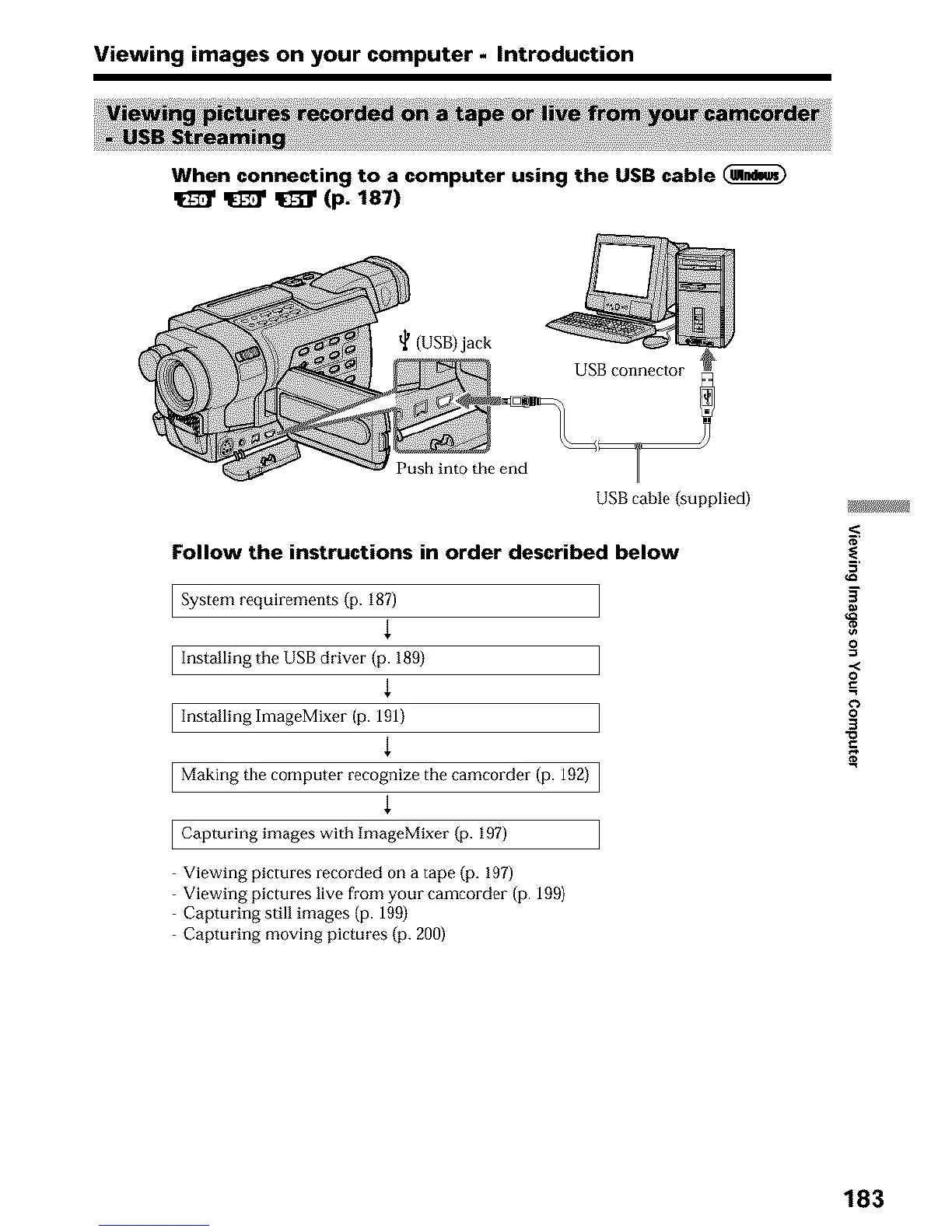
When connecting to a computer using the USB cable
_ _ (p. 187)
(USB)jack
Push into the end
USB cable (supplied)
Follow the instructions in order described below
System requirements (p. 187
{
Installing the USB driver (p. 199)
{
Installing ImageMixer (p. 191)
{
Making the computer recognize the camcorder (p. 192) ]
{
Capturing images with ImageMixer (p. 197)
Viewing pictures recorded on a tape (p. 197)
Viewing pictures live from your camcorder (p. 199)
Capturing still images (p. 199)
Capturing moving pictures {p. 200)
_/W/_
0
0
0
3
183












 To Next Page