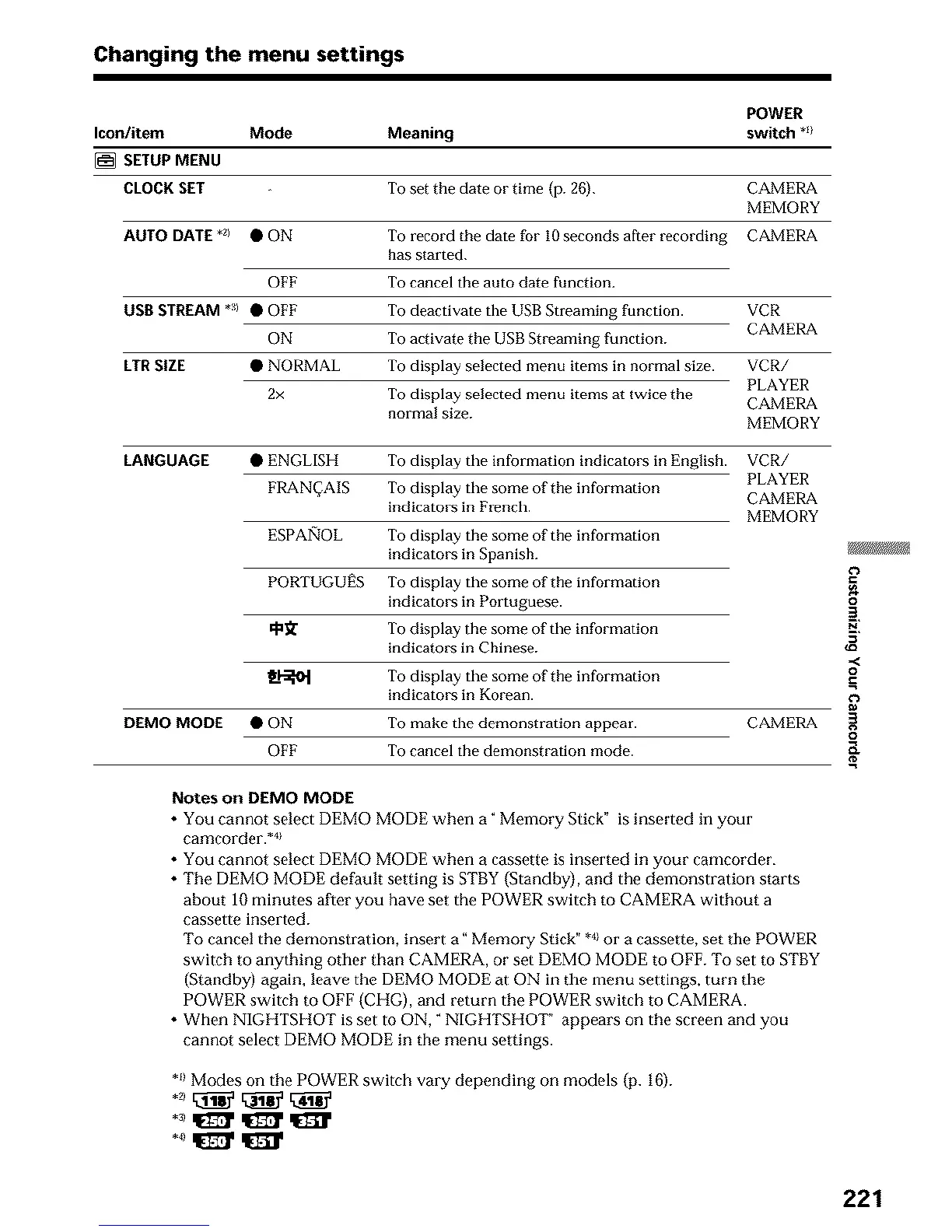
Changing the menu settings
POWER
Icon/item Mode Meaning switch *_/
[] SETUPMENU
CLOCKSET To set the date or time (p. 26). CAMERA
MEMORY
AUTO DATE *z) • ON To record the date for I0 seconds after recording CAMERA
has started.
OFF To cancel the auto date function.
USB STREAM *al • OFF To deactivate the USB Streaming function. VCR
CAMERA
ON To activate the USB Streaming function.
LTR SIZE • NORMAL To display selected menu items in normal size. VCR/
PLAYER
2x To display selected menu items at twice the CAMERA
normal size.
MEMORY
LANGUAGE
• ENGLISH To display the information indicators in English.
FRAN_AIS To display the some of the information
indicators in French.
ESPAI')OL To display the some of the information
indicators in Spanish.
PORTUGUI_S To display the some of the information
indicators in Portuguese.
qa_ To display the some of the information
indicators in Chinese.
_1-_ To display the some of the information
indicators in Korean.
VCR/
PLAYER
CAMERA
MEMORY
DEMO MODE • ON To make the demonstration appear. CAMERA
To cancel the demonstration mode.OFF
Notes on DEMOMODE
• You cannot select DEMO MODE when a" Memory Stick" is inserted in your
camcorder. .4}
• You cannot select DEMO MODE when a cassette is inserted in your camcorder.
• The DEMO MODE default setting is STBY(Standby), and the demonstration starts
about 10 minutes after you have set the POWER switch to CAMERA without a
cassette inserted.
To cancel the demonstration, insert a" Memory Stick" *4}or a cassette, set the POWER
switch to anything other than CAMERA, or set DEMO MODE to OFF. To set to STBY
(Standby) again, leave the DEMO MODE at ON in the menu settings, turn the
POWER switch to OFF (CHG), and return the POWER switch to CAMERA.
• When NIGHTSHOT is set to ON," NIGHTSHOT" appears on the screen and you
cannot select DEMO MODE in the menu settings.
*_1Modes on the POWER switch vary depending on models (p. 16).
o
2.
,.<
o
221












 To Next Page