Recording still images on a tape
Tape Photo recording
You can record a still image like a photograph.
You can record about 510 images in the SP mode and about 765 images in the LP mode
on a tape which can record for 60 minutes in the SP mode.
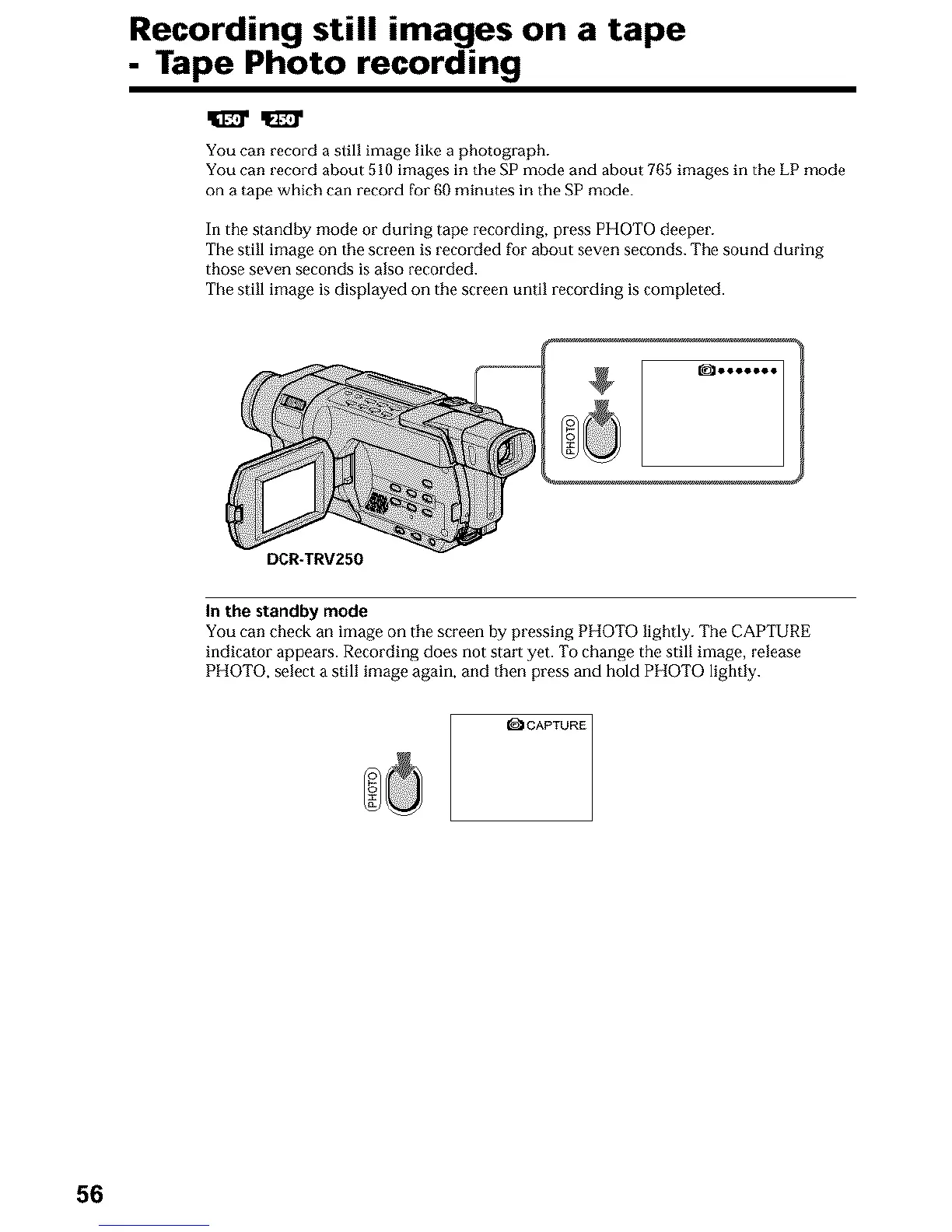
In the standby mode or during tape recording, press PHOTO deeper.
The still image on the screen is recorded for about seven seconds. The sound during
those seven seconds is also recorded.
The still image is displayed on the screen until recording is completed.
_ooooooo
DCR-TRV250
In the standby mode
You can check an image on the screen by pressing PHOTO lightly. The CAPTURE
indicator appears. Recording does not start yet. To change the still image, release
PHOTO, select a still image again, and then press and hold PHOTO lightly.
I_ICAPTURE
56












 To Next Page