Interval Photo recording
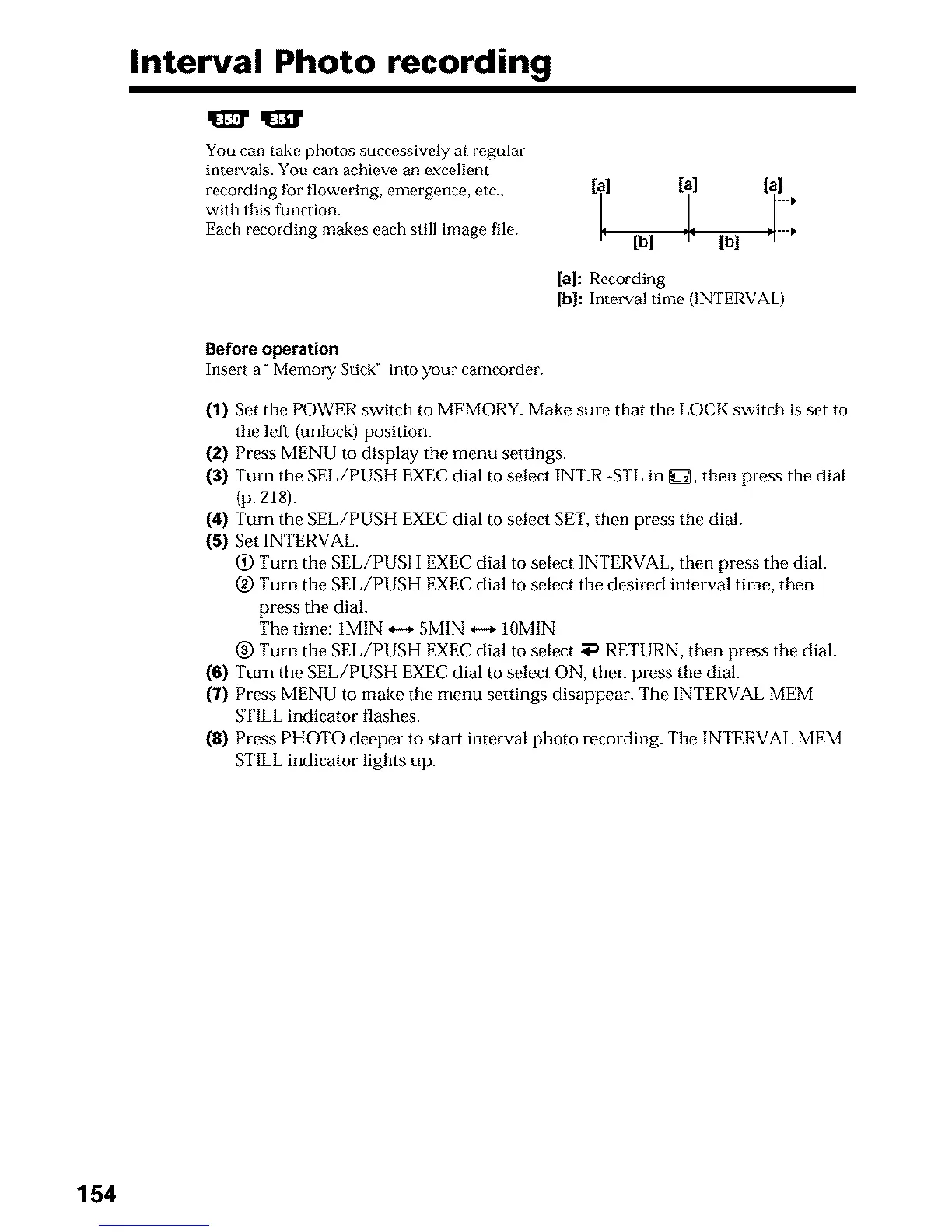
You can take photos successively at regular
intervals. You can achieve an excellent
recording for flowering, emergence, etc., [i ] [T] [a]
with this function, iii
Each recording makes each still image file. I¢ [b] :1" [b] "
[a]: Recording
[b]: Interval time (INTERVAL)
Before operation
Insert a" Memory Stick" into your camcorder.
(1) Set the POWER switch to MEMORY. Make sure that the LOCK switch is set to
the left (unlock) position.
(2) Press MENU to display the menu settings.
(3) Turn the SEE/PUSH EXEC dial to select INT.R -STL in _[_, then press the dial
(p. ZI8).
(4) Turn the SEE/PUSH EXEC dial to select SET, then press the dial.
(5) Set INTERVAL.
(_) Turn the SEL/PUSH EXEC dial to select INTERVAL, then press the dial.
(g) Turn the SEL/PUSH EXEC dial to select the desired interval time, then
press the dial.
The thne: IMIN ,,-+ 5MIN ,,-+ 10MIN
_) Turn the SEL/PUSH EXEC dial to select _ RETURN, then press the dial.
(6) Turn the SEE/PUSH EXEC dial to select ON, then press the dial.
(7) Press MENU to make the menu settings disappear. The INTERVAL MEM
STILL indicator flashes.
(8) Press PHOTO deeper to start interval photo recording. The INTERVAL MEM
STILL indicator lights up.
154












 To Next Page