Recording moving pictures on a" Memory Stick"
• MPEG movie recording
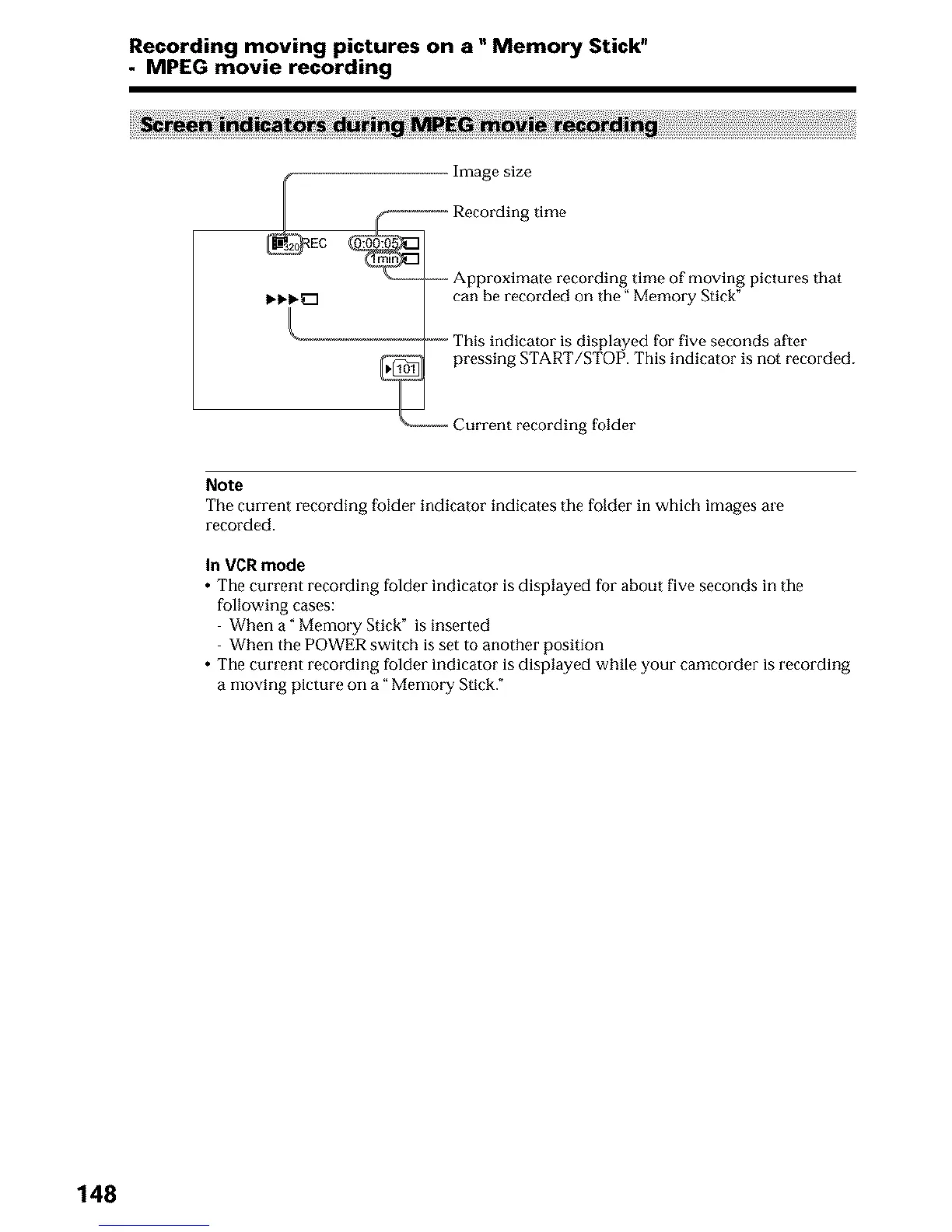
Image size
_ Recording time
Approximate recording time of moving pictures that
can be recorded on the" Memory Stick"
"_- This indicator is displayed for five seconds after
_1 pressing START/STOP. This indicator is not recorded.
Current recording folder
Note
The current recording folder indicator indicates tile folder in which images are
recorded.
In VCR mode
• The current recording folder indicator is displayed for about five seconds in the
following cases:
When a" Memo_ T Stick" is inserted
When the POWER switch is set to another position
• The current recording folder indicator is displayed while your camcorder is recording
a moving picture on a" Memo_ T Stick."
148












 To Next Page