Viewing moving pictures - MPEG movie playback
Note
You may not be able to play back images with your camcorder:
When playing back image data modified on your computer.
When playing back image data shot with other equipment.
To play back recorded images on a "IV screen
• Before operation, connect your camcorder to the TV with the A/V connecting cable
supplied with your camcorder (p. 51).
• Turn the audio volume of the TV down before operation, or noise (howling0 may be
output from the TV speakers.
When there is only one folder on the _Memory Stick"and no image isin it
"_ NO FILE" appears.
PB (playback) folder
You can select the PB folder only in MEMORY mode.
The moving picture recorded on a "Memory Stick" is divided into 60 parts.
You can select any point and play back the picture.
(1) Follow steps (1) to (3) on page 166.
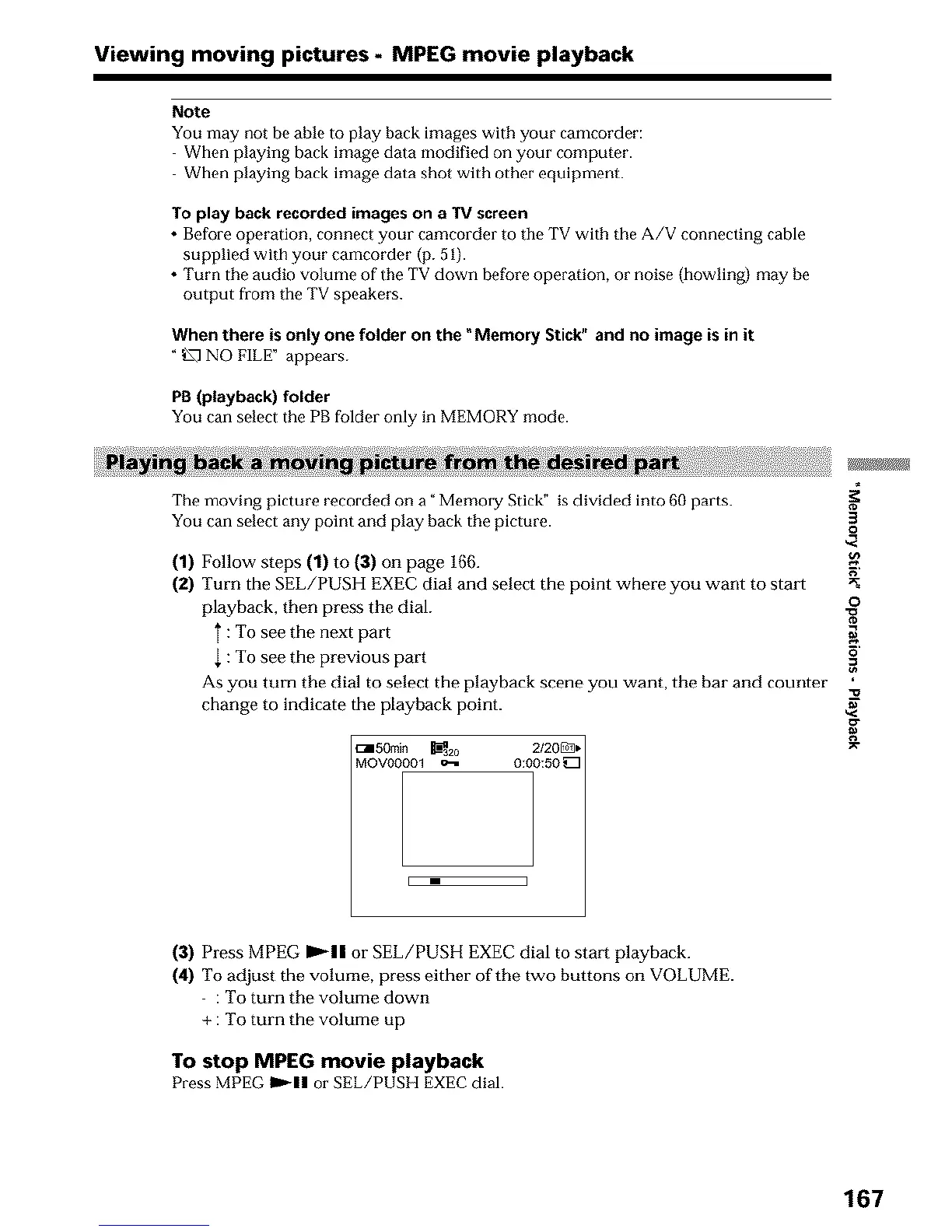
(2) Turn the SEL/PUSH EXEC dial and select the point where you want to start
playback, then press the dial.
} : To see the next part g
: To see the previous part _'
As you turn the dial to select the playback scene you want, the bar and counter
change to indicate the playback point.
(:150min _2o 2/20_.
MOVO0001 o-i 0:00:50 _
(3) Press MPEG IP'-II or SEL/PUSH EXEC dial to start playback.
(4) To adjust the volume, press either of the two buttons on VOLUME.
: To turn the volume down
+ : To turn the volume up
To stop MPEG movie playback
Press MPEG _11 or SEL/PUSII EXEC dial.
167












 To Next Page