Recording a picture
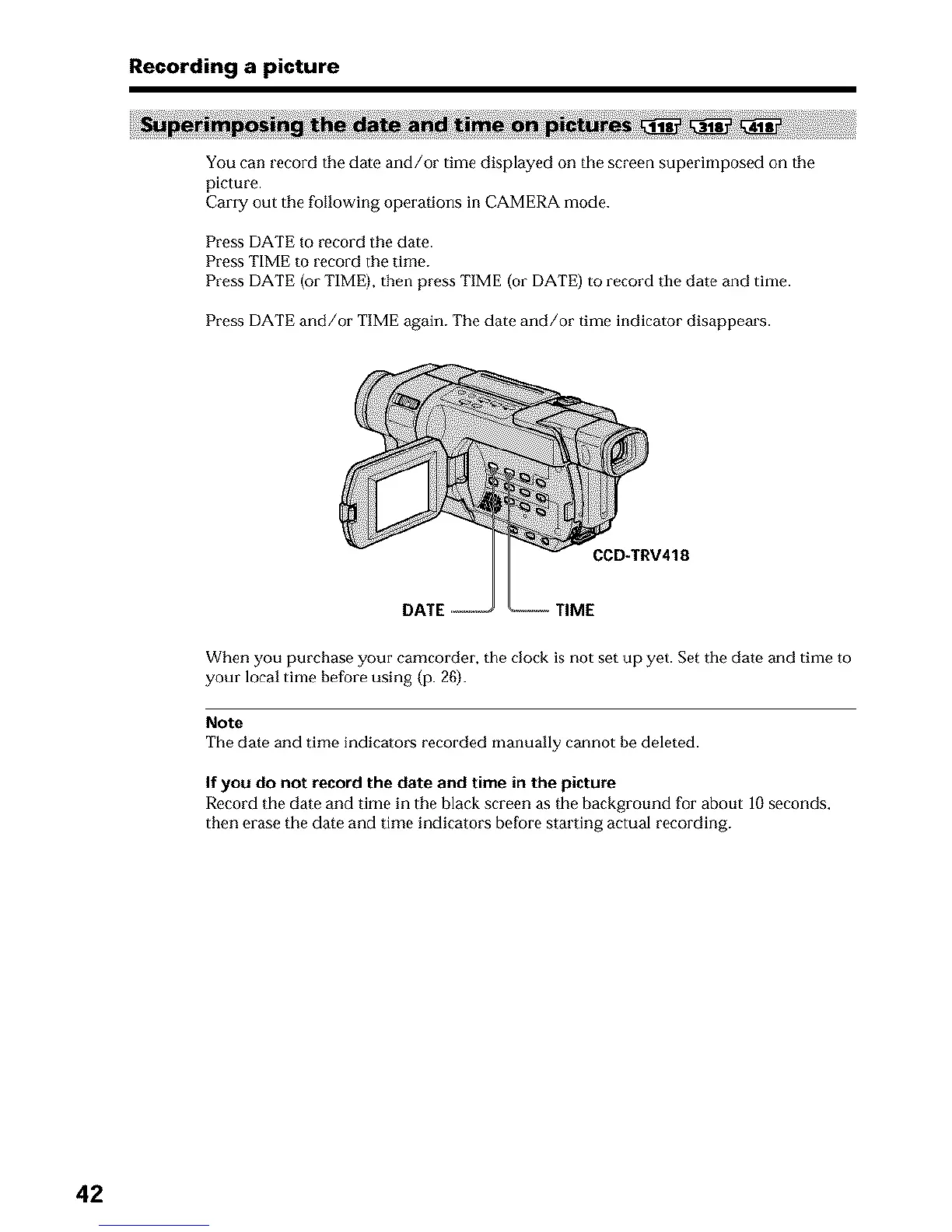
You can record the date and/or time displayed on the screen superimposed on the
picture.
Carry out the following operations in CAMERA mode.
Press DATE to record the date.
Press TIME to record the time.
Press DATE (or TIME), then press TIME (or DATE) to record tile date and time.
Press DATE and/or TIME again. The date and/or time indicator disappears.
CCD-TRV418
DATE TIME
When you purchase your camcorder, the clock is not set up yet. Set the date and time to
your local time before using (p. 26).
Note
The date and time indicators recorded manually cannot be deleted.
If you do not record the date and time in the picture
Record the date and time in the black screen as the background for about 10 seconds,
then erase the date and time indicators before starting actual recording.
42












 To Next Page