Recording a picture
(1) Set the POWER switch to CAMERA, VCR/PLAYER or MEMORY.*
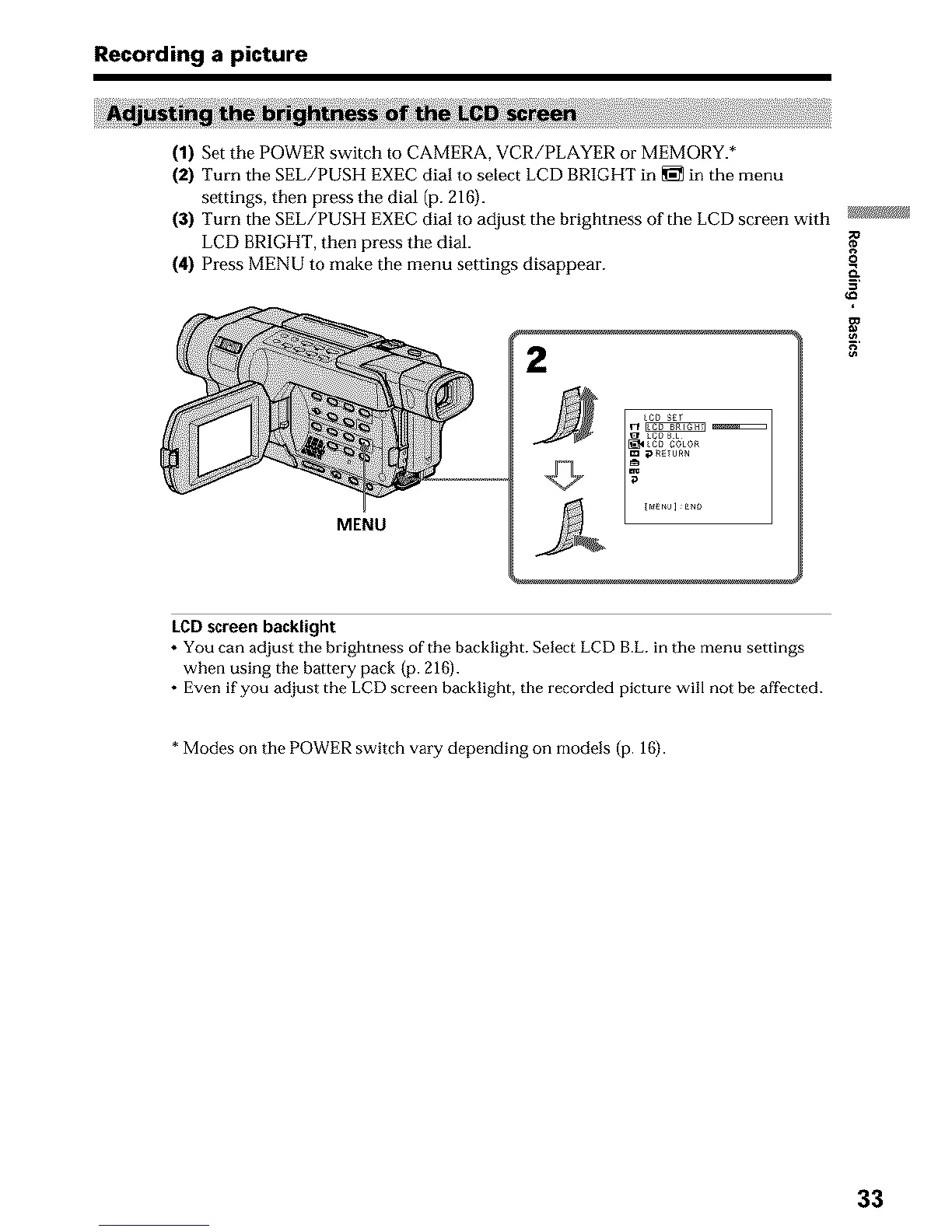
(2) Turn the SEL/PUSH EXEC dial to select LCD BRIGHT in _ in the menu
settings, then press the dial (p. 216).
(3) Turn the SEL/PUSH EXEC dial to adjust the brightness of the LCD screen with
LCD BRIGHT, then press the dial.
(4) Press MENU to make the menu settings disappear.
2
MENU
g_
o
g
LCD screen backlight
• You can adjust the brightness of the backlight. Select LCD B.L. in the menu settings
when using the battery pack (p. 216).
• Even if you adjust the LCD screen backlight, the recorded picture will not be affocted.
* Modes on the POWER switch vary depending on models (p. 16j.
33












 To Next Page